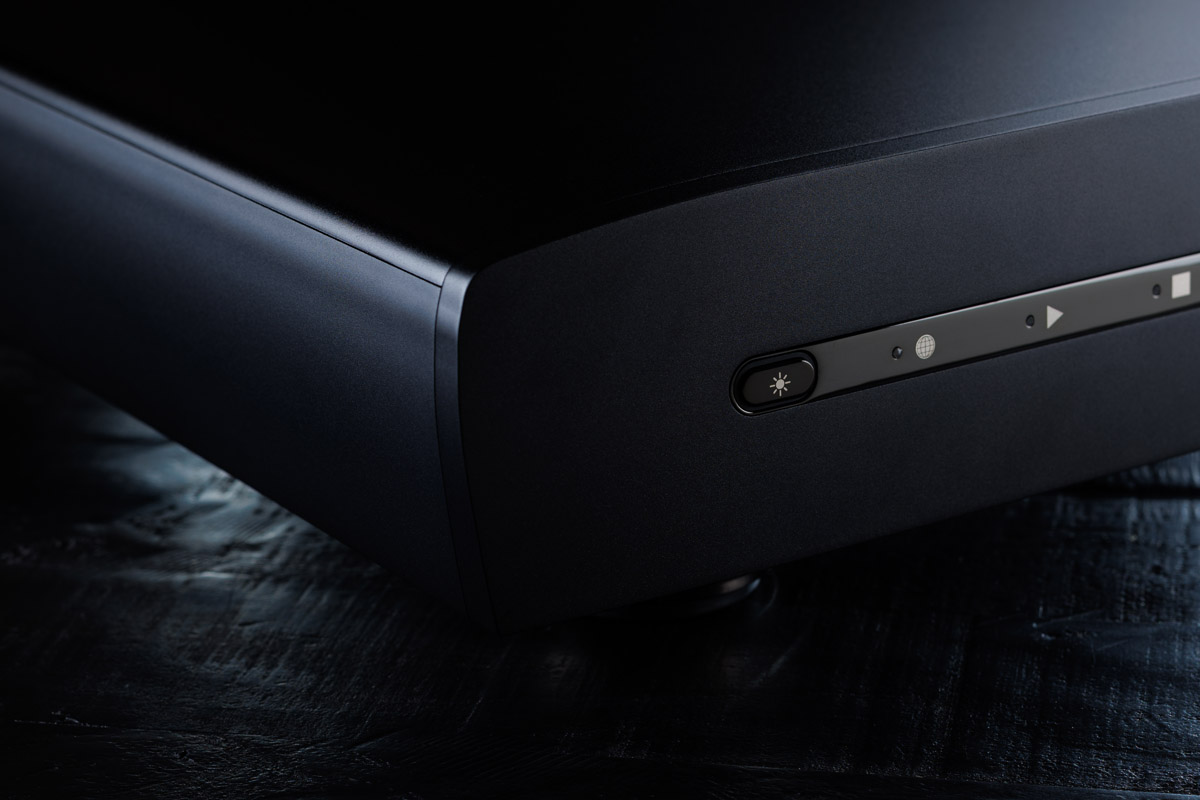
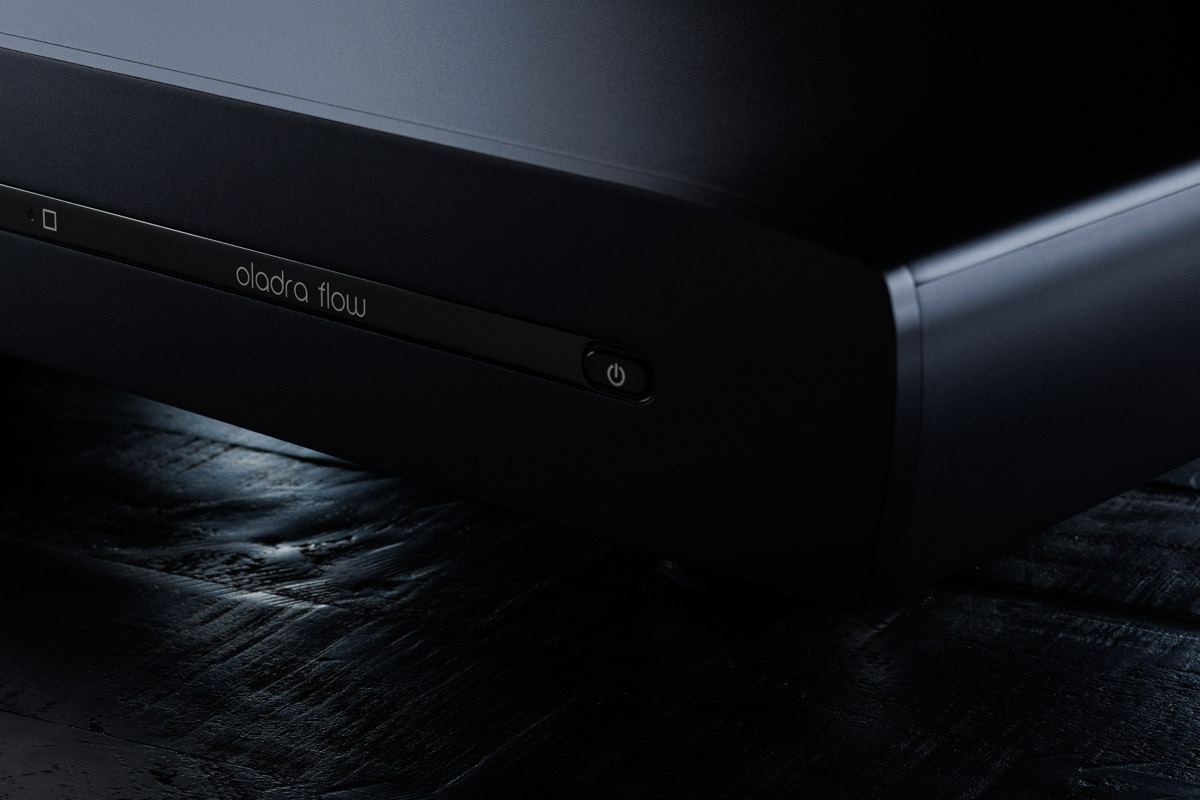
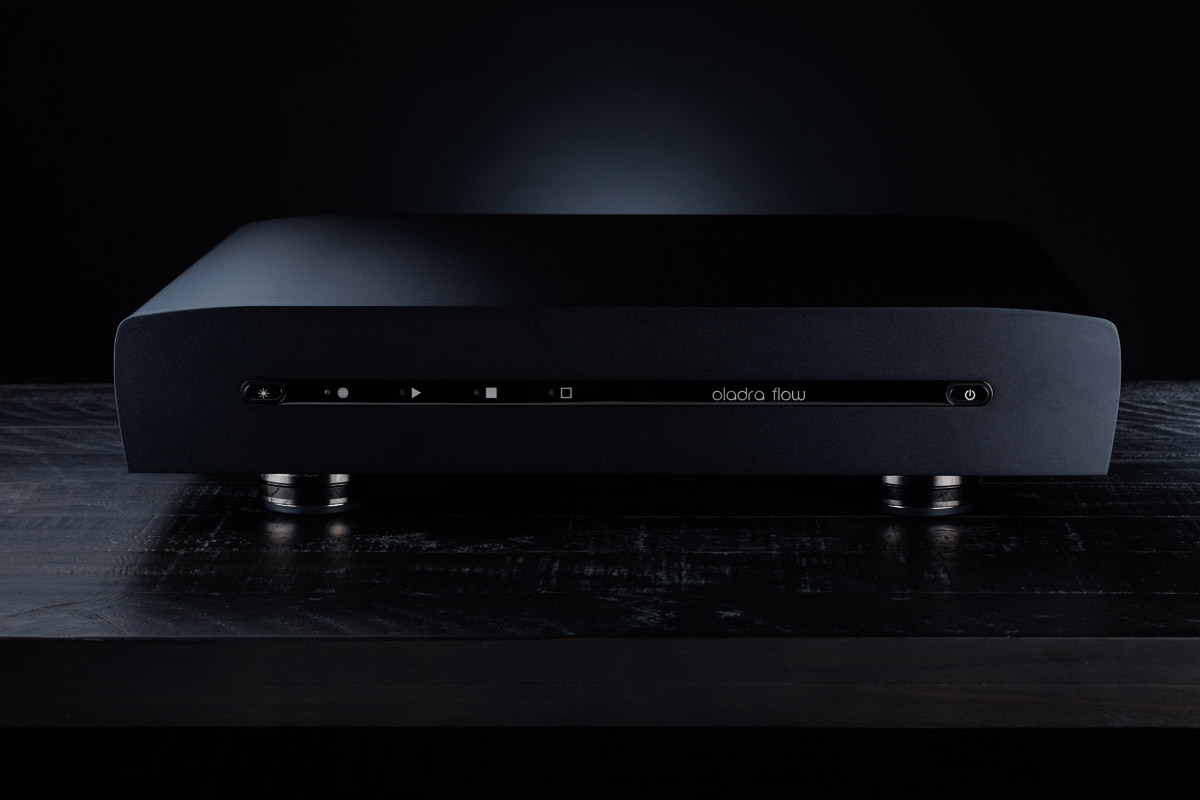
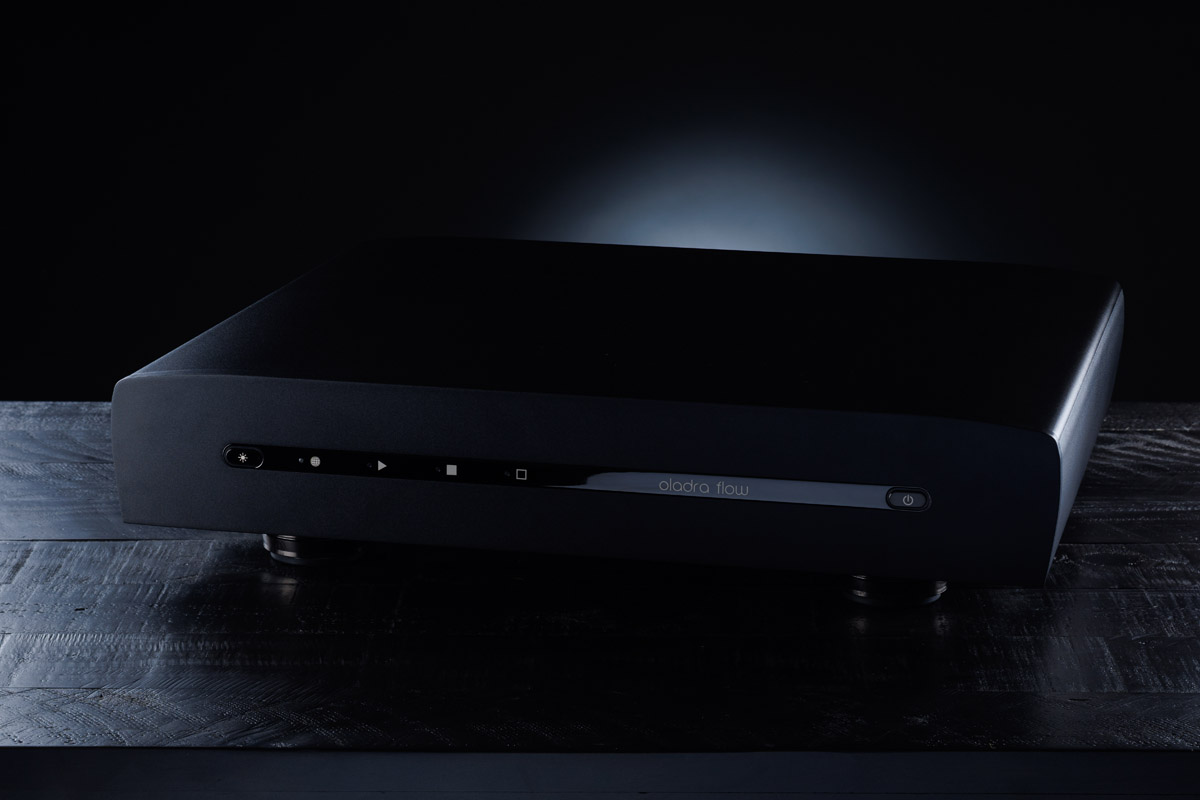
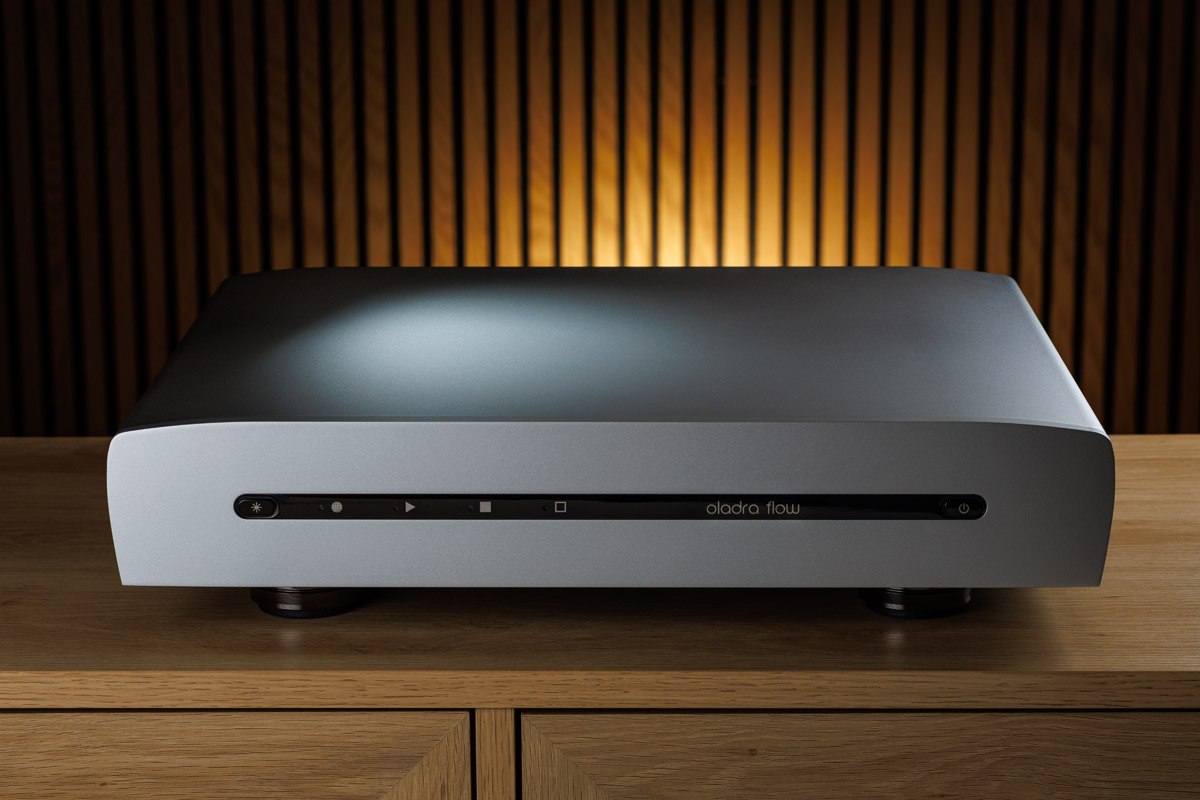
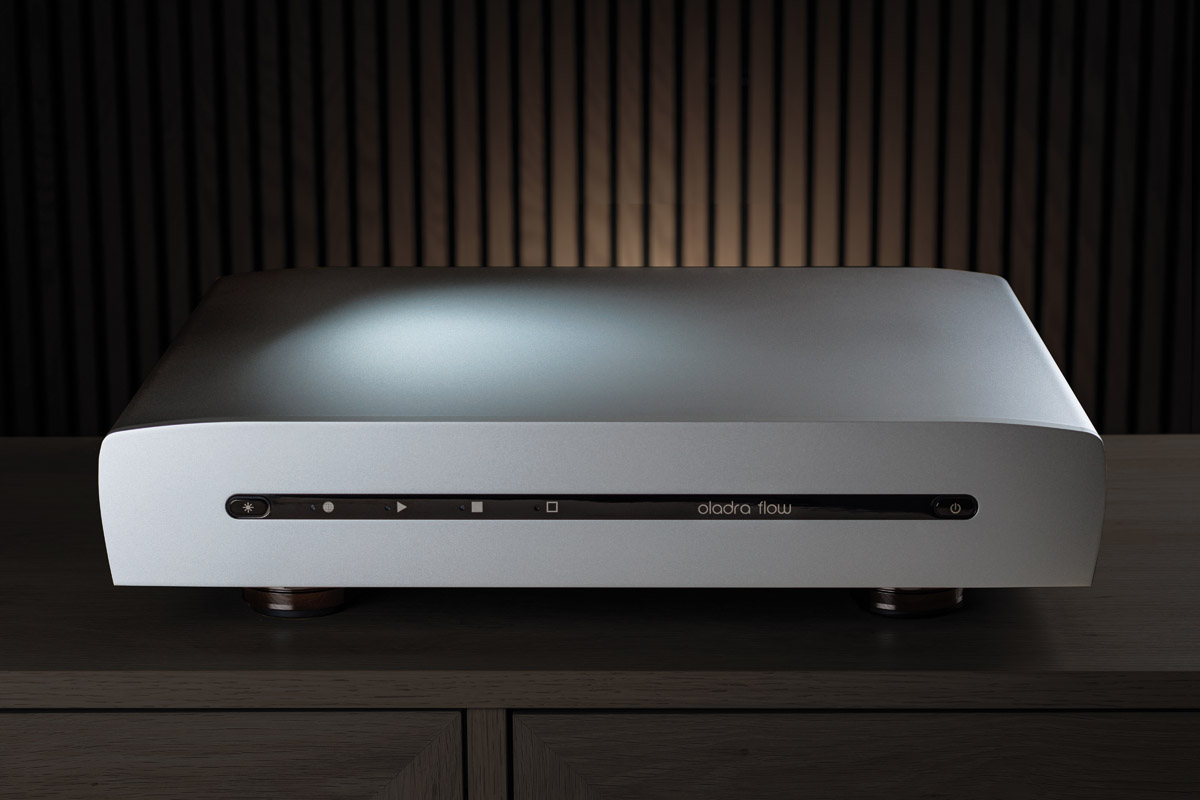
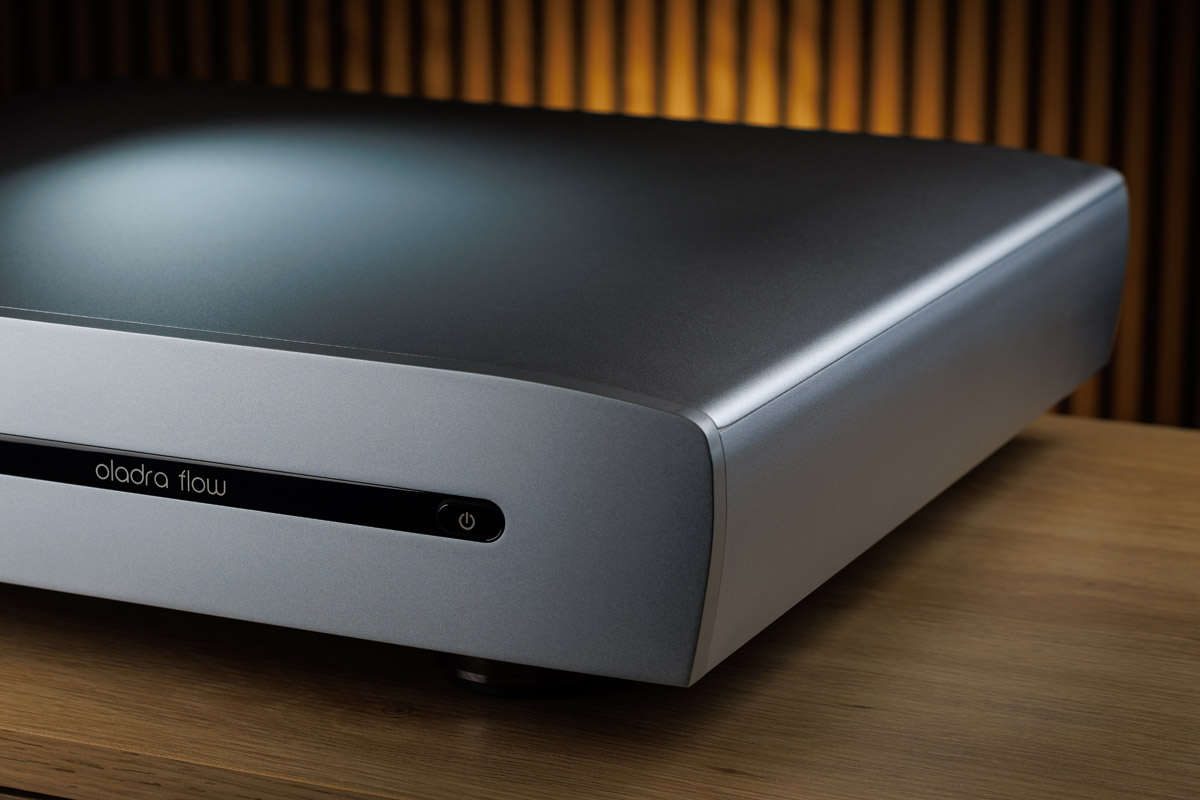
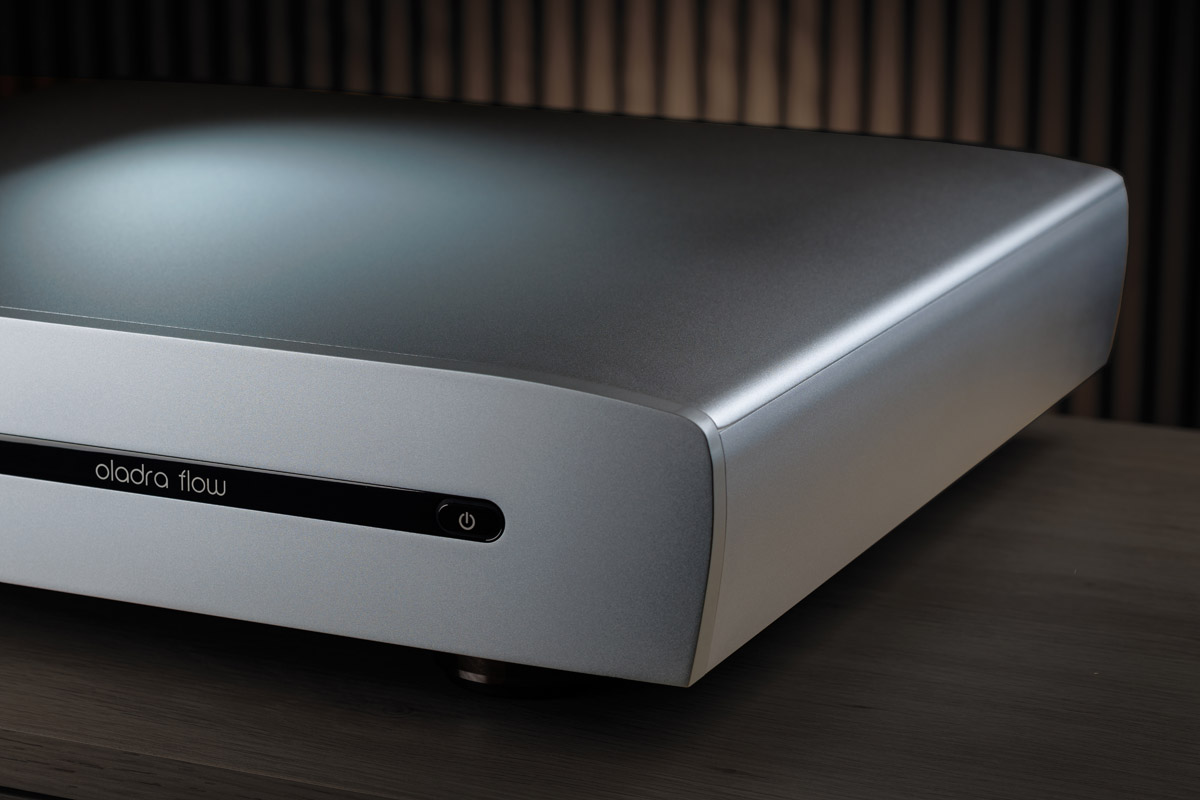
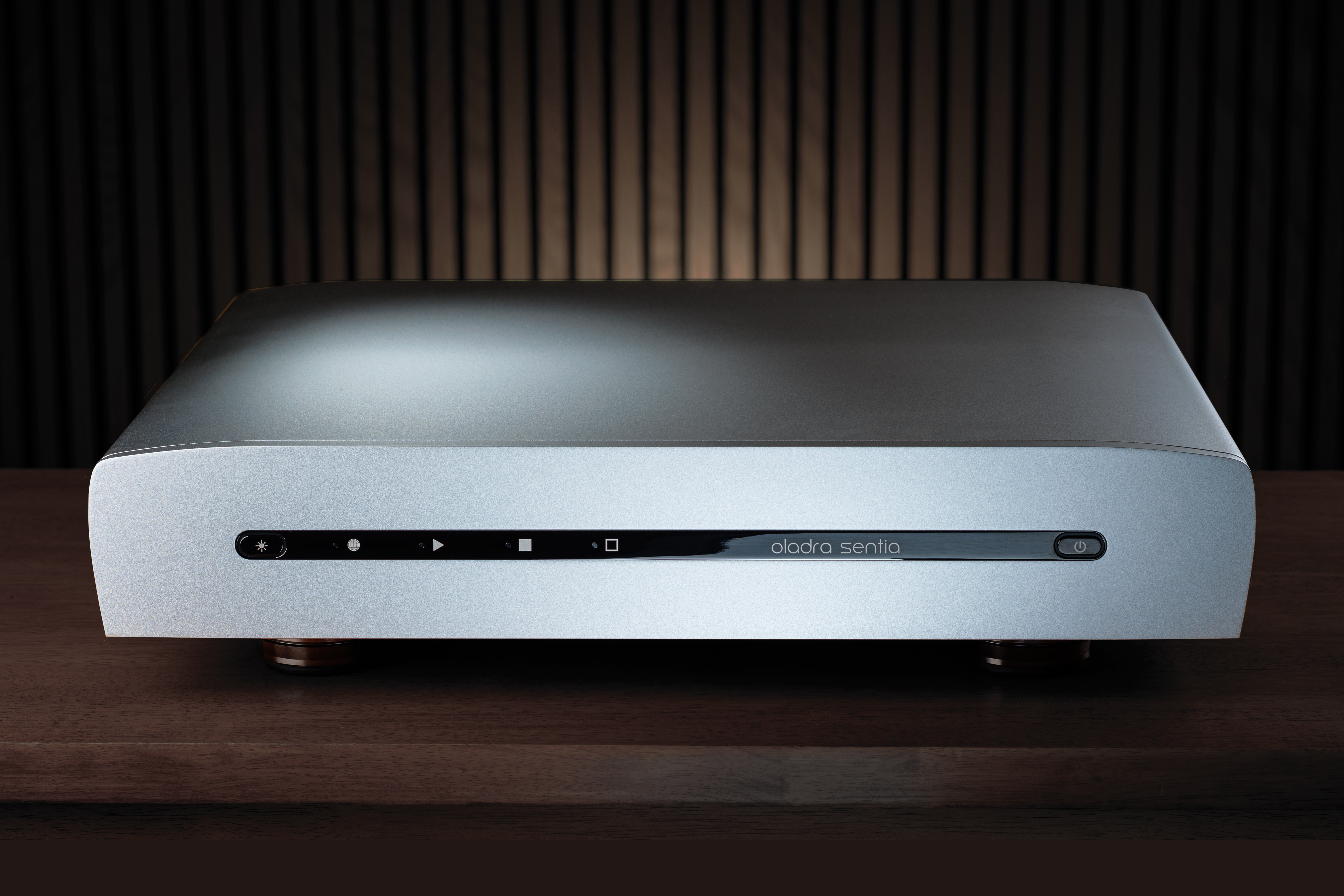
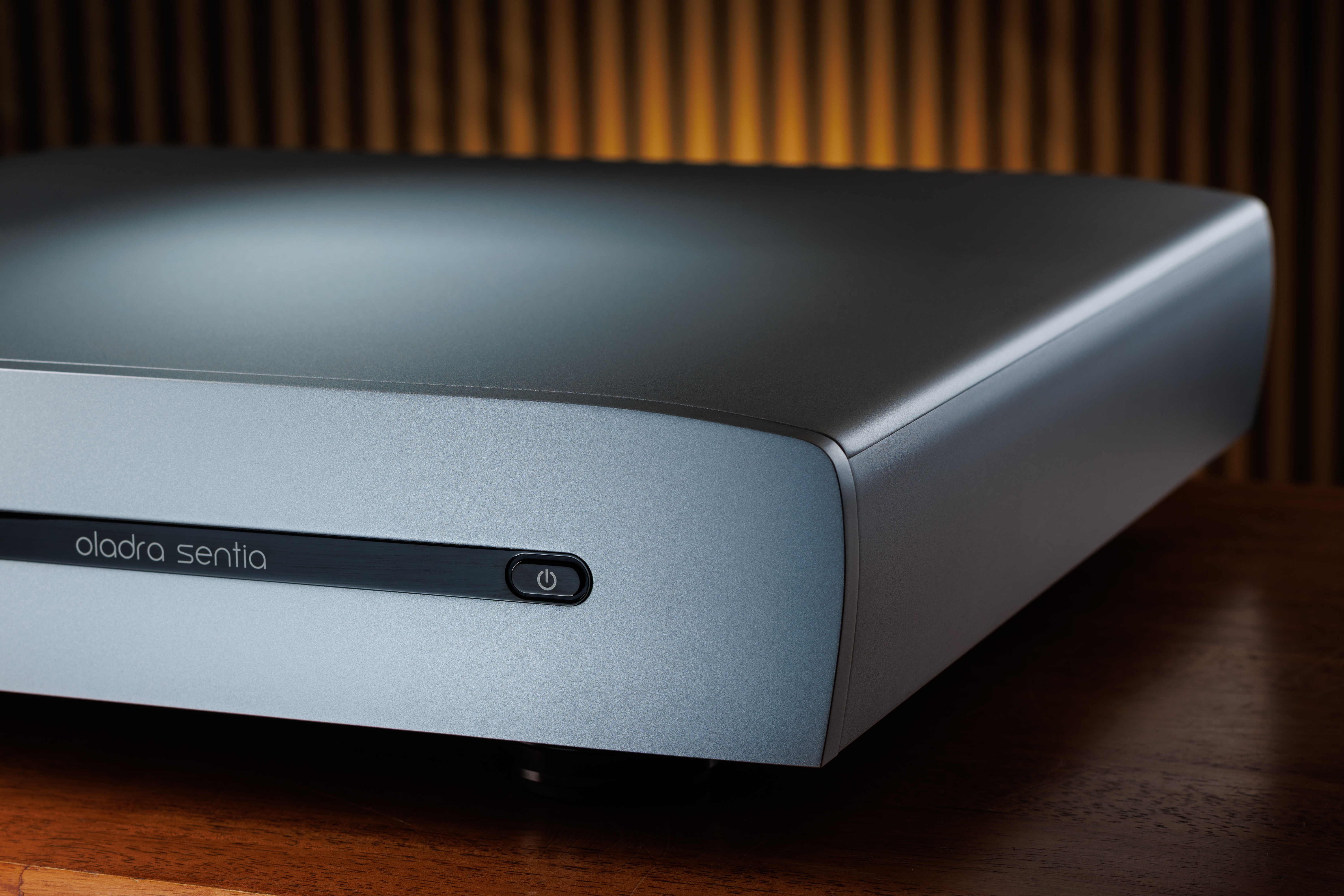
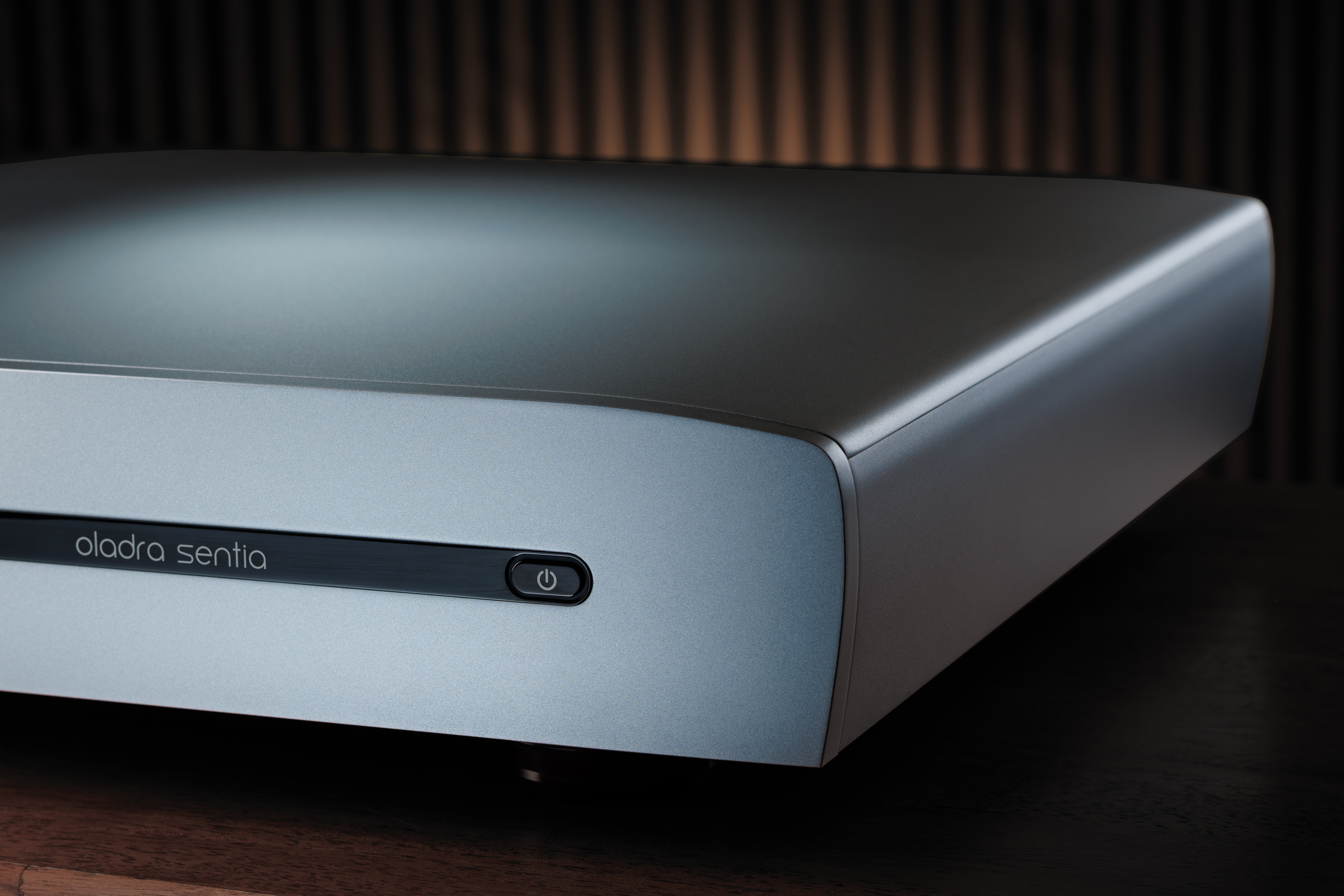
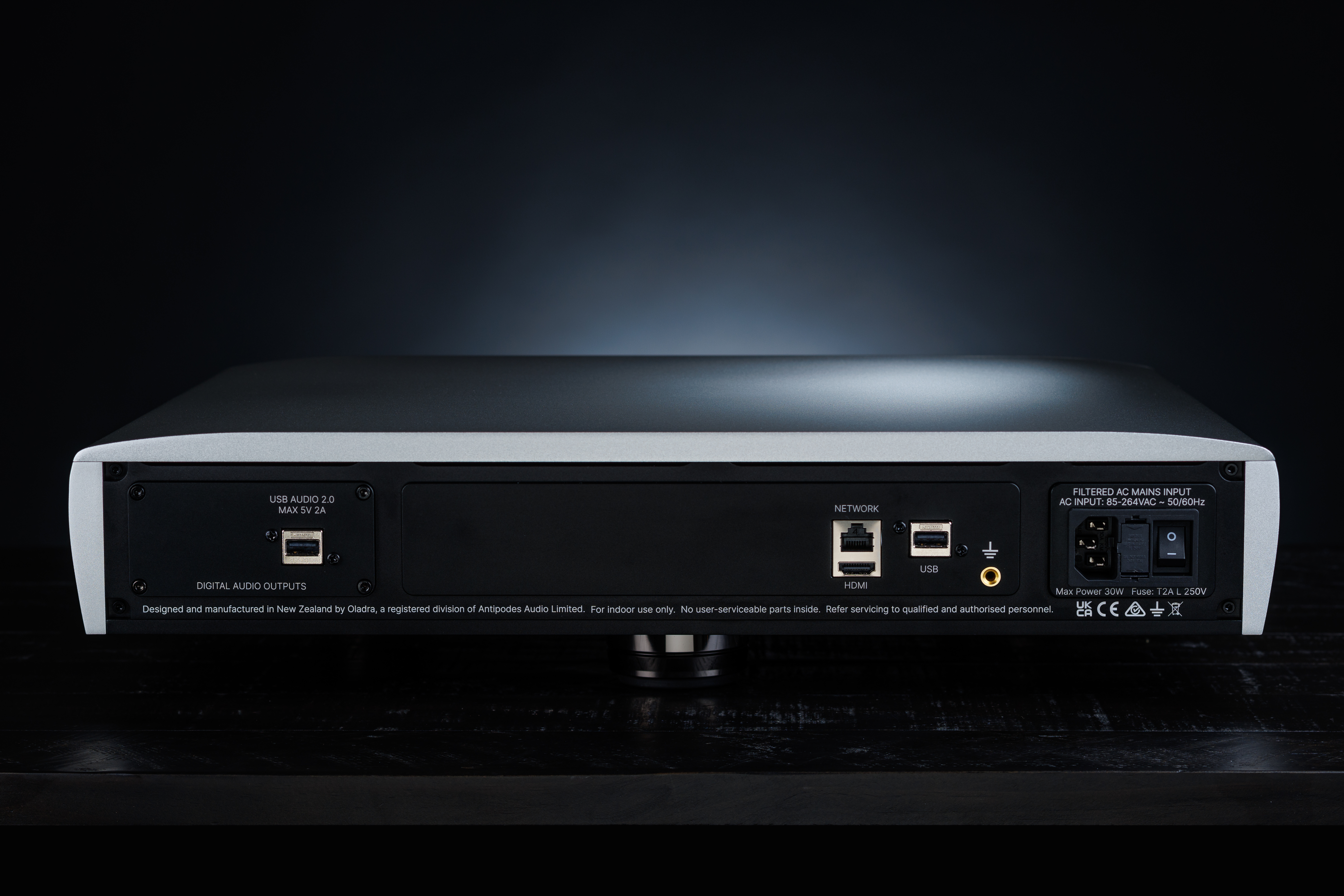
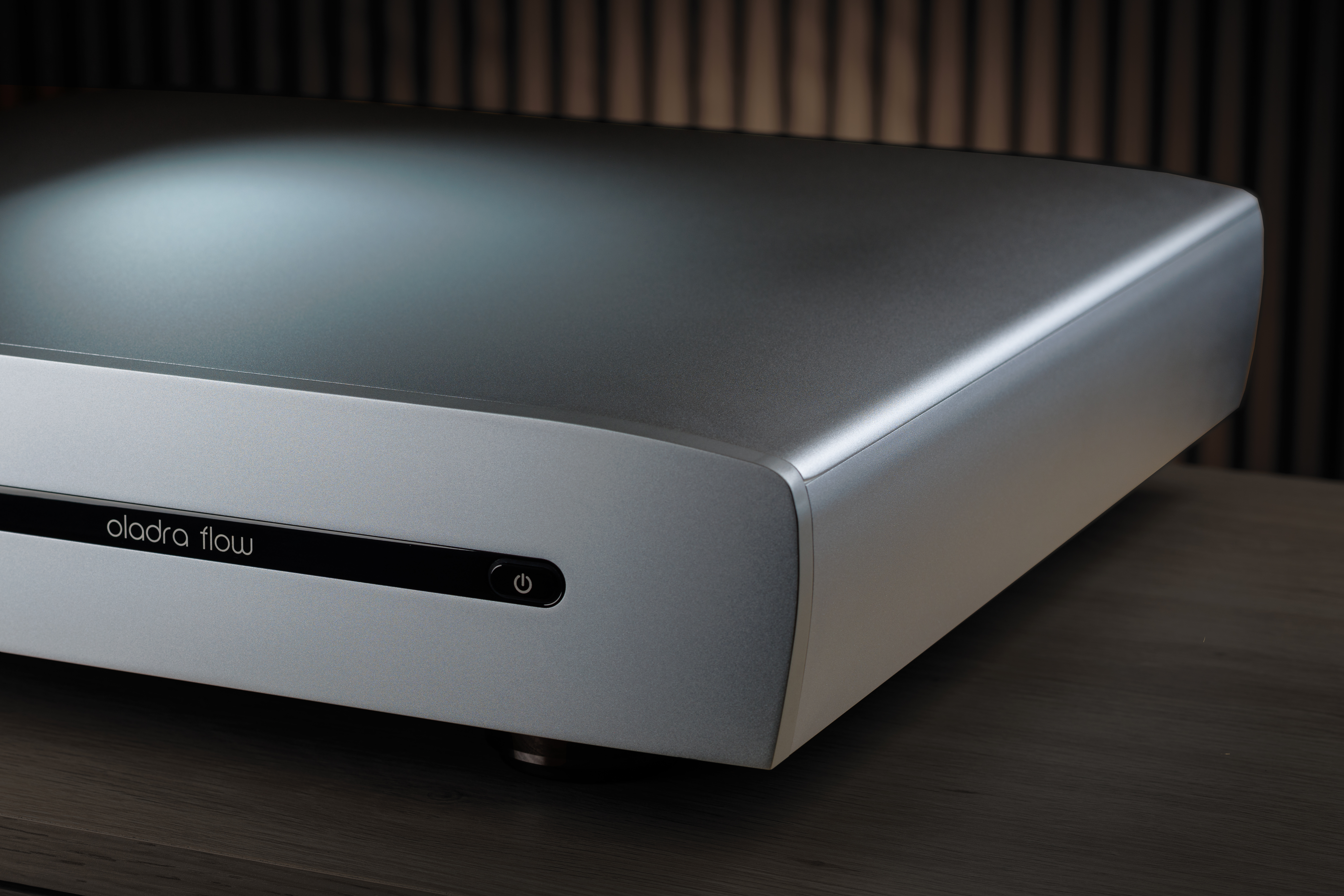
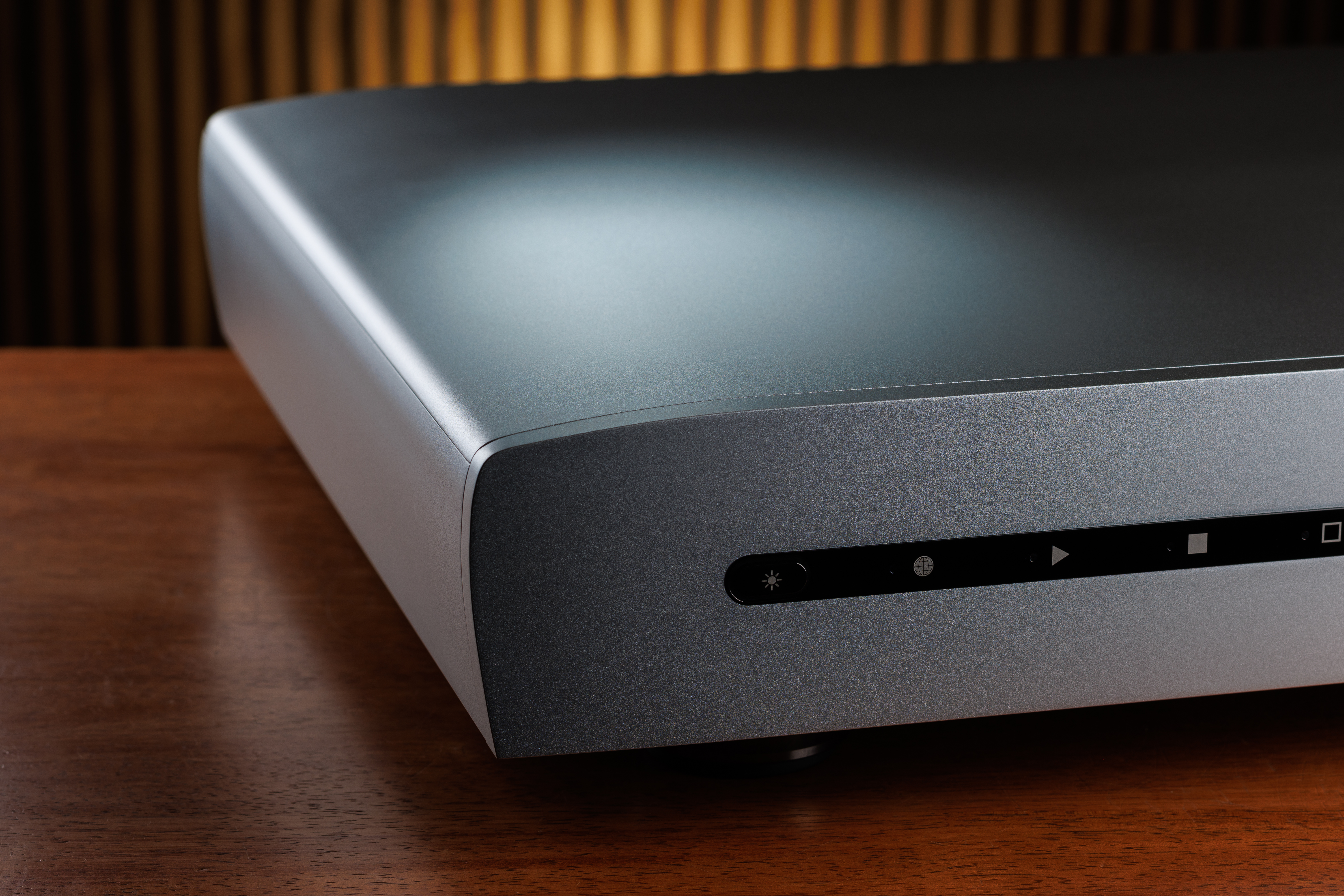
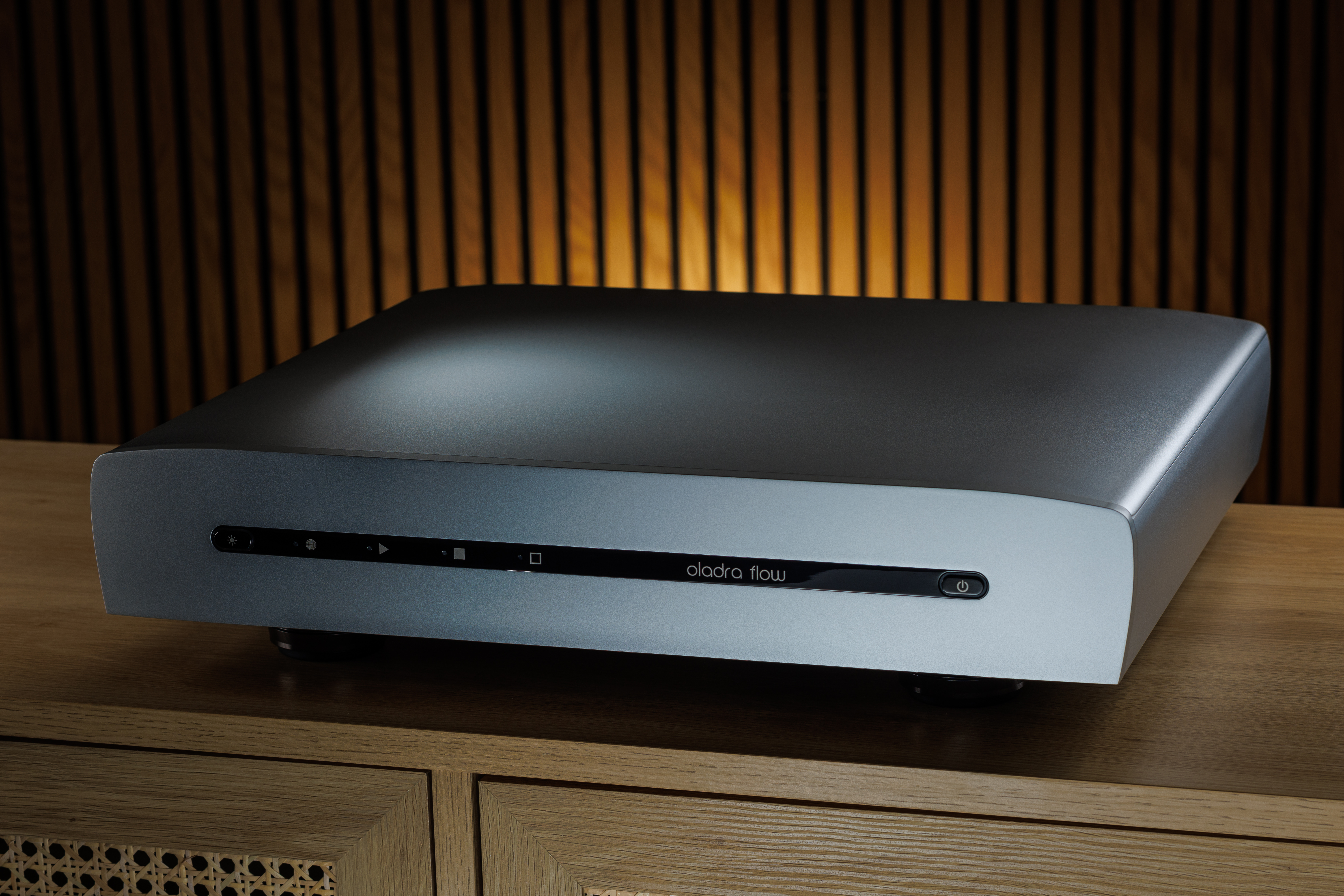
A. The Oladra Platform
Designed as One. Heard as One.
1. A NEW CLASS OF DIGITAL AUDIO SOURCE
We launched Oladra because we believed the market was ready for a new class of digital audio source.
The elephant in the room has always been the first step: generating a digital audio signal from stored files or a messy internet stream. It is a demanding task. It needs real computing capability, yet that capability typically brings noise that affects every downstream stage in ways that cannot be fully undone.
Most solutions work around this contradiction rather than solve it. Some reduce computing capability, and the result lacks musical insight. Others use more powerful general-purpose computers and try to design around the problem with power supplies and output cards, yet the result still lacks musical realism.
Oladra addresses the problem directly. It accepts that the first step demands real computing power, while refusing the noise and interference that usually come with it. The Oladra Platform was not developed to make a better general-purpose computer, but to create audio products with enough computing resource to do the task properly without corrupting the signal they exist to produce.
2. HOW IT IS DIFFERENT
General-purpose computers are built for maximum capability: lanes, ports, buses, and fast interfaces everywhere. For audio, that means interference, switching noise, and bursty transmission. And the problem is not confined to what travels down a wire. Electrical activity also creates fields that interfere with one another, coupling across and around the downstream stages intended to contain or remove the damage.
This is why block-diagram thinking fails in audio, and why “we fix the digital later” fails to deliver convincing results. A fine crystal oscillator alone does not guarantee clock integrity. In real circuits, clock performance depends on stable power, stable ground, and freedom from interference. If those conditions are compromised, the clock is compromised with them. The same is true of every downstream stage — isolation, buffering, regeneration, PLLs, ASRCs, DAC chips, and analogue circuits alike. To make a meaningful step change, the problem must be addressed at its source.
The same applies to power delivery. It is not enough to provide cleaner power at the entry to the motherboard. Every active element both affects and is affected by the electrical conditions around it. That is why Oladra delivers clean, regulated power locally to each critical stage, controlling the environment at the point of use.
Nothing delivers greater benefit than addressing the problem at its source. That is what makes the Oladra Platform different.
Oladra computers are designed throughout for precision audio:
- high-quality, tightly integrated computing cores — the CPU, chipset, RAM, OS, cache, and buses — with dedicated lanes where needed, short track lengths, and layout disciplined to minimise signal interaction,
- only the activity that the task requires — not energising an array of unnecessary high-speed interfaces,
- only the signal movement that the task requires — minimising interference across the motherboard,
- every critical signal treated as precision transmission — with controlled impedance, disciplined return paths, and layout geometry that reduce radiation and susceptibility.
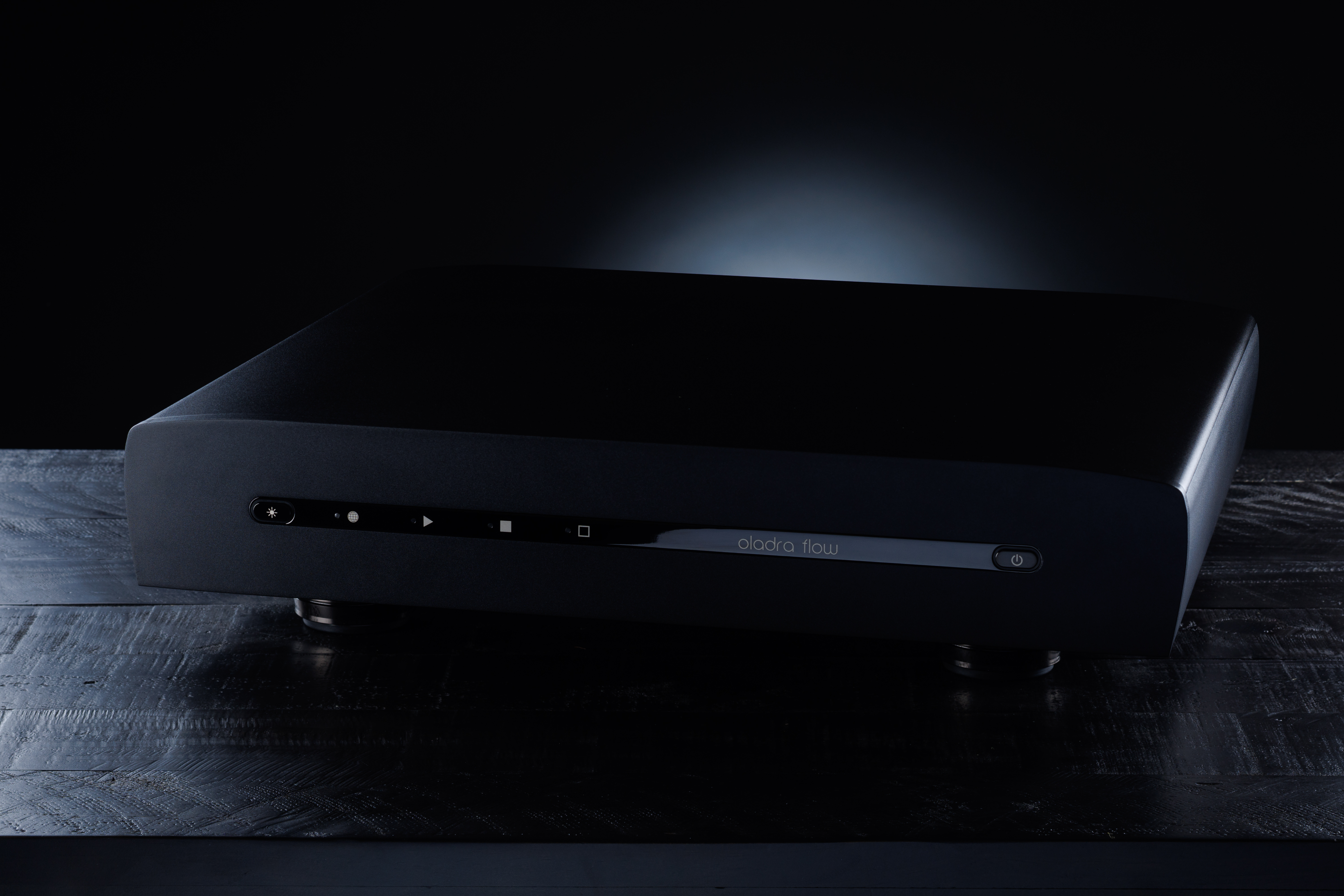
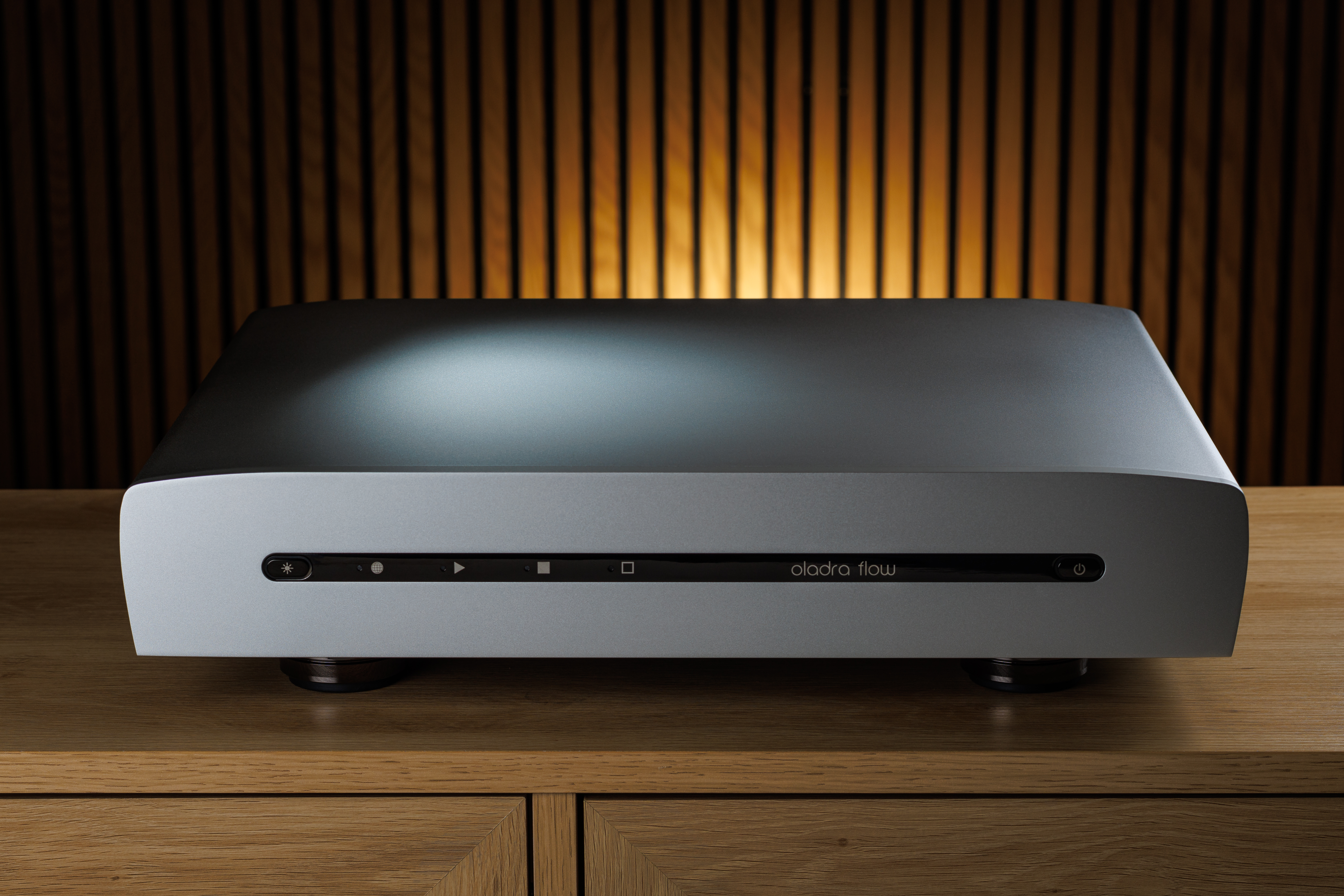
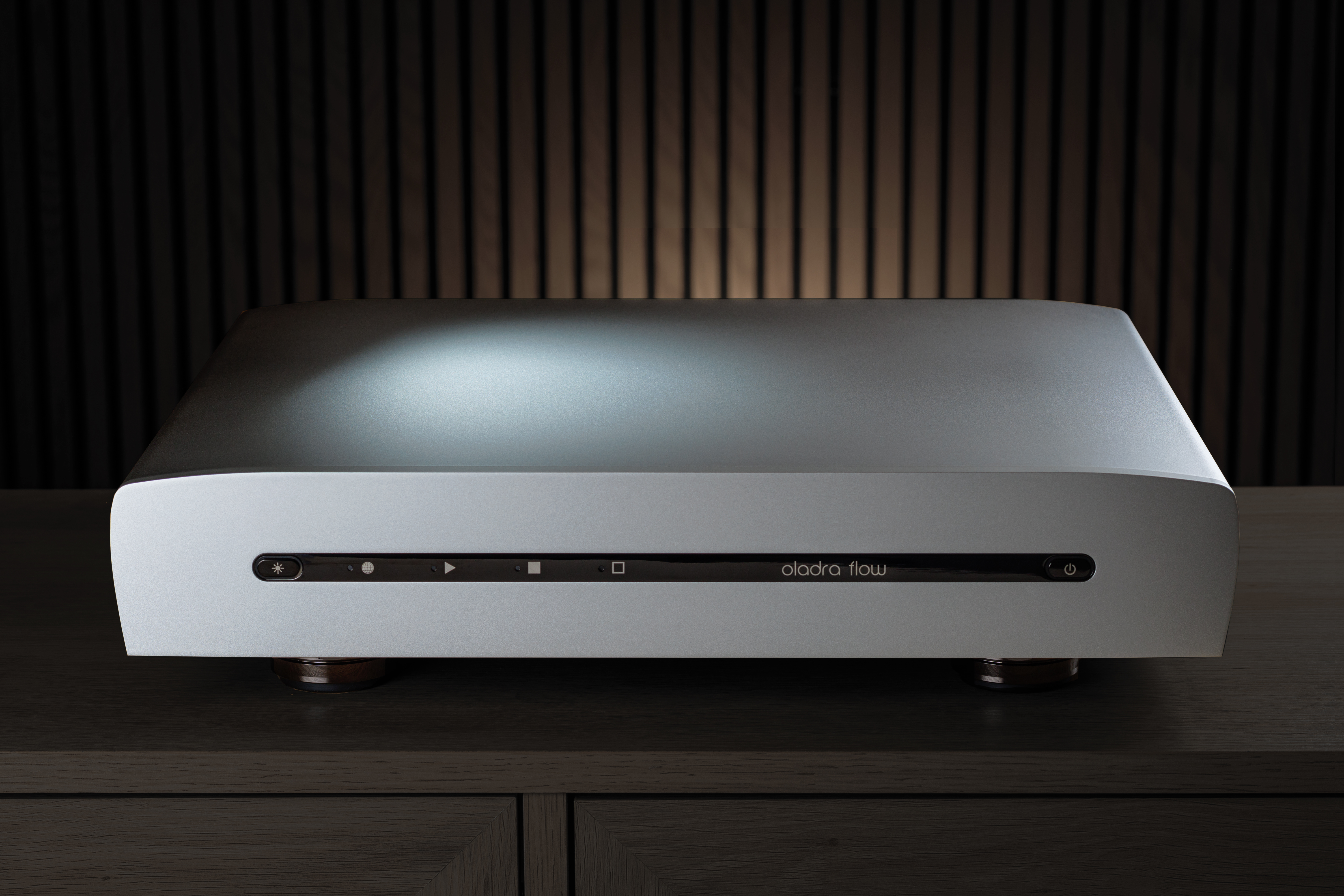
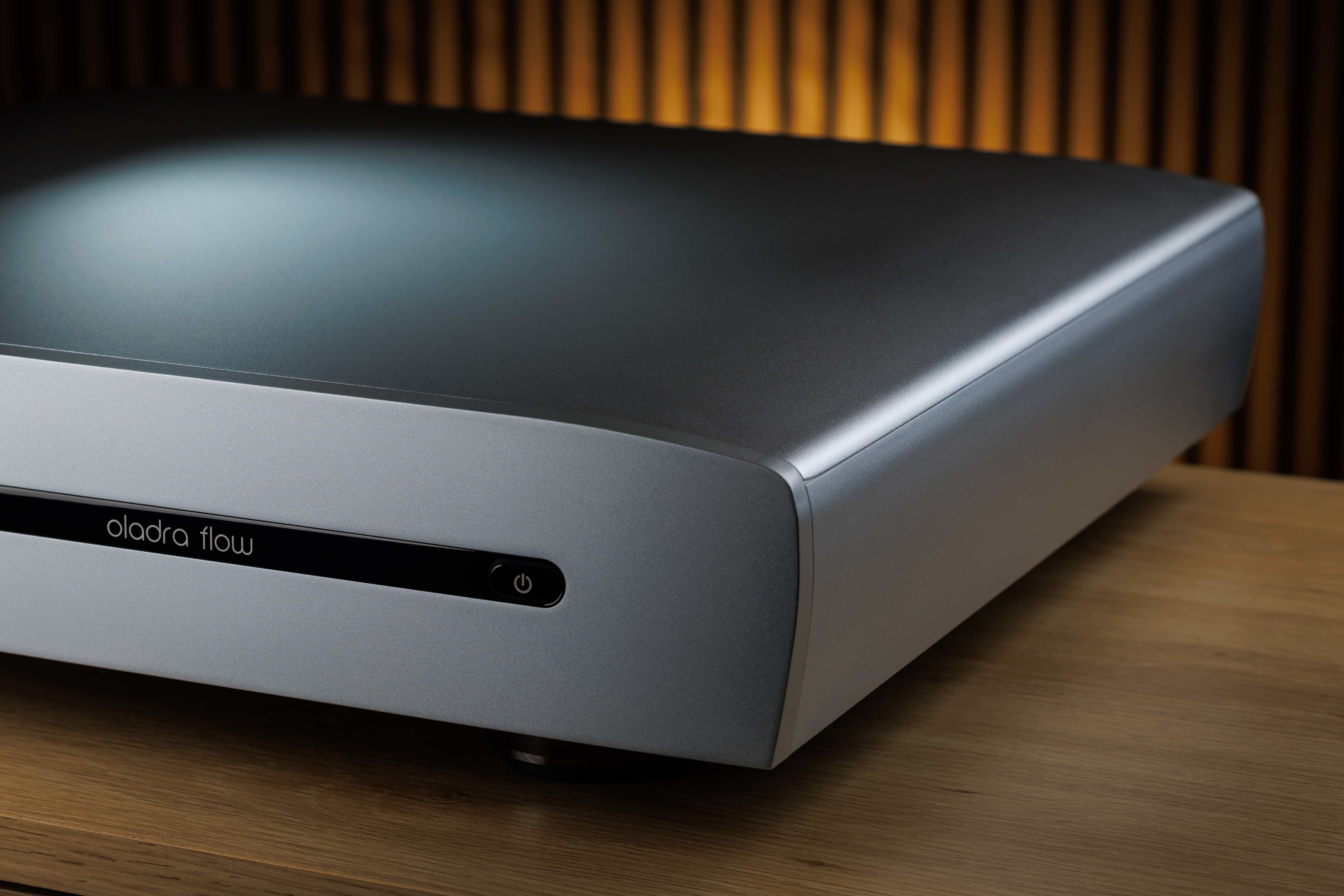
Oladra is not a better computer. It is a purpose-built digital audio signal-generation platform.
DOWNLOADS
You can download the full Oladra Platform white paper and the supporting Designer Notes white paper below. We do not provide these directly to customers, but you may distribute them and quote them as you please, provided you attribute them to Oladra:
B. Notes For Dealers
Understanding and Explaining Digital Audio Sources (DAS) to Customers
1) What is a DAS? (Core Concept)
Definition:
When designing, we can measure the electrics, we can analyse the sound, but music is felt, and so long-term listening is our final arbiter.
A DAS (Digital Audio Source) is the component — or set of components — that prepares and delivers the digital audio signal to the DAC.
Examples customers may recognise:
- A streamer app talking to cloud servers
- A laptop used for audio
- A NAS plus a streamer
- An all-in-one streamer
Key talking point:
Oladra products combine server and streamer functions in one platform, engineered specifically for signal integrity — the factor that most strongly influences DAC performance.
2) Why A DAS Matters
Even though music is digital, timing and electrical noise still affect the final sound.
Use this analogy with customers:
“Just like a turntable relies on stable speed, a digital system relies on stable timing of the 1s and 0s. When that timing is cleaner, the DAC works far more effectively.”
Two main influences on sound:
- Timing stability (jitter) of transitions between 1s and 0s
- Electrical noise riding along with the digital signal
Both originate in the DAS and travel downstream.
3) Common Customer Misunderstanding: “Aren't 1s and 0s all that matter?”
Simple response for customers:
“The bits all arrive, but the precision of their timing affects how well the DAC can turn them into analogue music. Better timing in the source gives the DAC a cleaner starting point.”
More detailed version (if needed):
DACs have internal clocks, PLLs or ASRCs, but those stages perform better when the incoming signal has low noise and stable timing. A noisy or unstable source forces the DAC to work harder and degrades its performance.
4) Talking About Network Switches
Customers will ask about switches because the internet is full of opinions on them.
Key guidance for dealers:
- One good switch close to the DAS can help by reducing electrical noise.
- Cabling and whole-network cleanliness matter too.
- A switch is not a replacement for a high-quality DAS.
Use this analogy:
“A great switch won’t turn an ordinary source into a high-end one. It’s like putting a $5,000 power cord on a $1,000 amplifier — helpful in some ways, but not the best use of your budget.”
5) Talking About Reclocker/Isolator Boxes between DAS and DAC
Clear message:
Reclocker/Isolator boxes can help only when the upstream source is weak.
What dealers should explain:
- External reclockers can reduce timing errors but add their own noise and grounding paths.
- Fibre links block only one of several pathways for noise, pass signal disturbance through, and add their own signal reflection disturbance, noise and grounding paths.
- If the DAS and DAC are very good, bolt-on devices between them are likely to have a negative impact on naturalness and emotional connection.
- Reclocking and isolation work well as part of a total-system design (e.g. part of a DAC or DAS).
6) What Makes the Oladra Platform Different
Dealers should memorise the key points of this section — it is the core value message.
The problem:
When files come from the internet or storage, they have no meaningful timing. The DAS must build timing through stages. Early stages need high processing power, but that power can create noise that harms timing precision throughout the DAS and DAC.
The conventional approach:
Start with a general-purpose computer and add:
- software tweaks
- low-noise power supplies
- special PCIe input and output cards for isolation/regeneration/reclocking
This is like tweaking a family vehicle to make it into a racing car without changing the engine. If you don't address the computer that generates the digital audio signal from the file, performance is limited. Oladra's total-system design is equivalent to a purpose designed racing car.
The Oladra approach:
Oladra has designed and built:
- a proprietary audio system from operating system, through multiple layers to the user interface,
- bespoke high-power digital audio computers based on its proprietary platform,
- as a single integrated system, engineered specifically for digital audio,
- to create a new class of digital audio source.
Dealer explanation to customers:
"This is the future of digital audio. Oladra does not modify a general-purpose computer. It designed its hardware and software together so that every stage — from the first handling of the data to the final output — protects timing precision and minimises noise to an unprecedented level. That’s why any DAC performs at a much higher level with an Oladra source.”
7) Explaining Sentia vs Presence (Practical Guidance)
Dealer message:
“Both are built on the same Oladra Platform, with the same strengths in sheer clarity, immediacy and spaciousness. The difference is how uncompromising the parts selection and execution is.”
What each model is for:
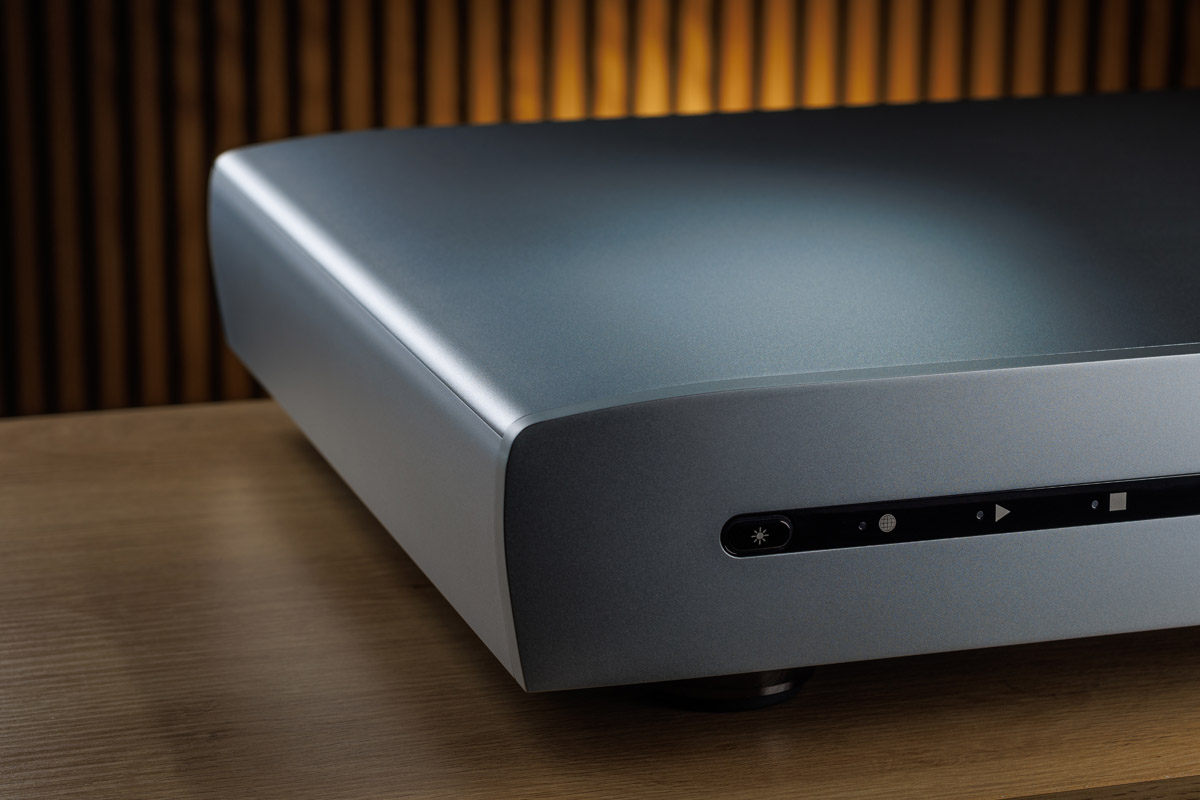
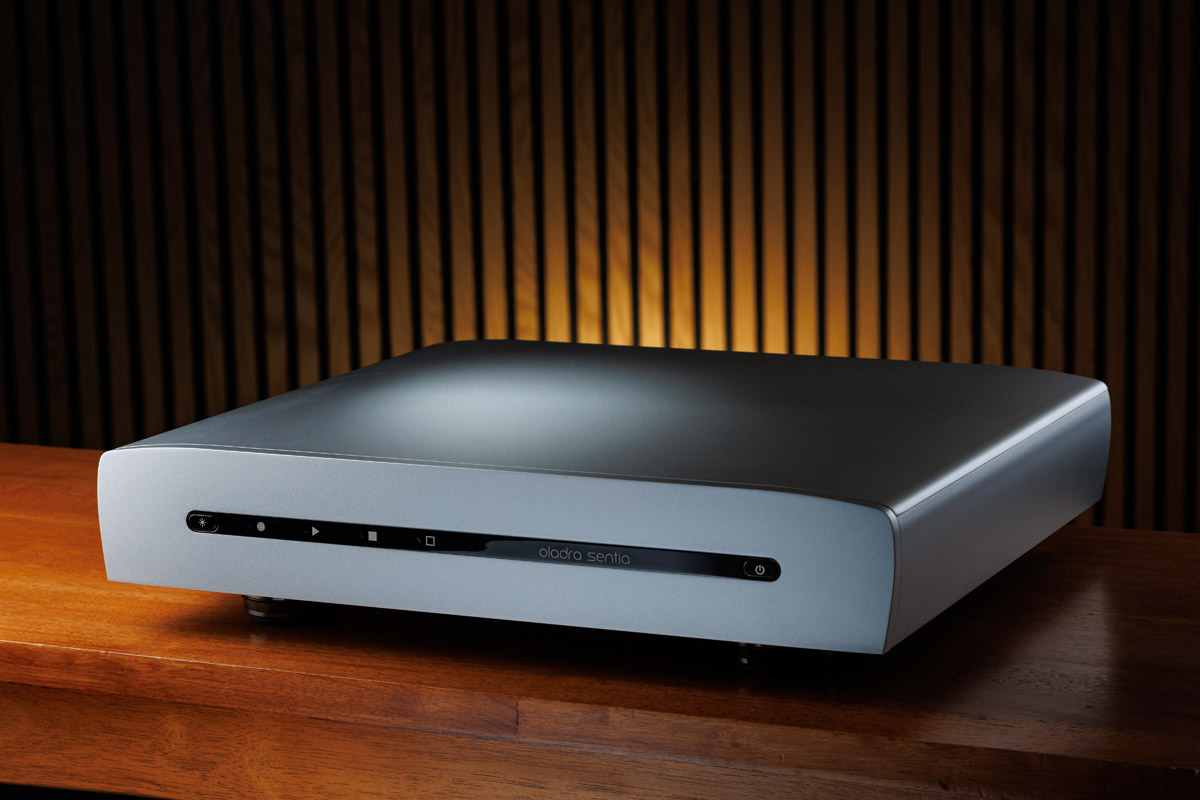
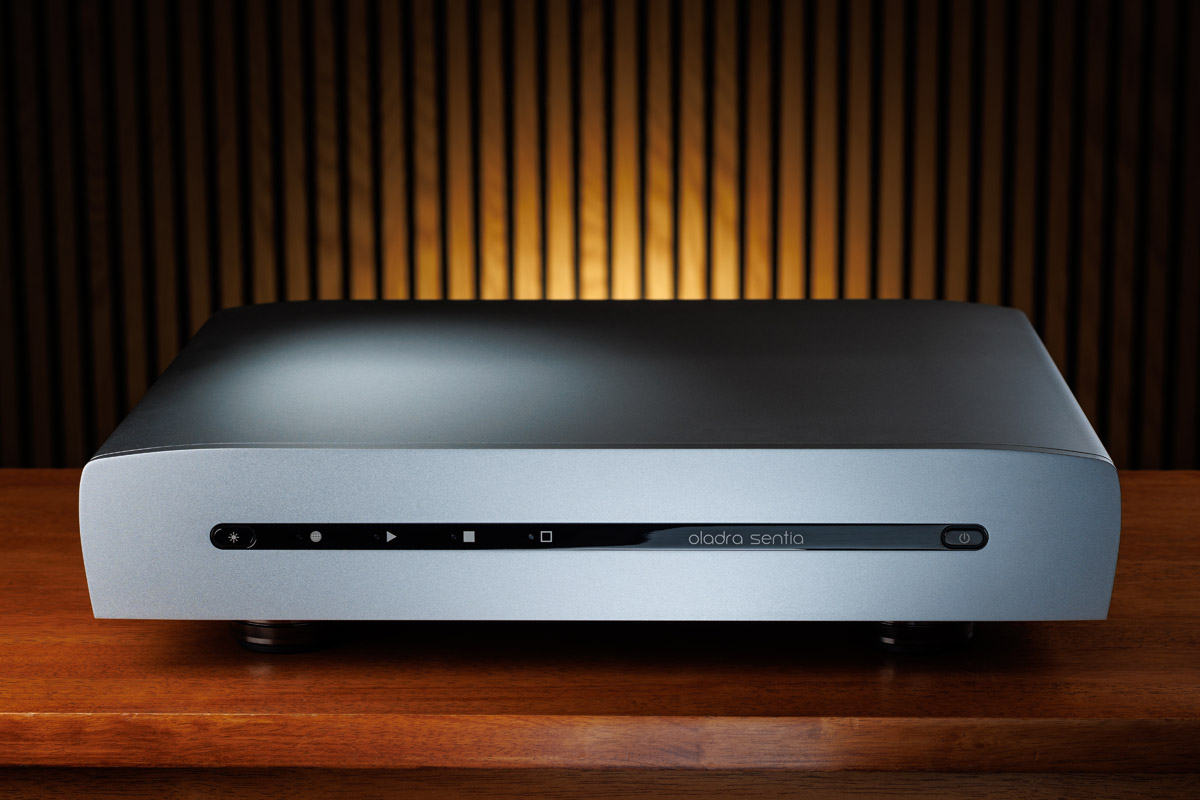
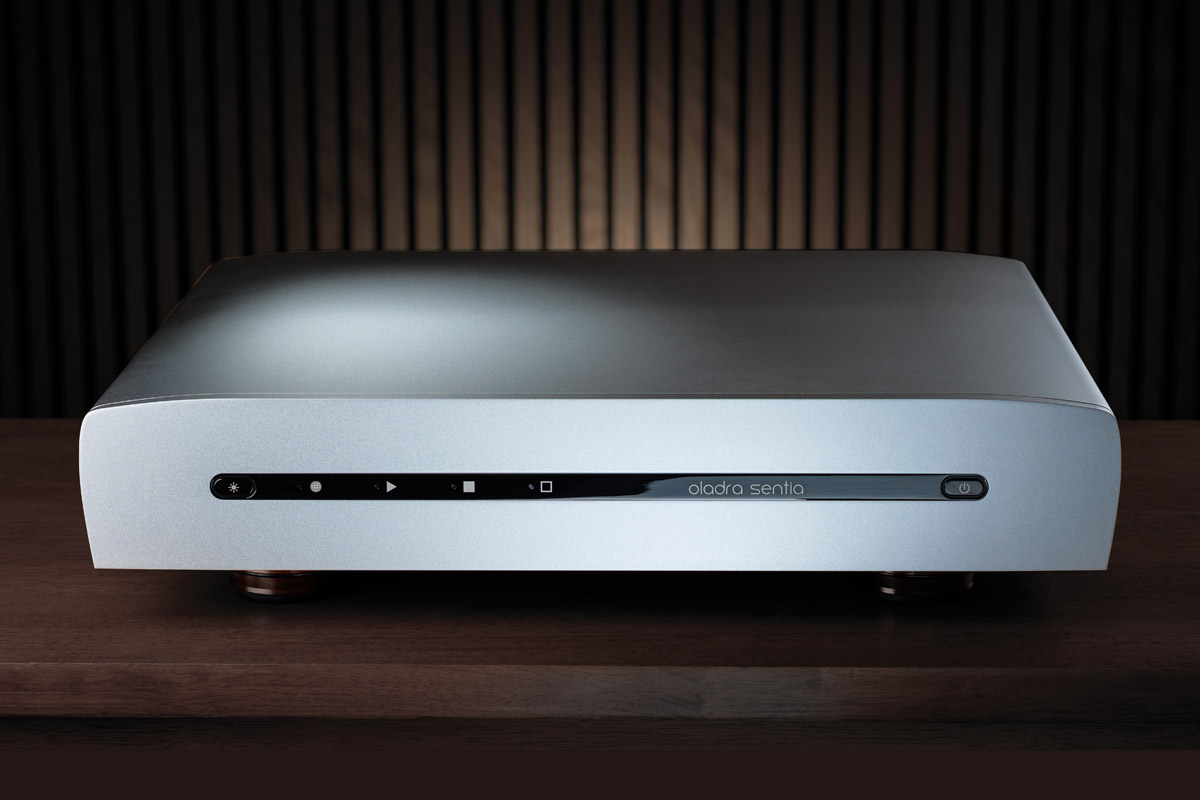
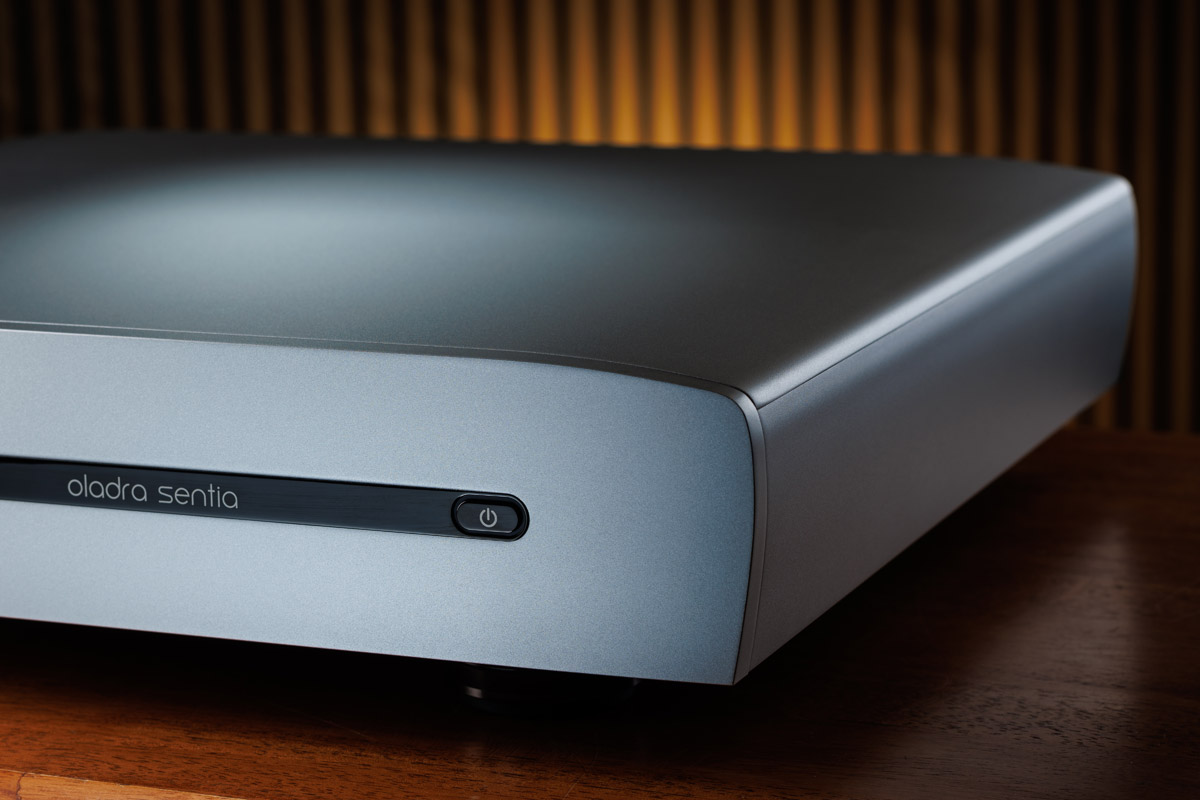
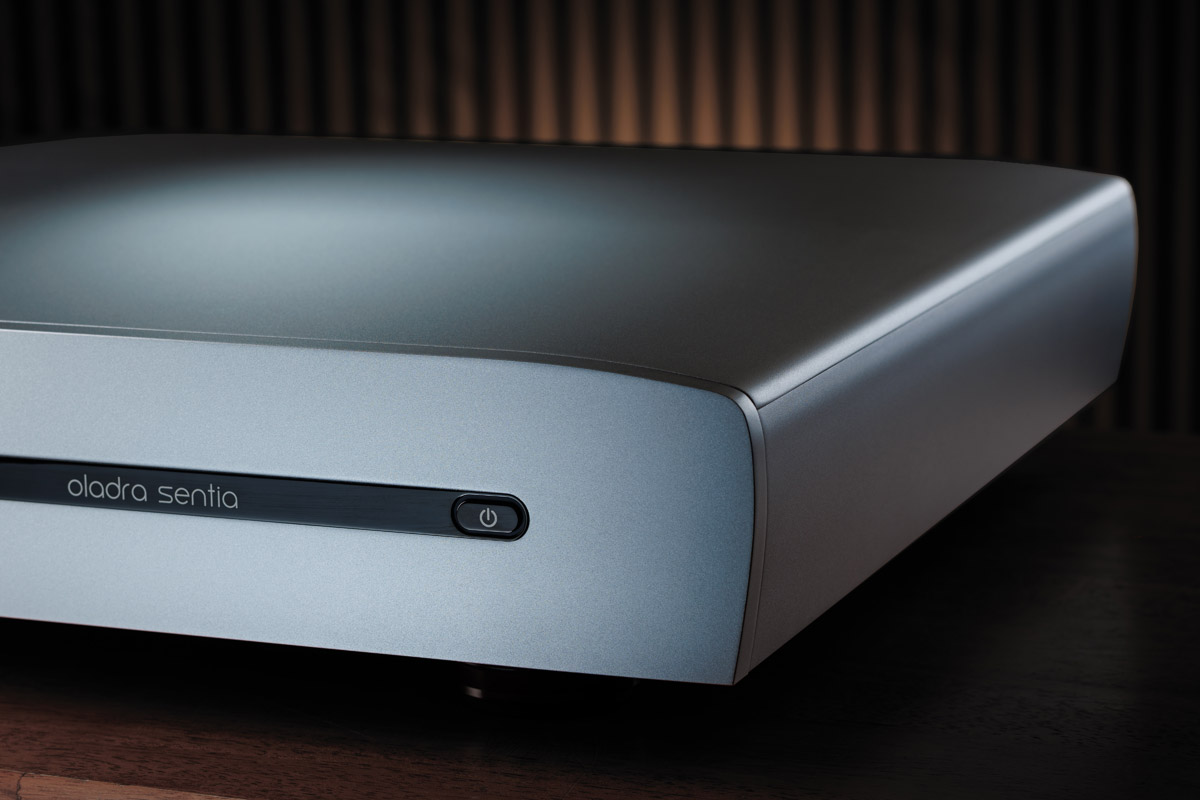
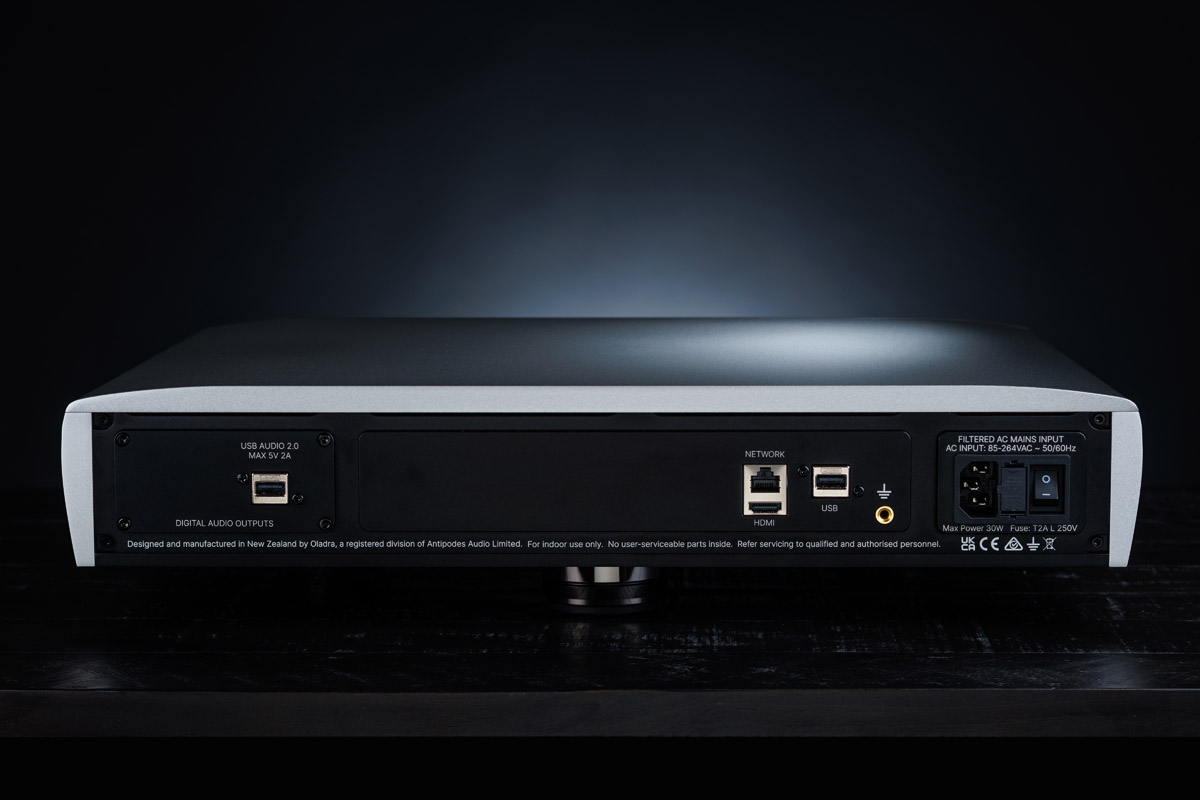
- Sentia: A complete expression of the Oladra Platform level, delivering of its key musical attributes
- Presence: The absolute expression — best parts throughout, and the deepest optimisation of every circuit and board trace for maximum naturalness and musical connection.
What not to imply:
Don’t describe Sentia as “cut down” in design intent — the platform approach is the same; the cost reduction comes from parts selection that minimises audible compromise.
8) Explaining Optimal vs Extended Motherboards (Storage vs Sound)
Dealer message (simple):
“Optimal is the best-sounding configuration and suits most owners. Extended exists for customers who must store very large libraries internally.”
Key facts to communicate:
- Optimal: designed around a single 4TB internal storage disk, and prioritising sound quality.
- The Optimal can manage large libraries by including files stored on a NAS in its library.
- Extended: supports two additional user-installable internal disks (example: adding two 8TB drives = 20TB internal).
- Extra internal disks add live Core interfaces and interfaces on the SSDs - increasing electrical noise, even when the disk is not being accessed — this is why Extended can carry a small sonic penalty versus Optimal.
Options to consider:
A good quality NAS in a good network with the Optimal motherboard can achieve similar quality to internal disks on the Extended motherboard.
Commercial Reassurance:
Modular design means exchanging between Optimal and Extended motherboards is possible for a reasonable change, so the user's decision is not final.
9) Suggested Dealer Phrases (Short, Clear, Honest)
Use these when customers ask direct questions.
- “A better source gives the DAC a cleaner starting point.”
- “Digital music is all about signal timing — and the foundation for that timing comes from the DAS.”
- “Noise and timing errors start at the source and influence everything downstream.”
- “A good switch helps, but it cannot replace a high-performance DAS.”
- “Reclockers address symptoms; Oladra addresses the cause.”
- “Oladra’s platform wasn’t built on a computer — it is a bespoke design engineered for audio from the ground up.”
10) If the Dealer Has Just 20 Seconds to Explain Oladra
“Your DAC’s performance depends on the timing and noise conditions arriving on and around the digital signal it receives. The Oladra Platform is designed from the ground up to give the DAC the cleanest, most stable signal possible — far better than a computer or generic streamer. That’s why systems sound more natural, open and lifelike with an Oladra source. Every design stage, every part selected, every circuit board trace is conceived solely for high-end audio.”
C. Logo Images


E. Clear Product Renders
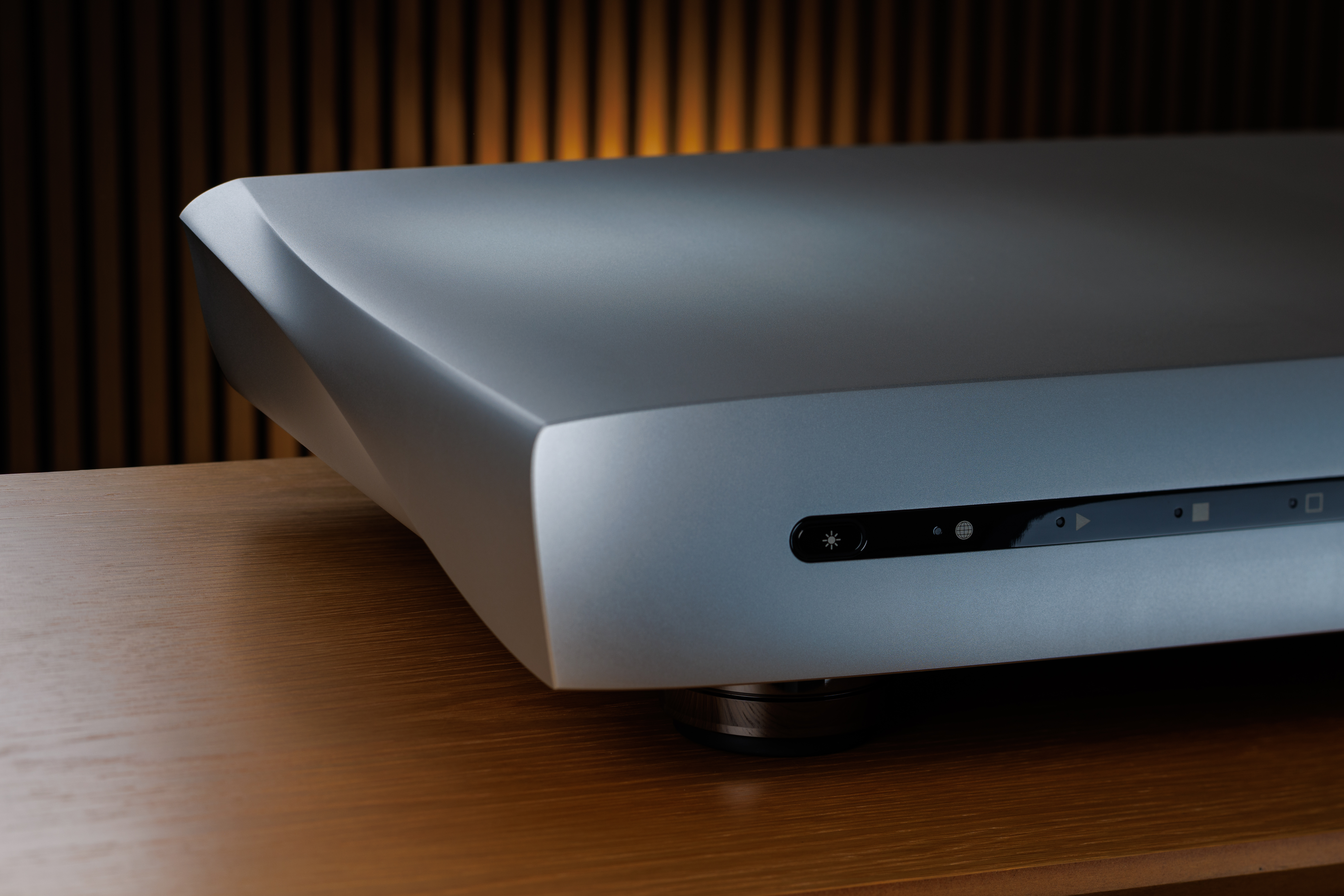
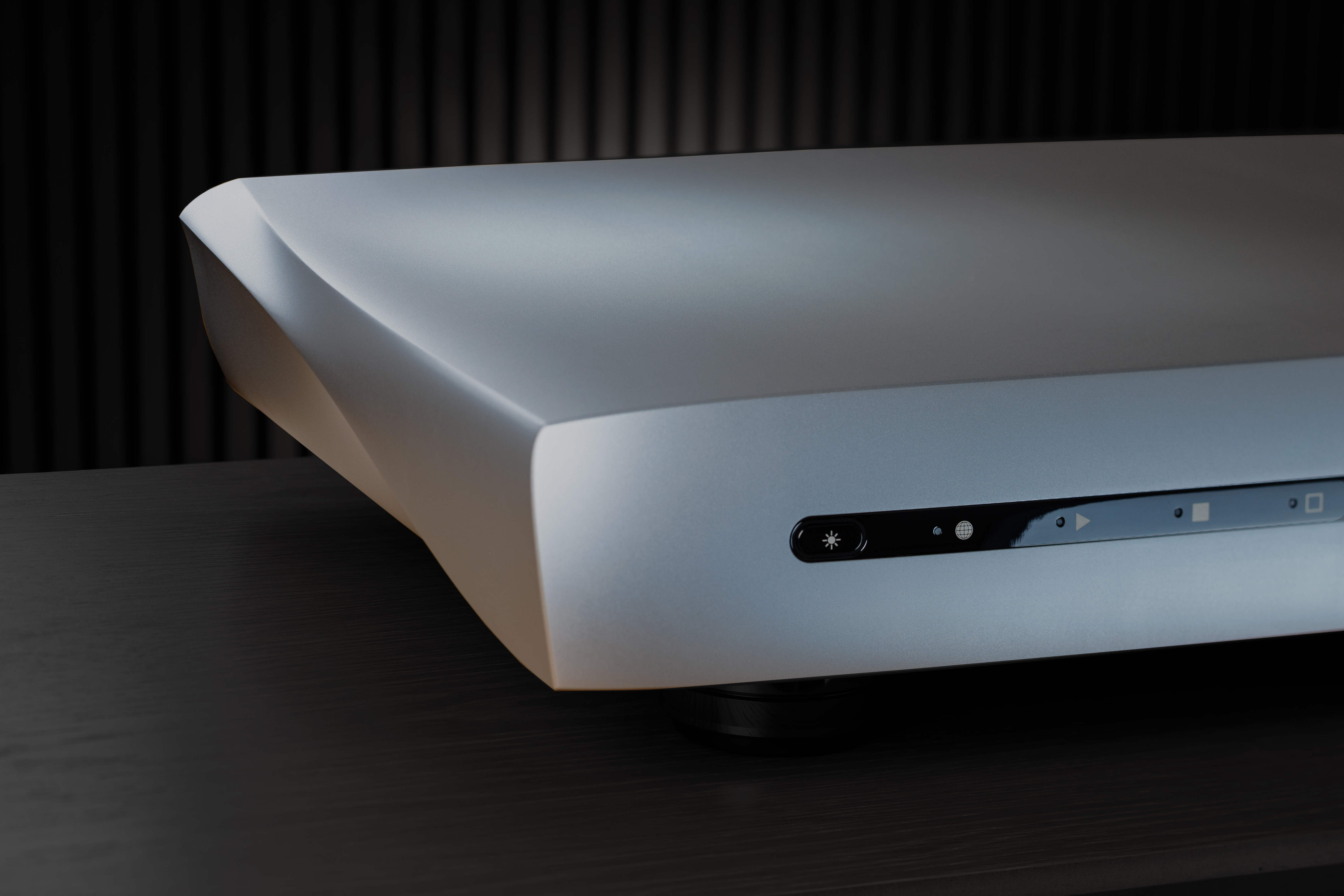
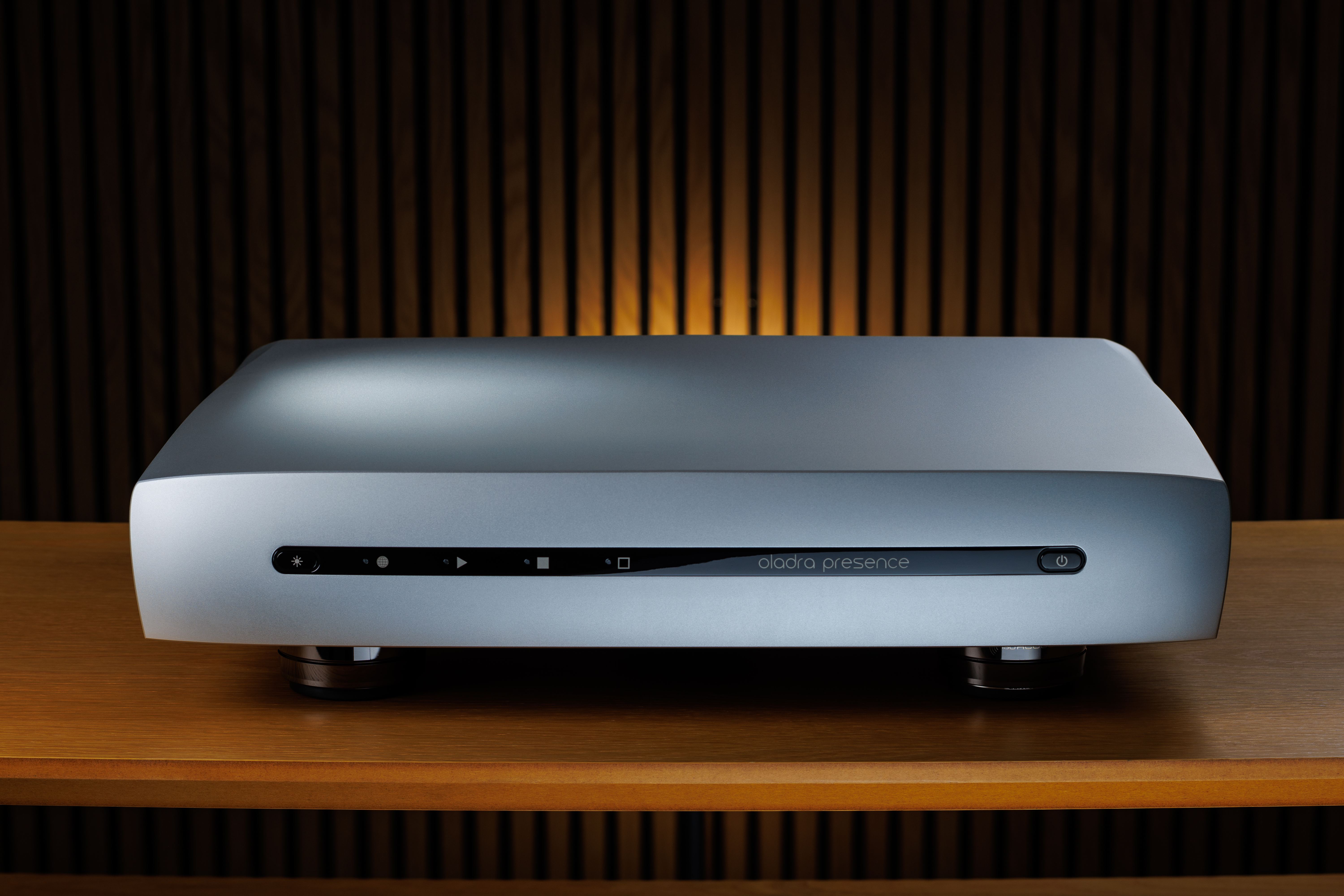
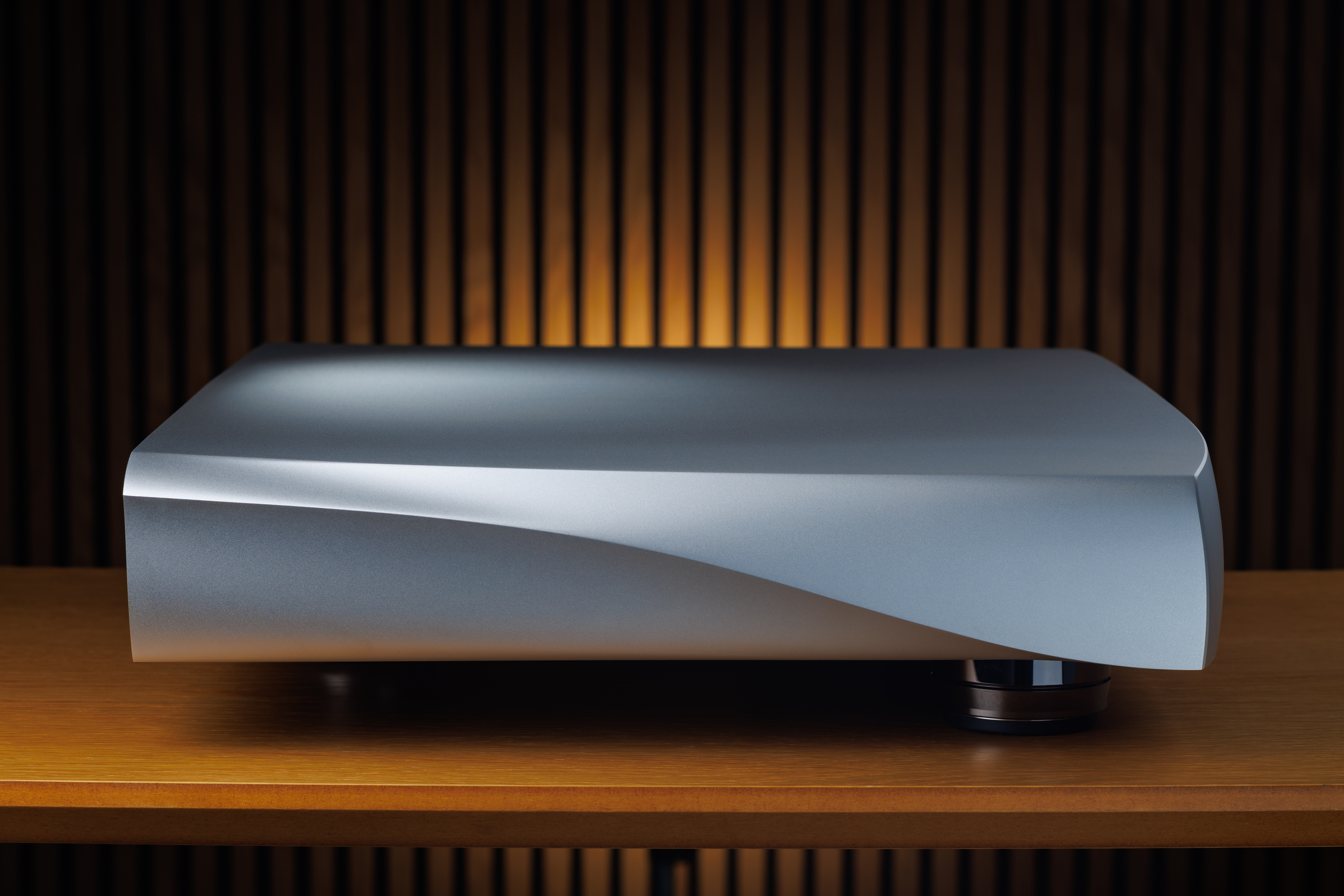
Oladra Presence
All images on this panel are large transparent png files, enabling you to size them and place them on any coloured background of your choosing. You can click to download them individually or click to download all images on this panel as a zip file.


Oladra Sentia
All images on this panel are large transparent png files, enabling you to size them and place them on any coloured background of your choosing. You can click to download them individually or click to download all images on this panel as a zip file.


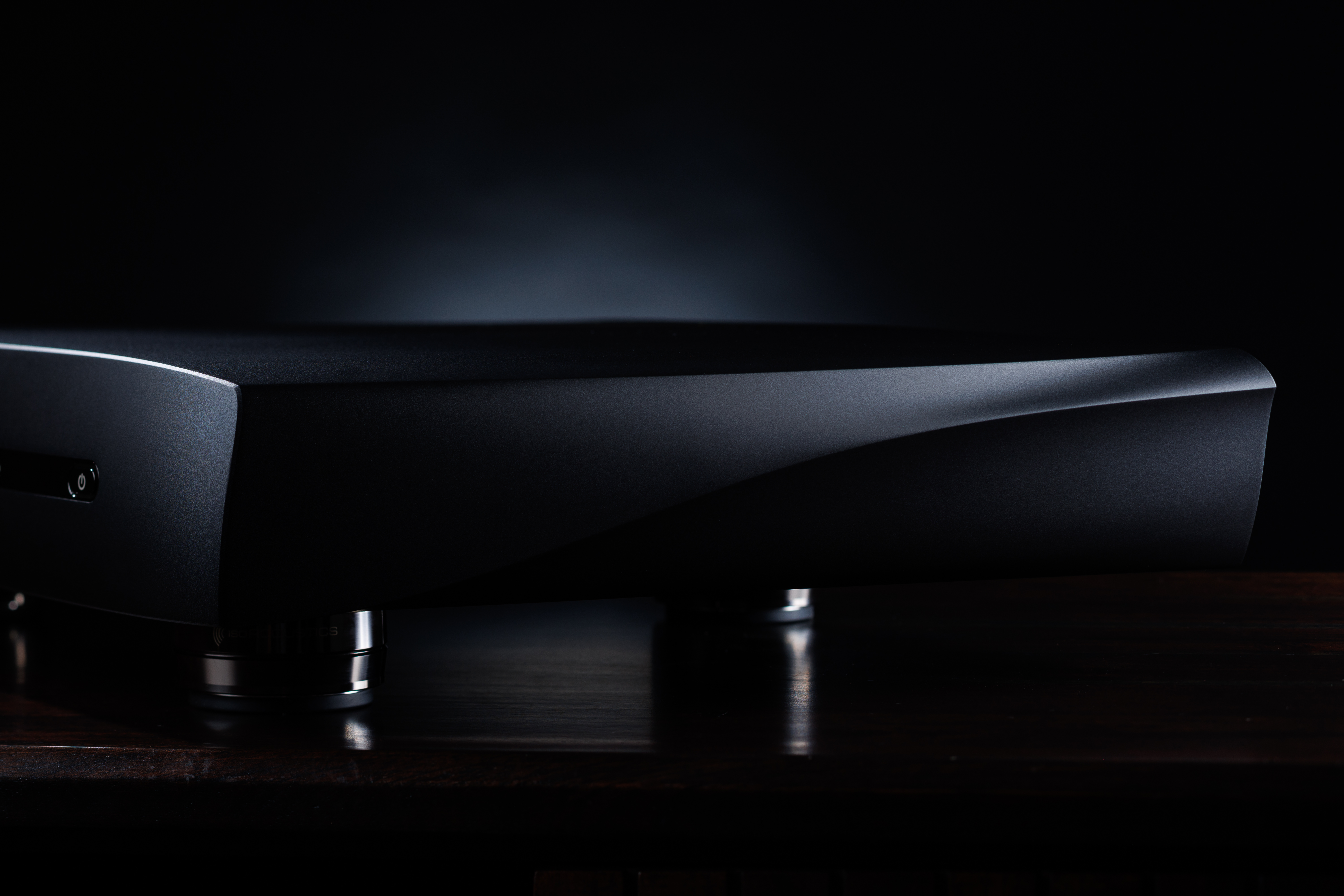
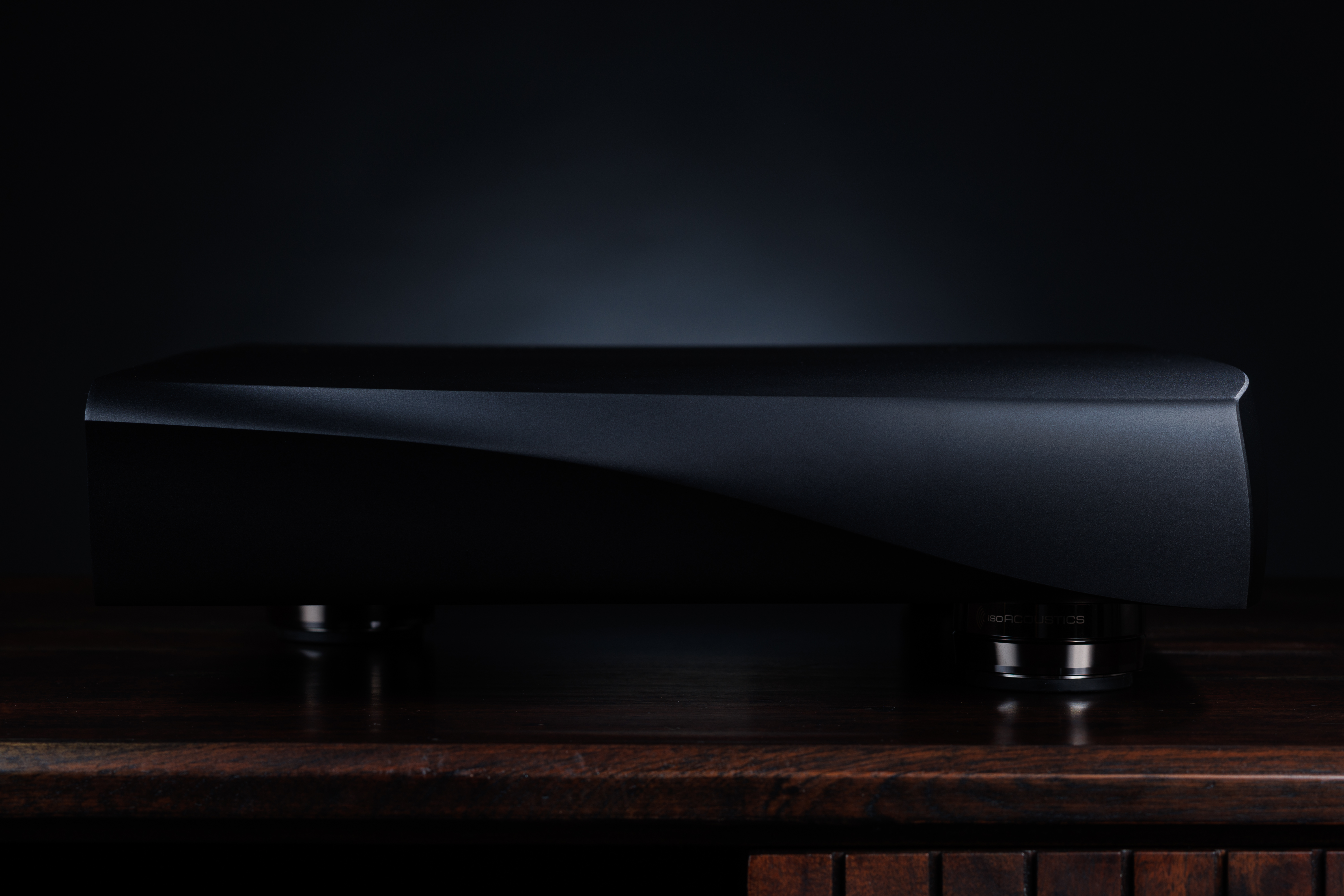
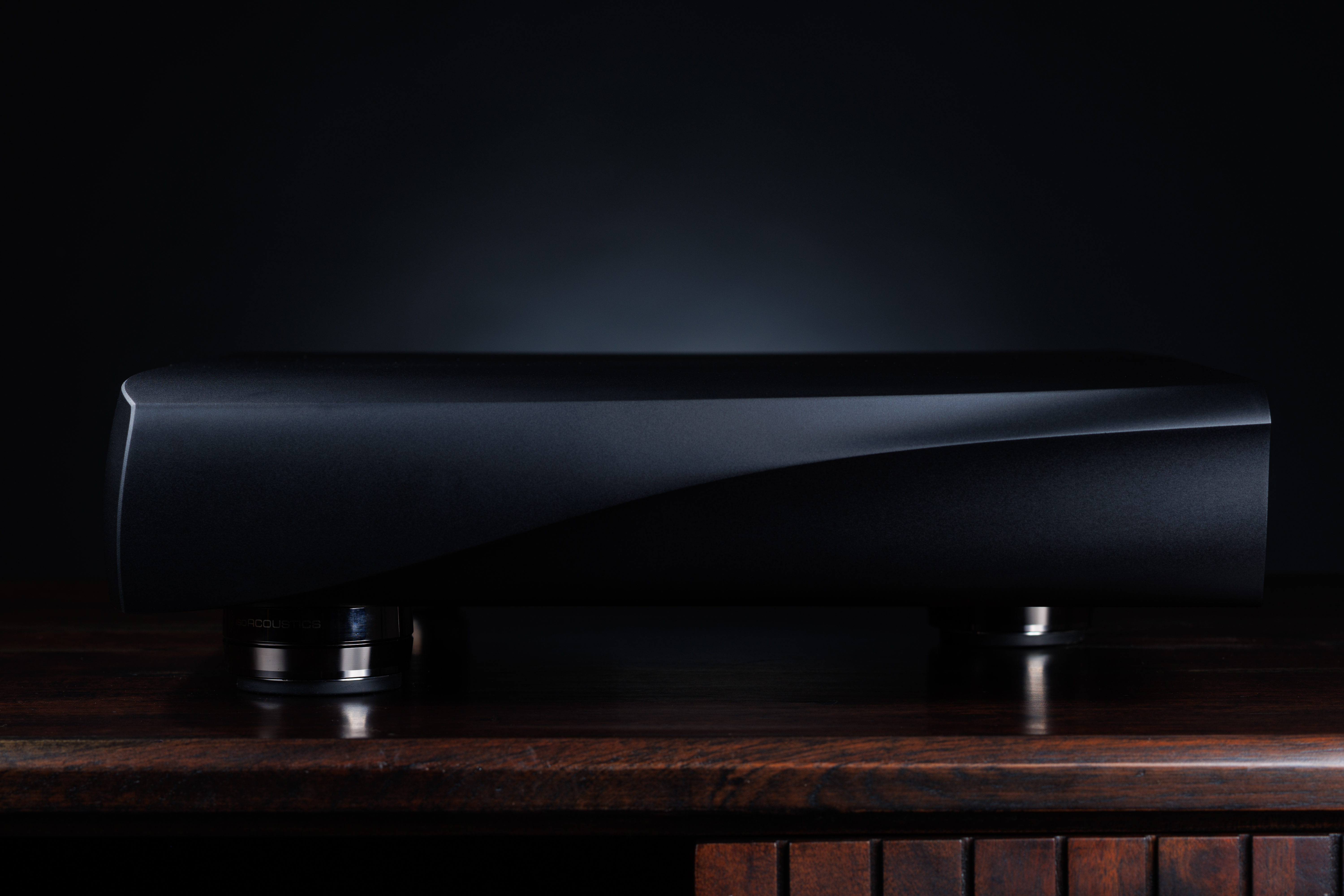
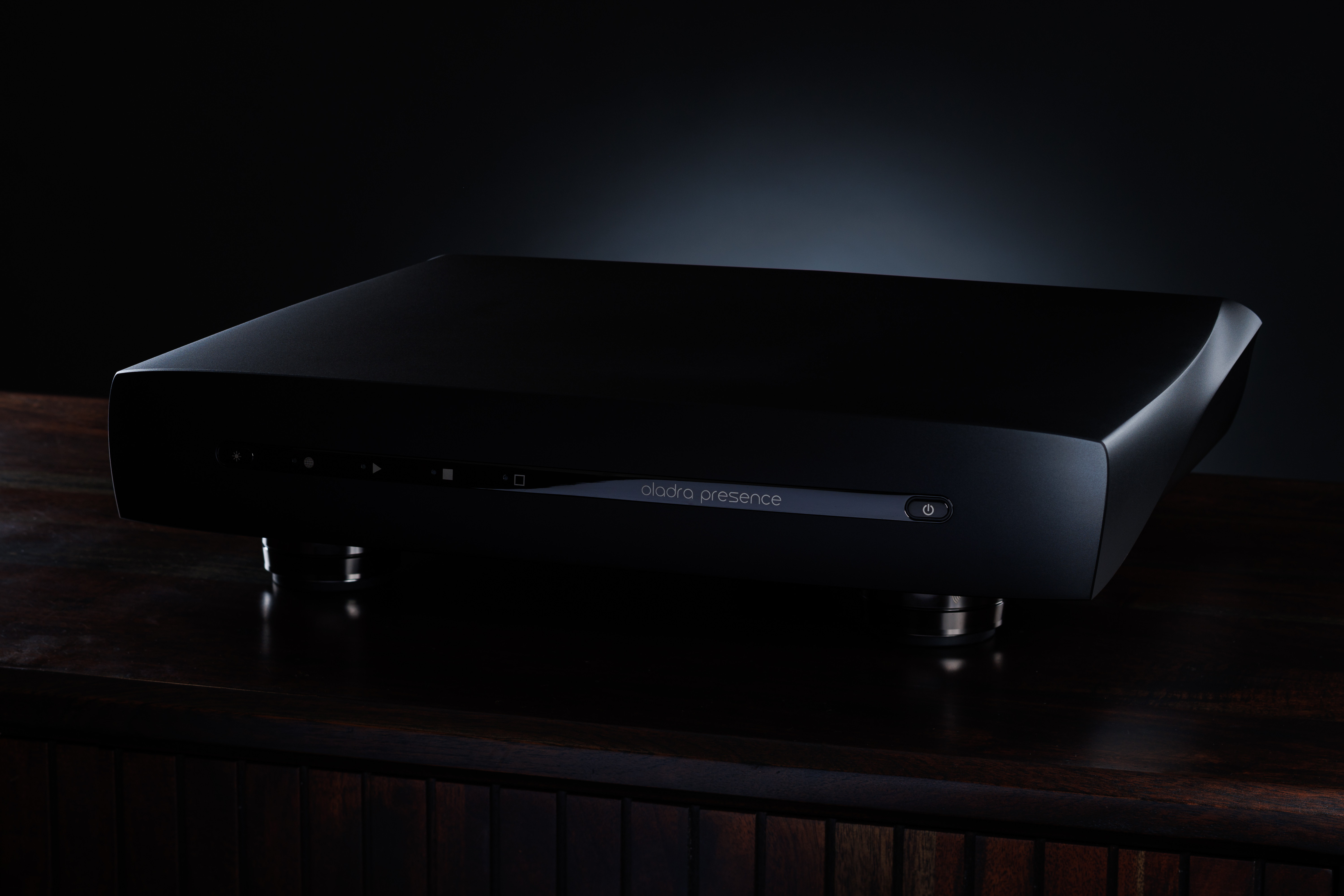
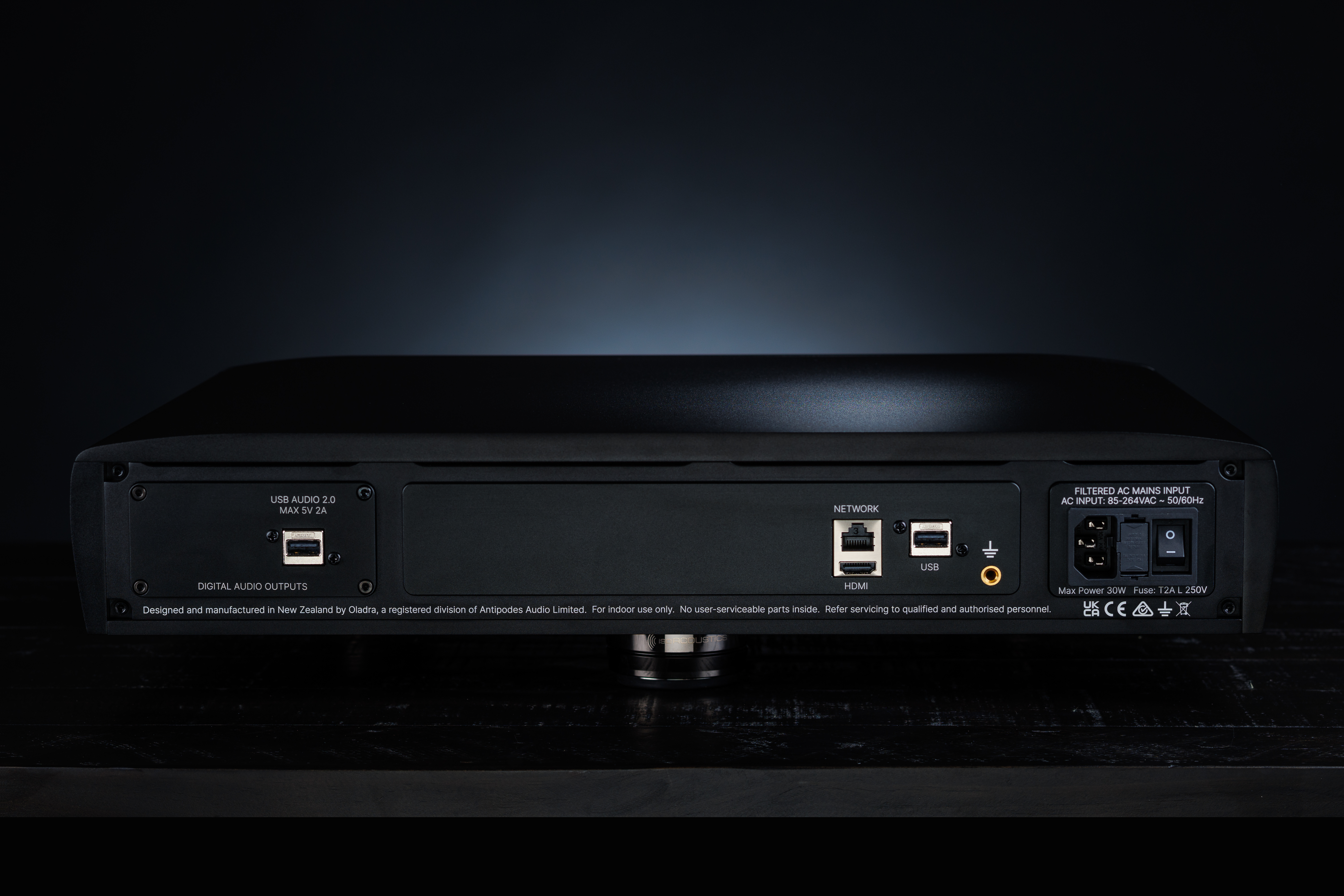
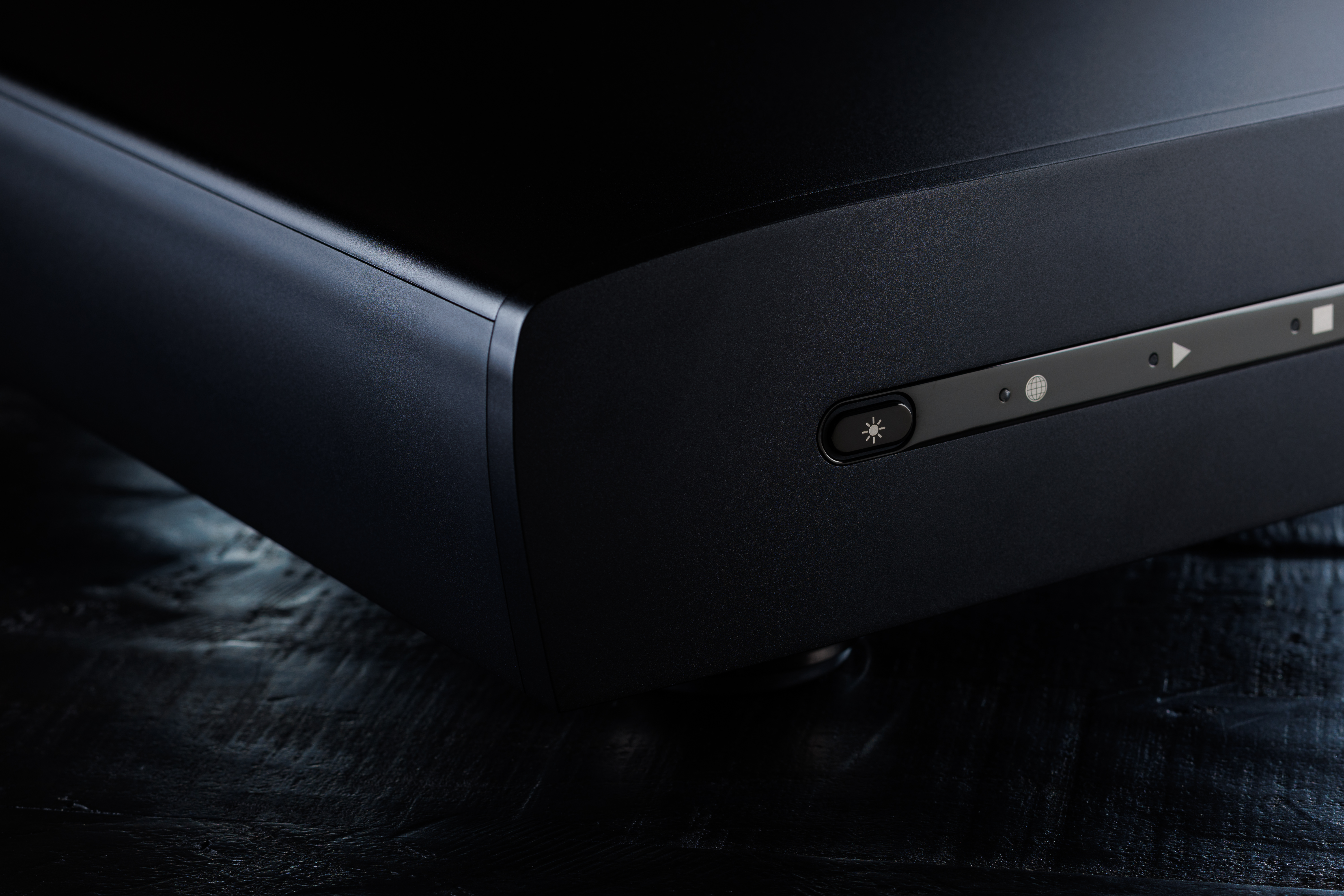
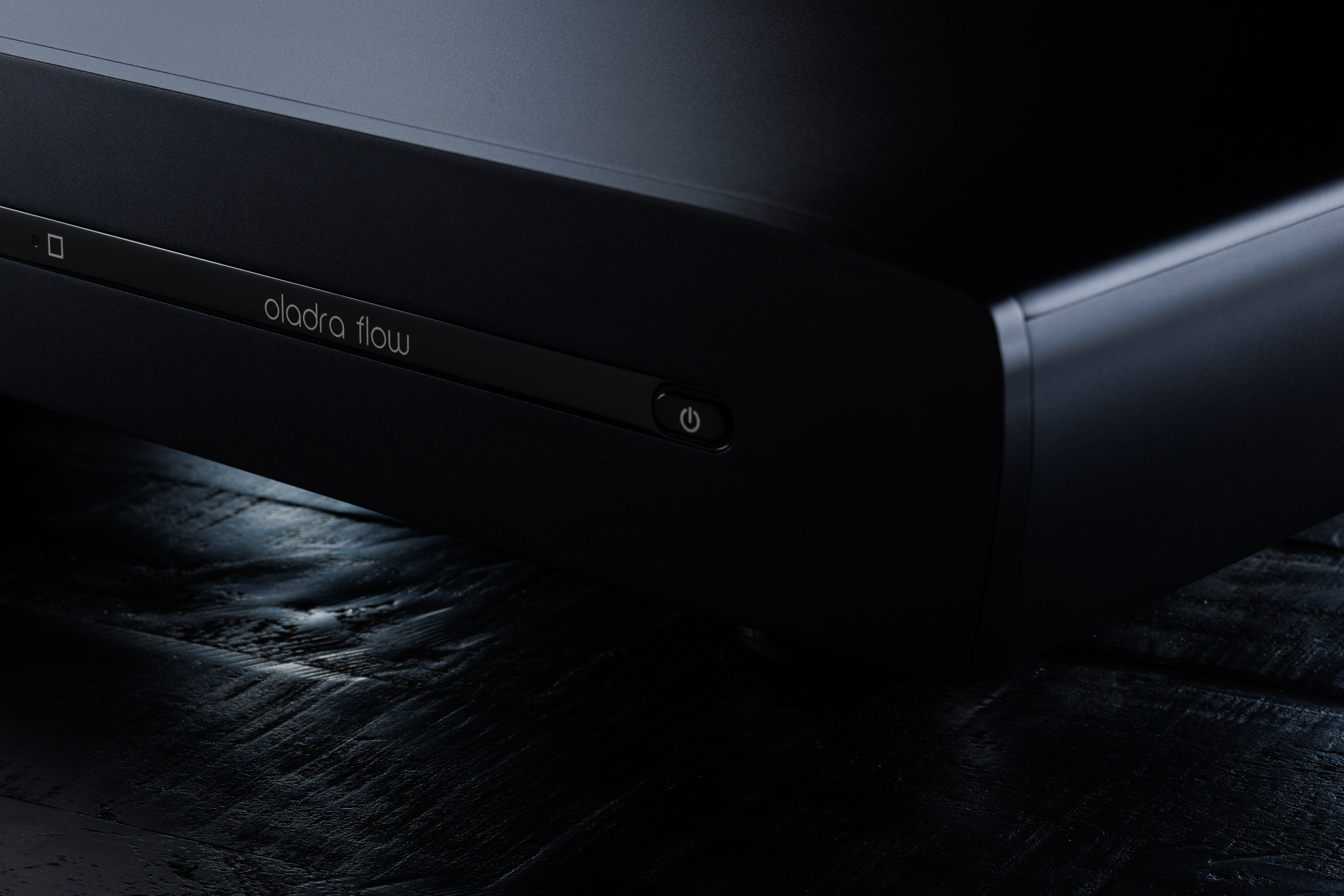
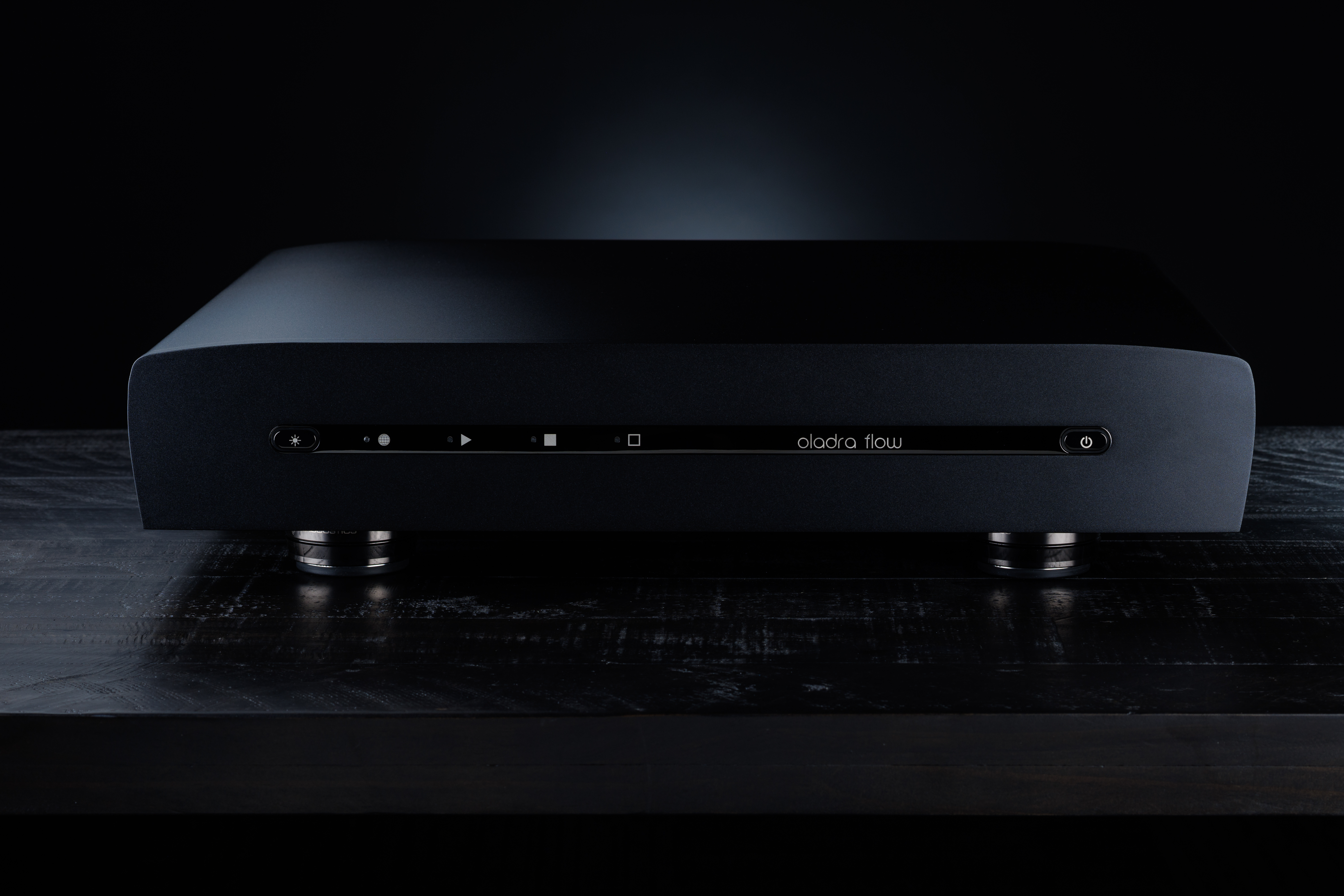
F. Product Photos
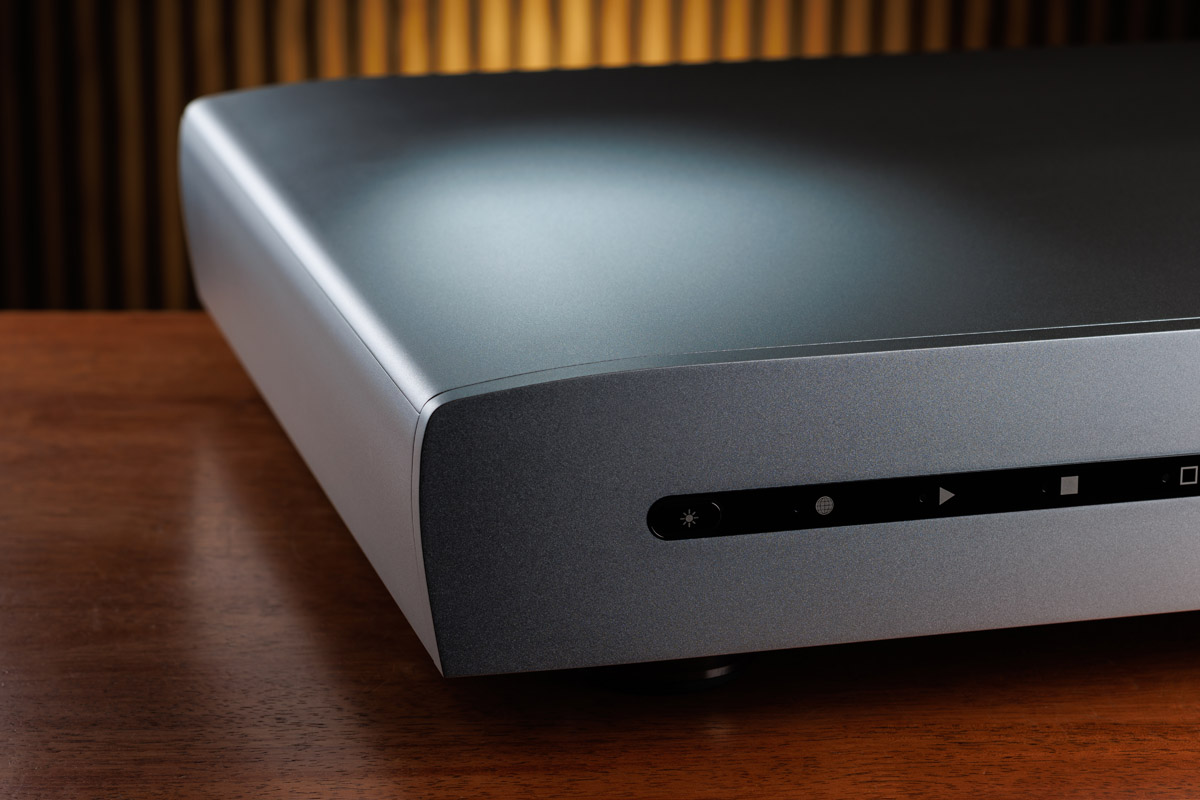
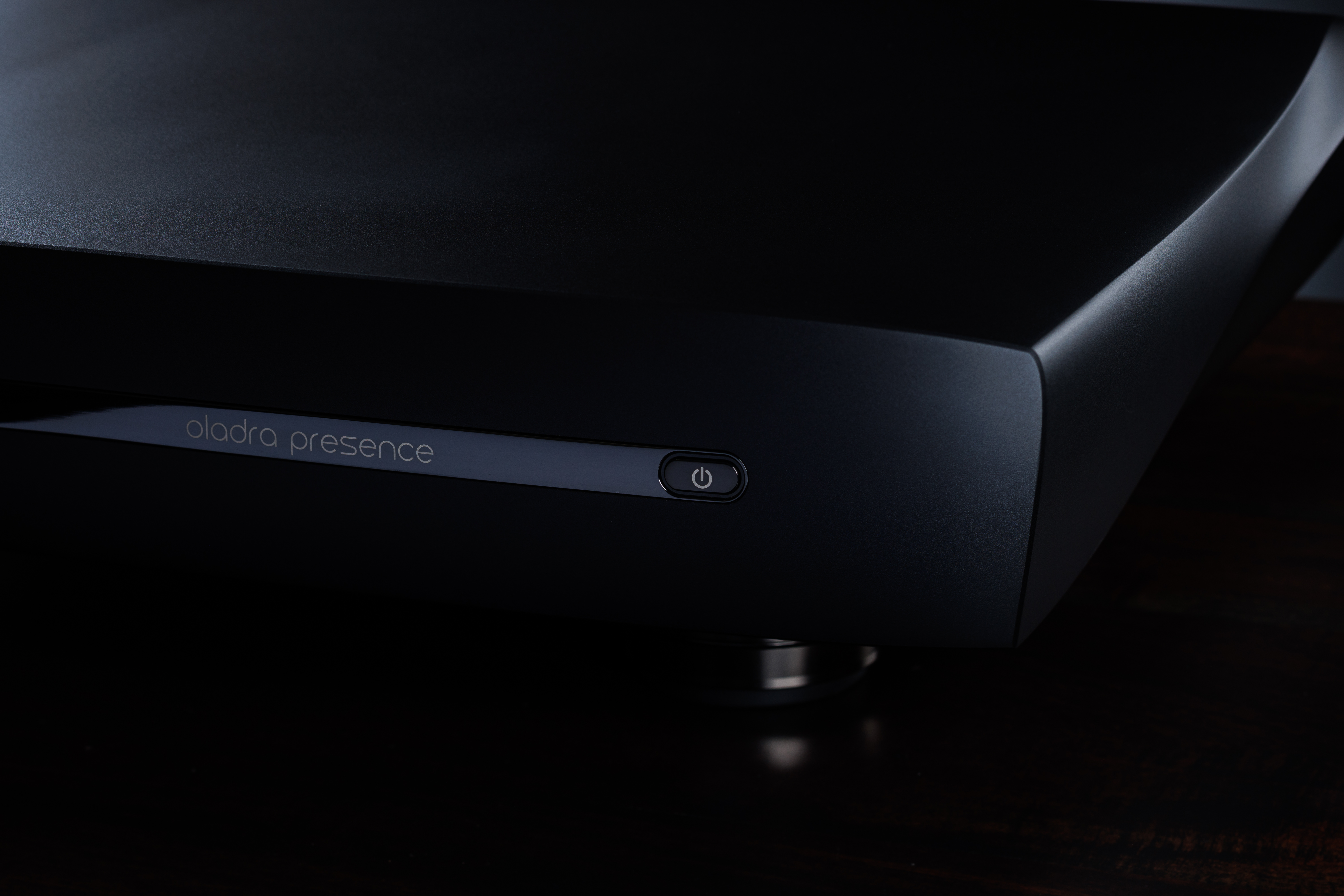
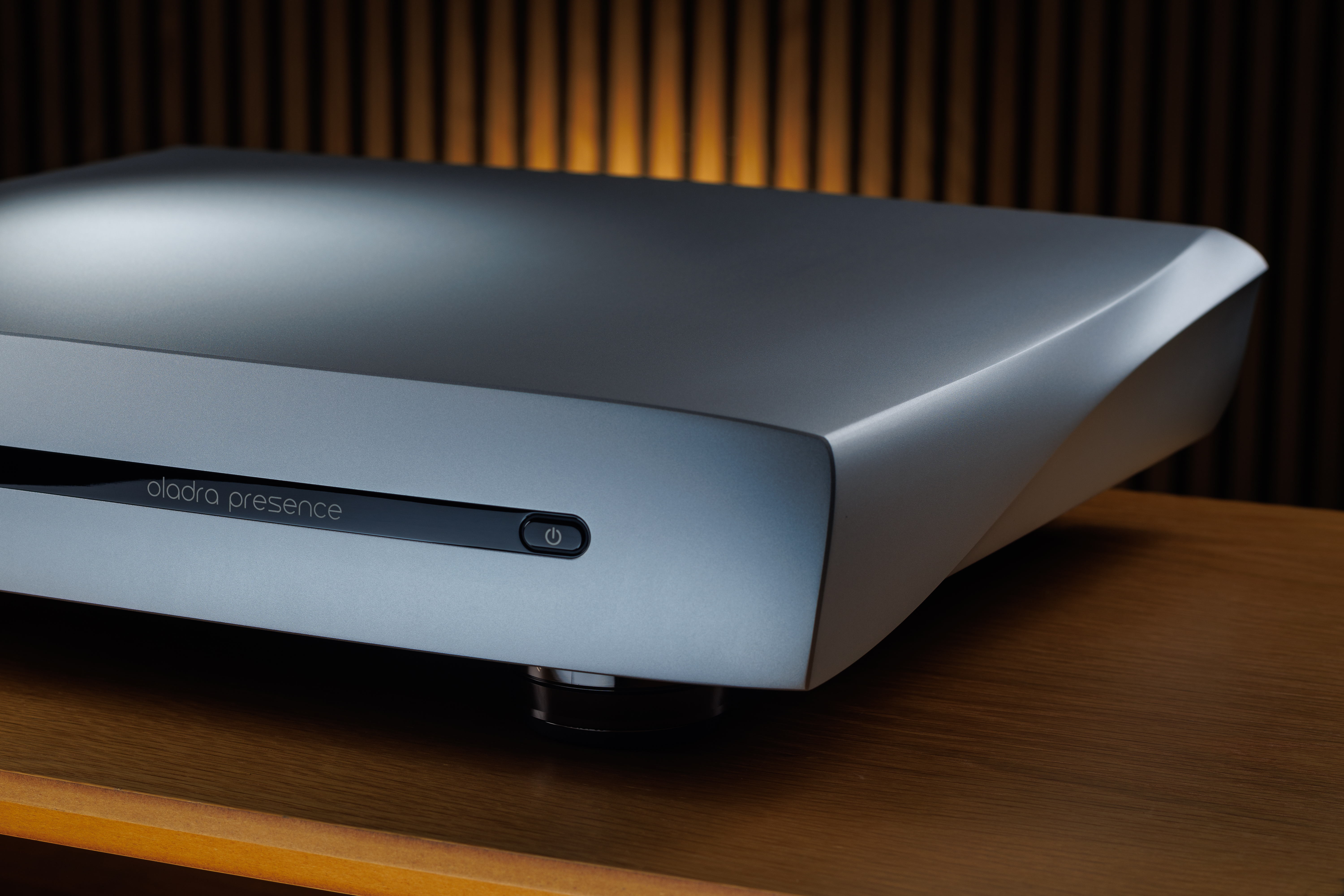
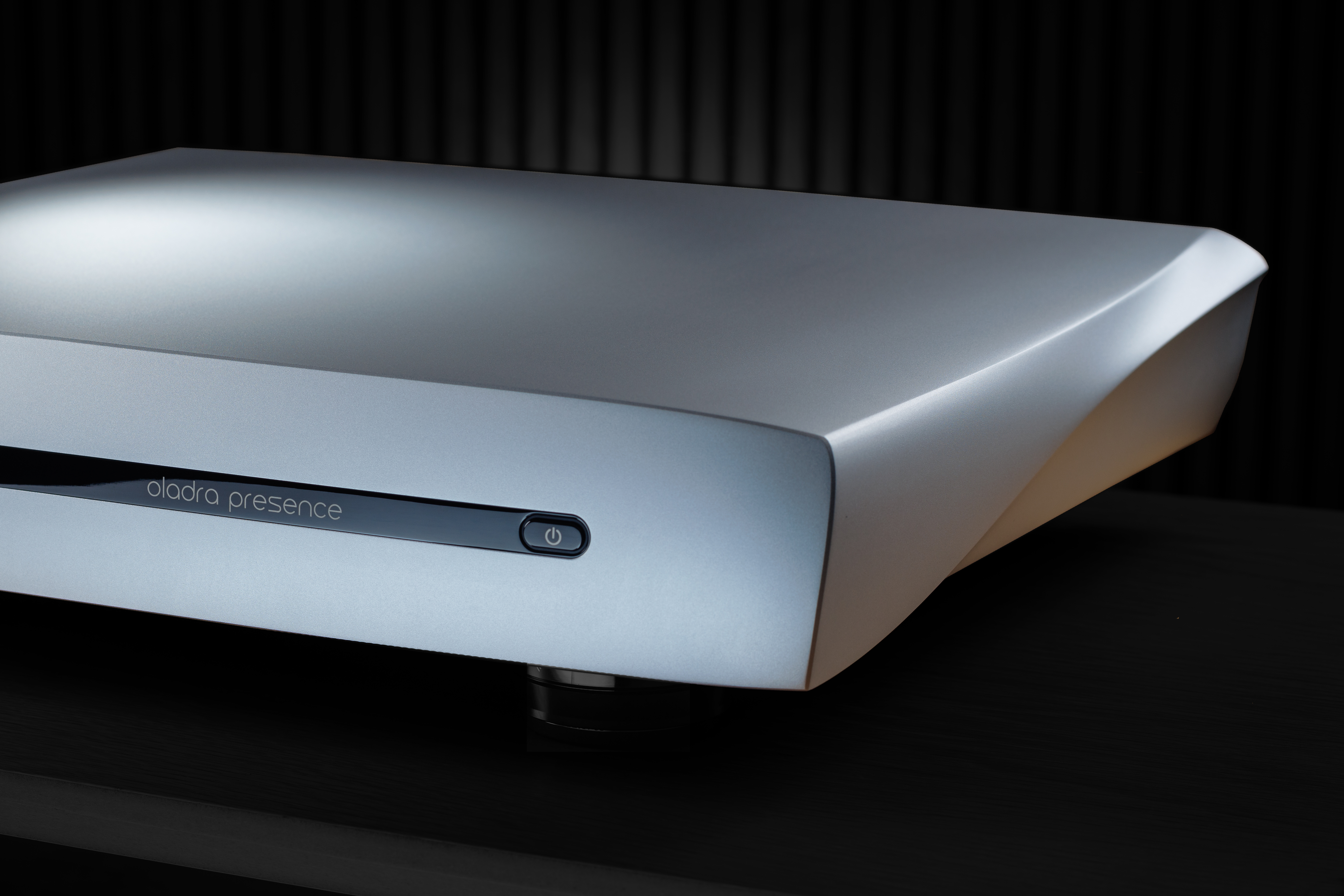
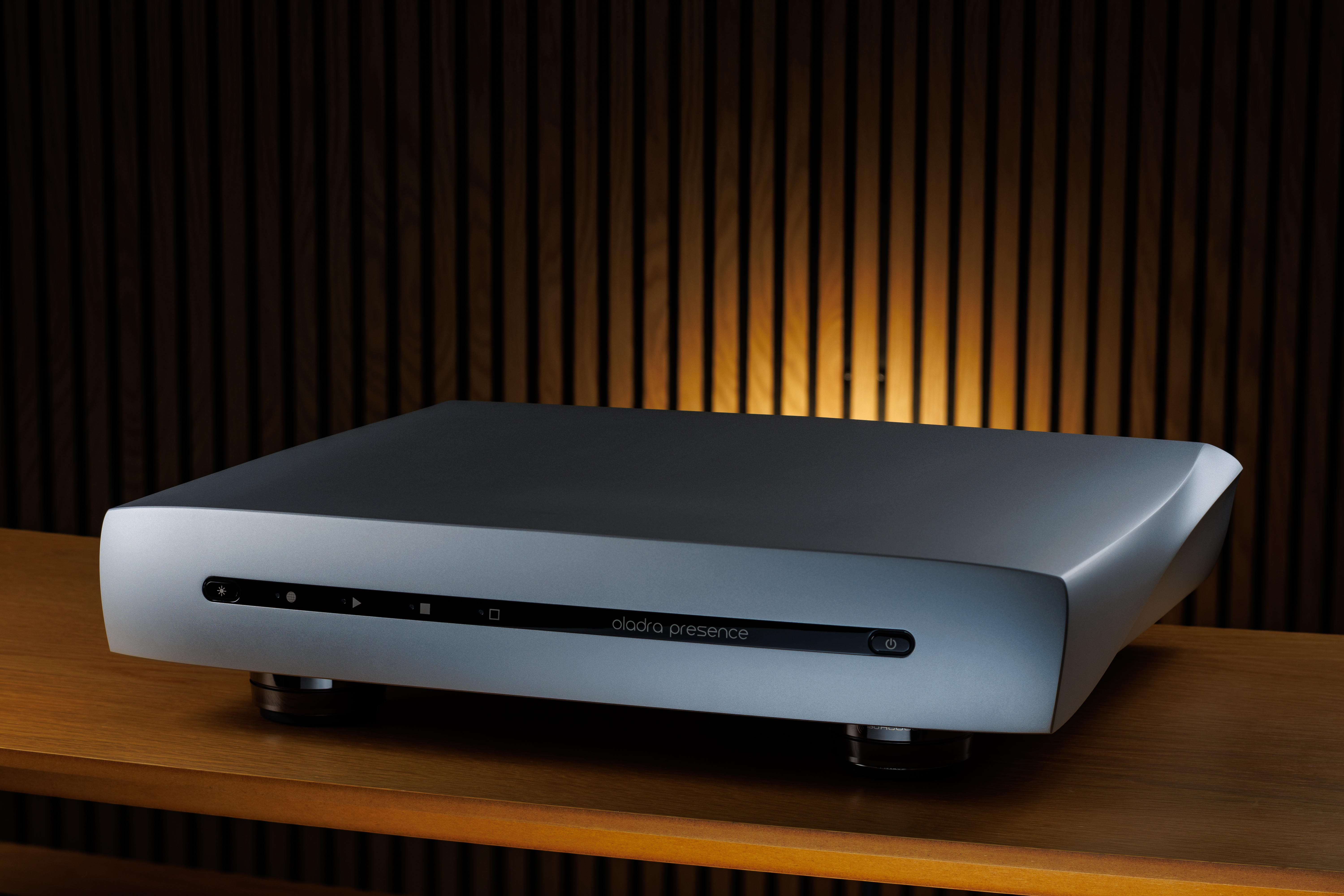
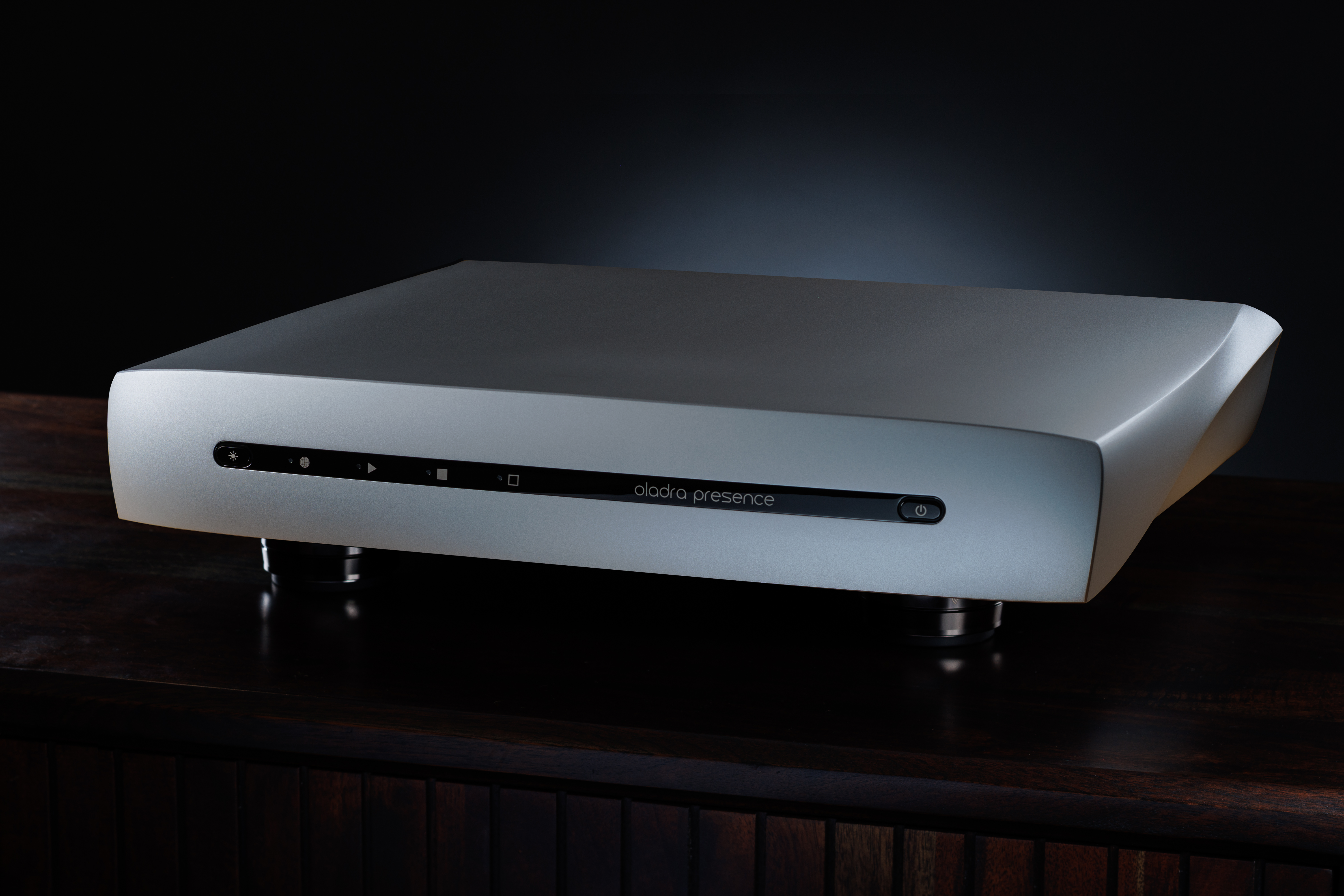
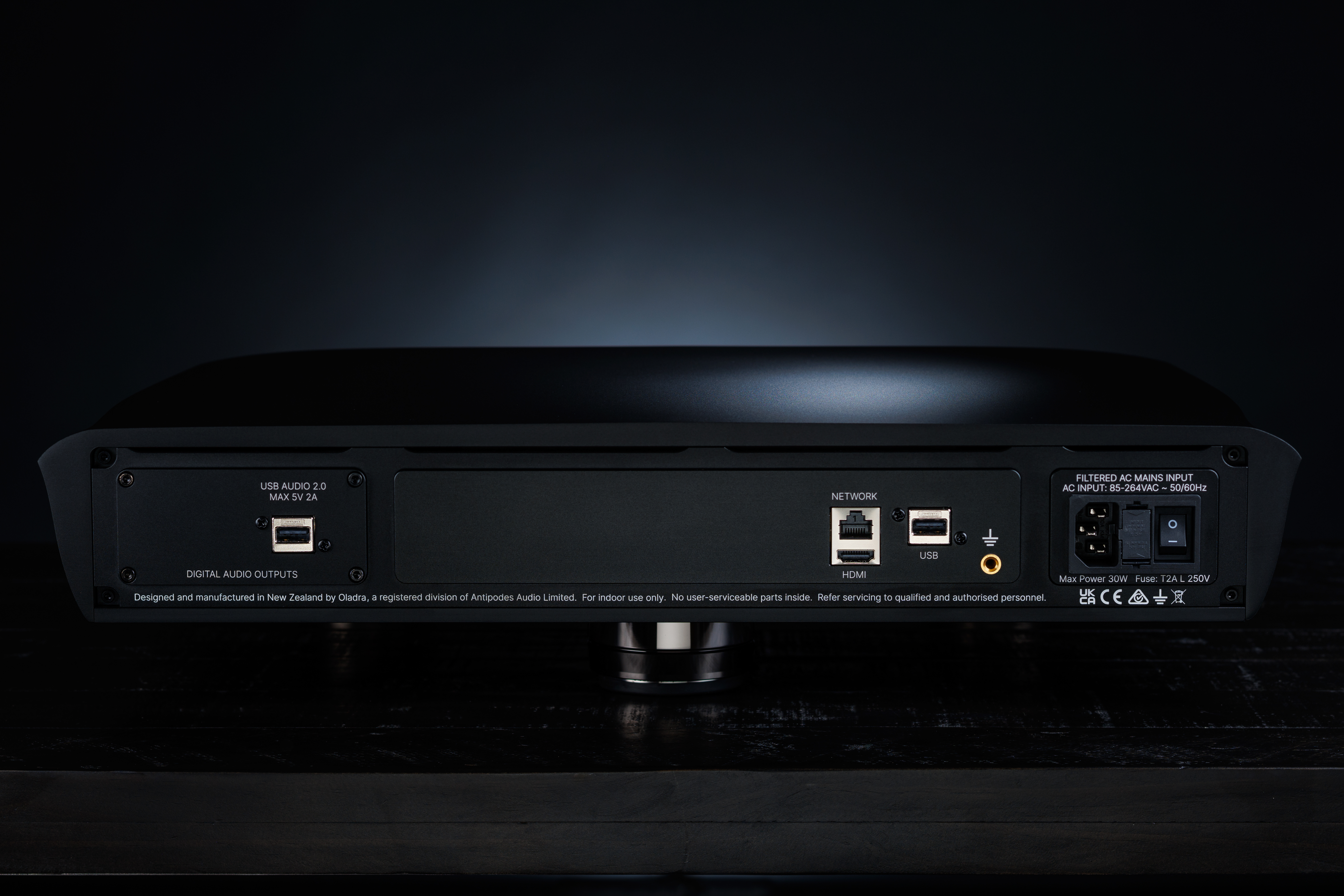
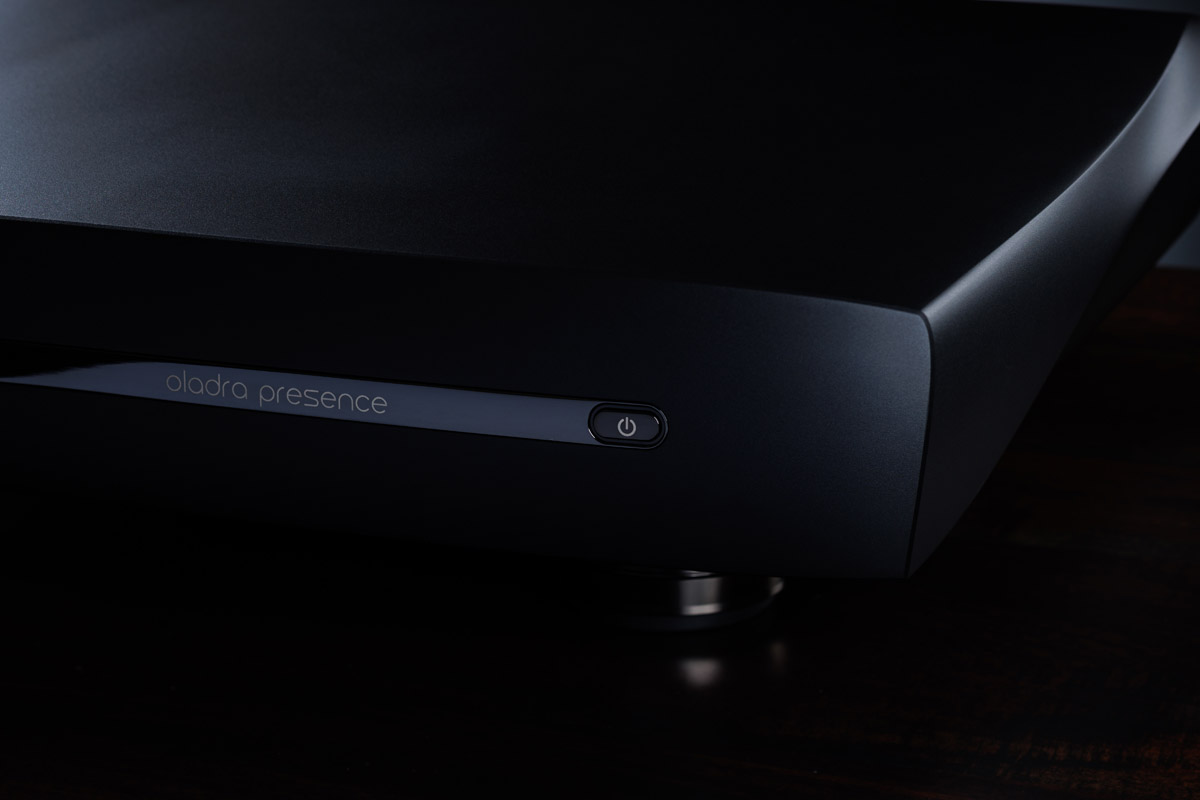
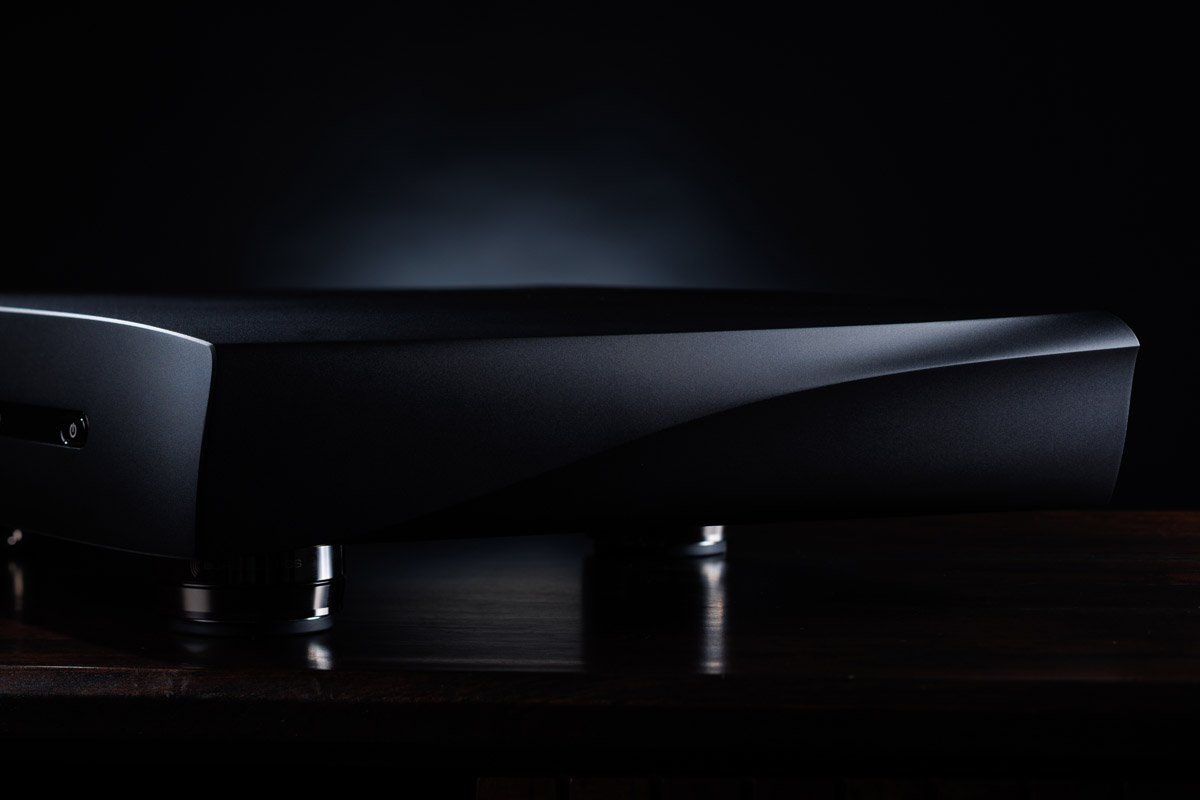
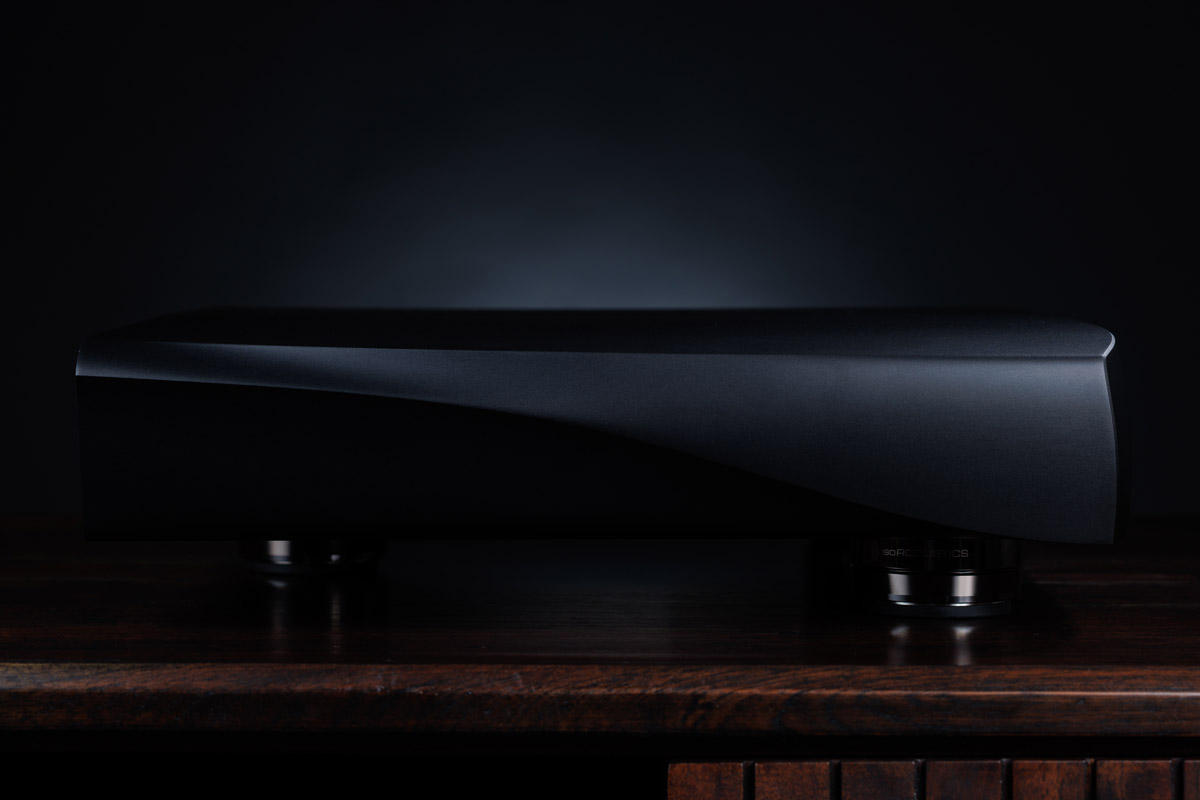
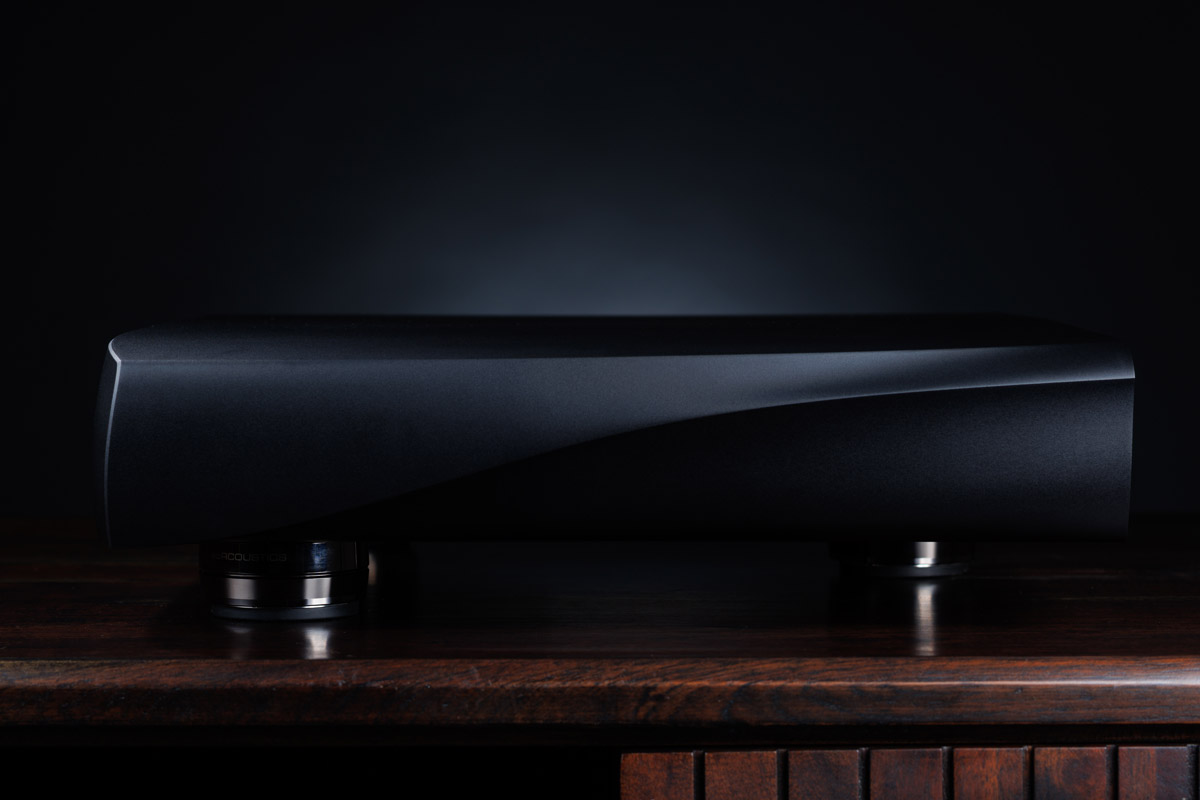
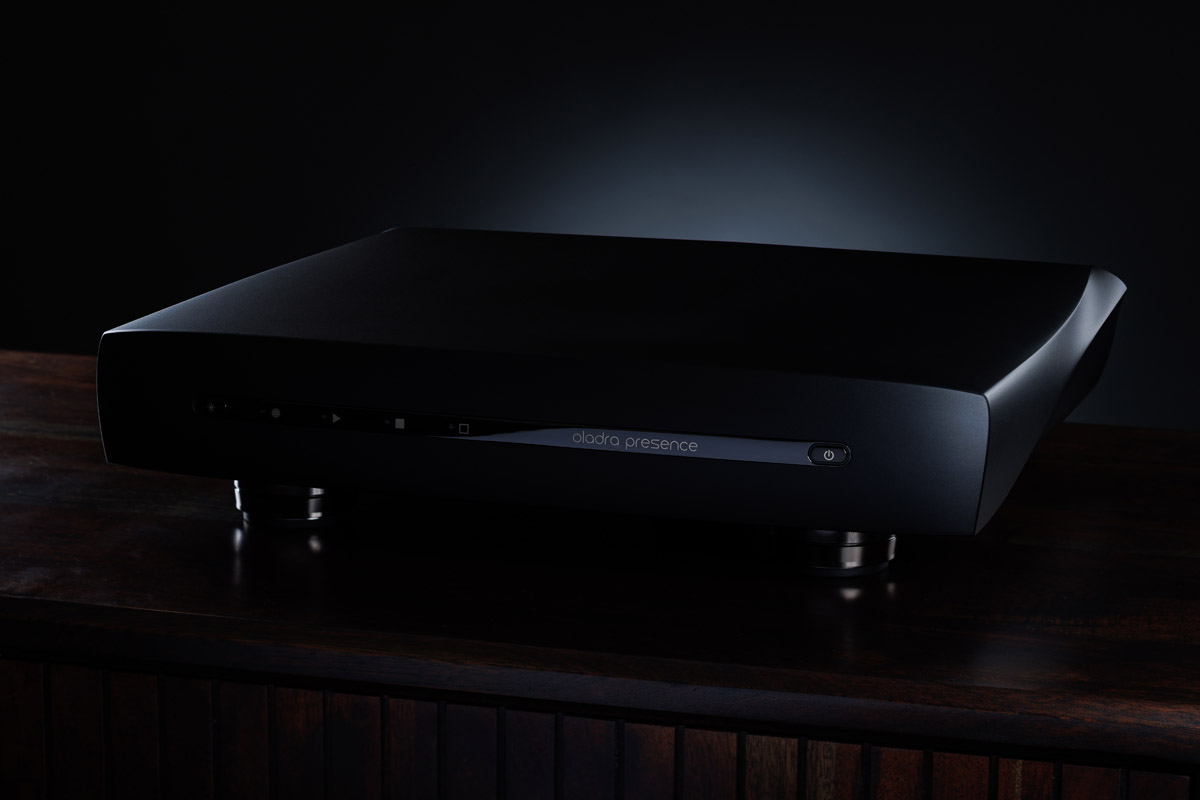
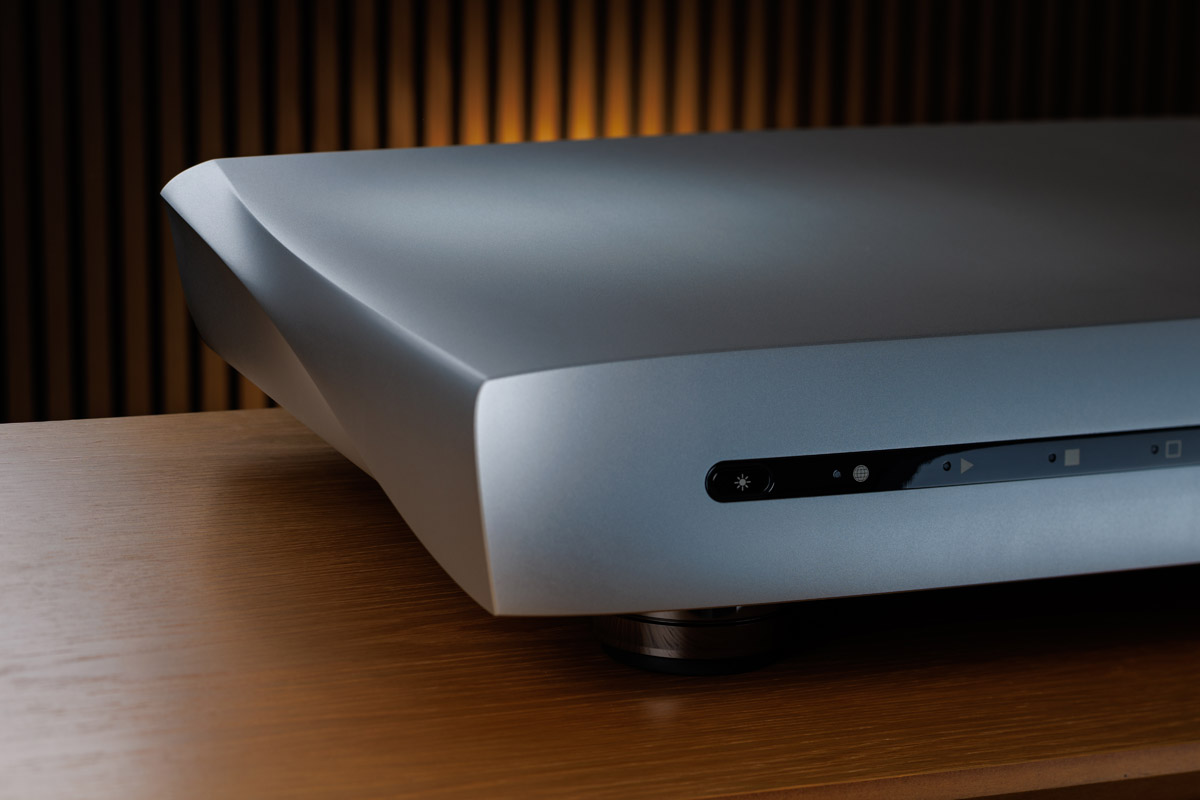
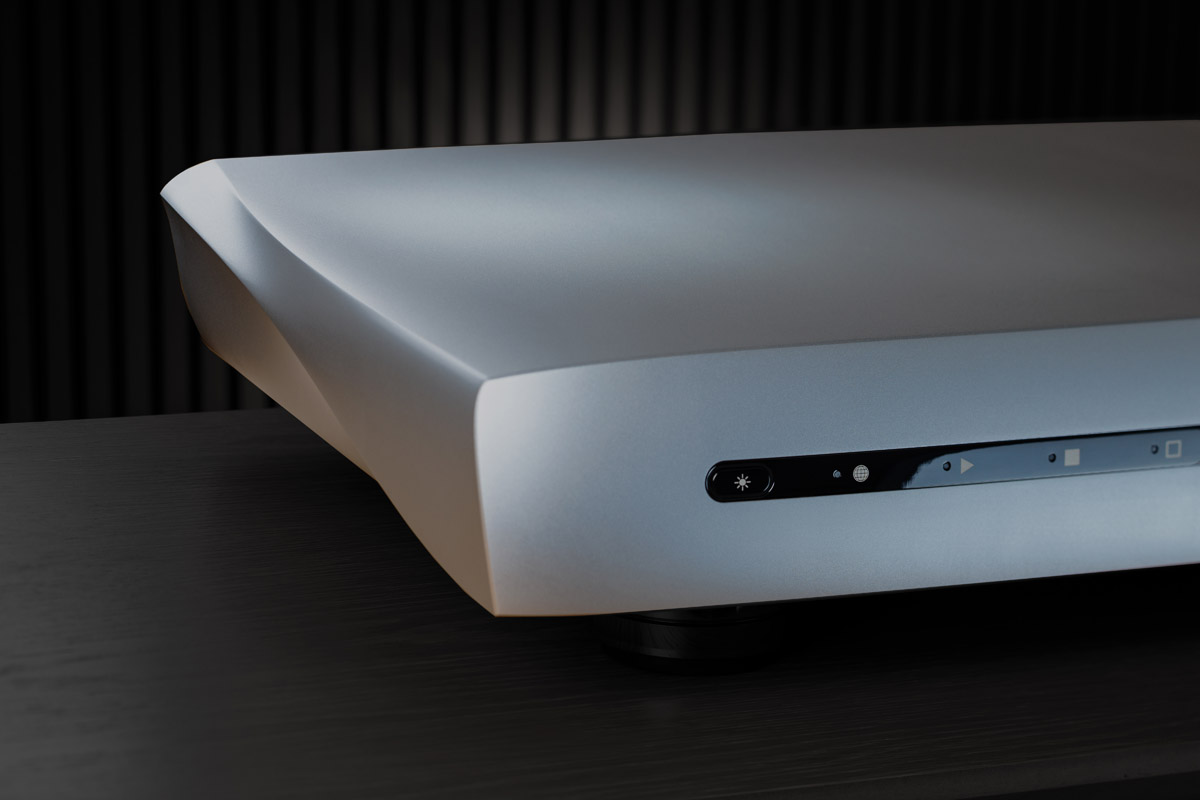
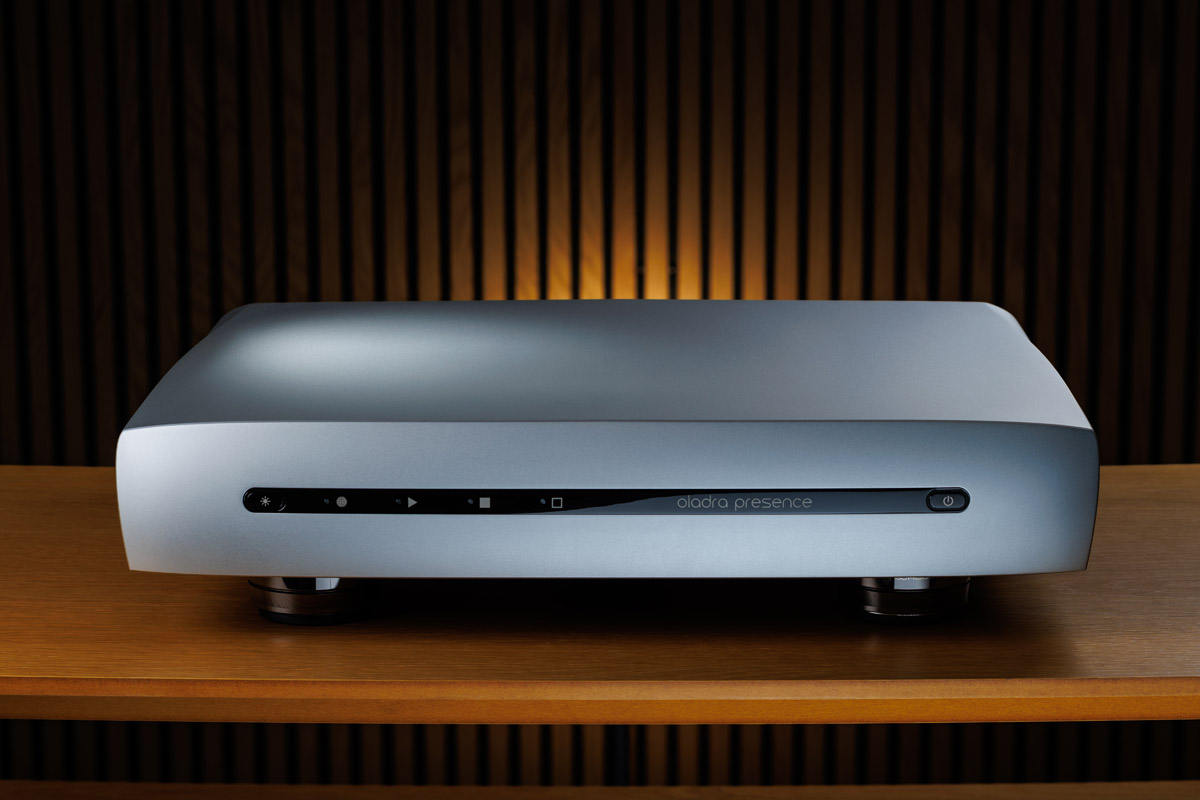
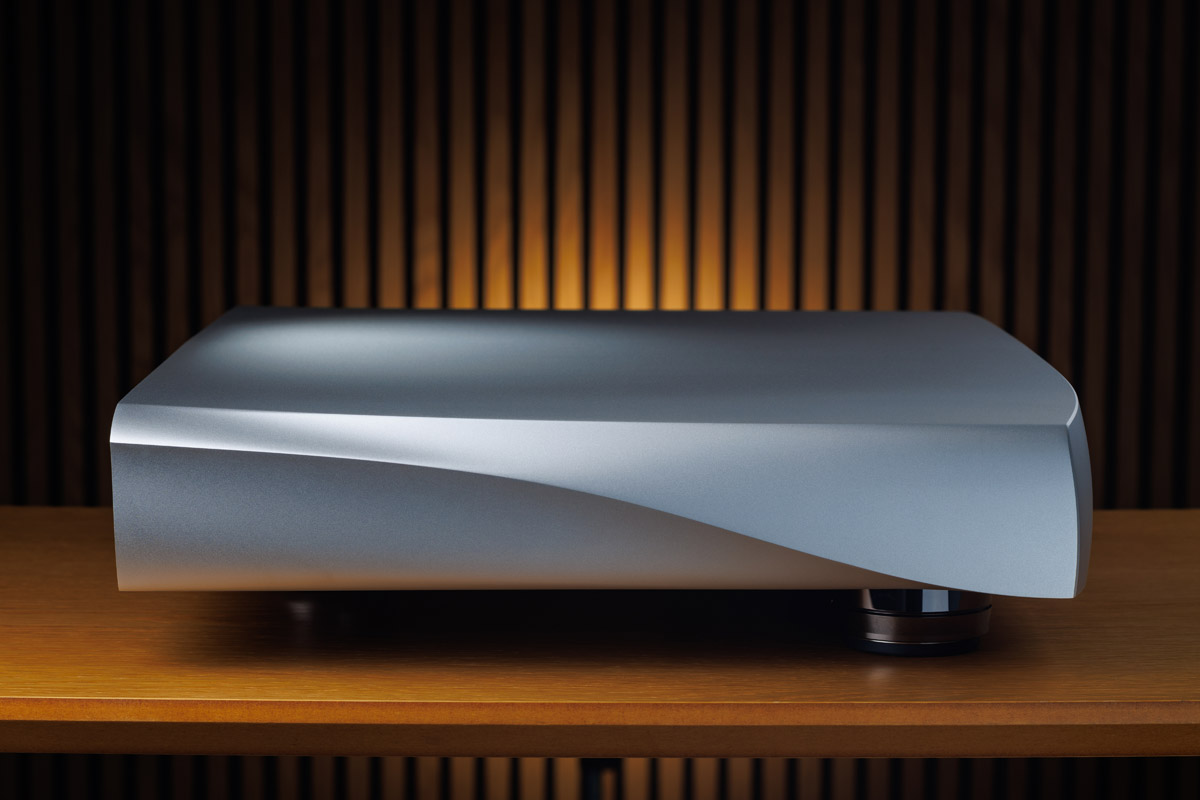
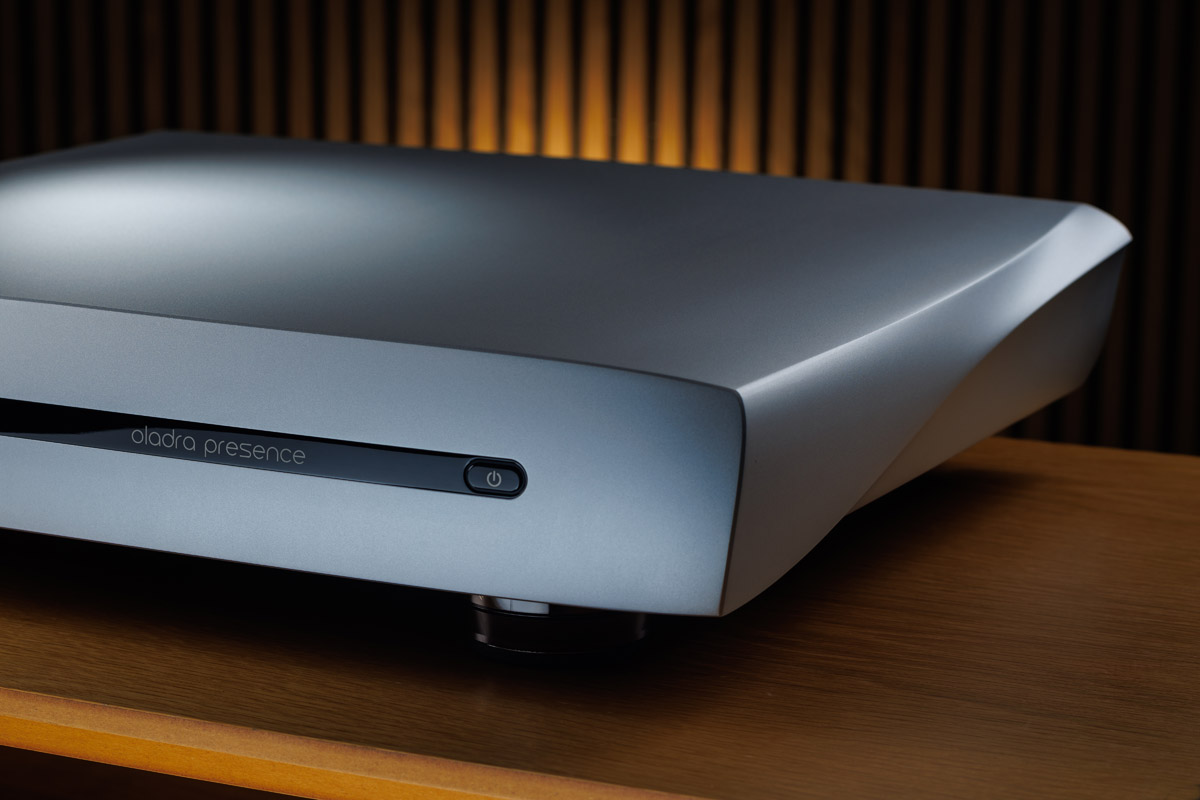
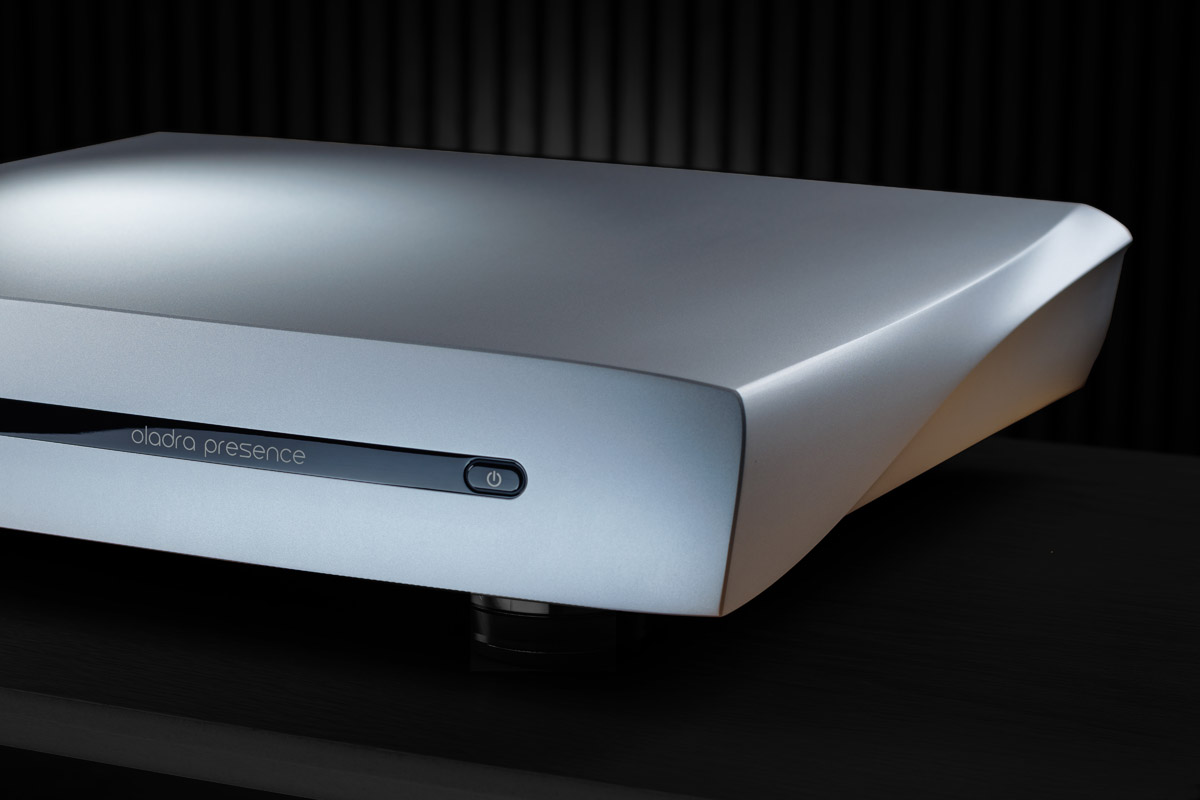
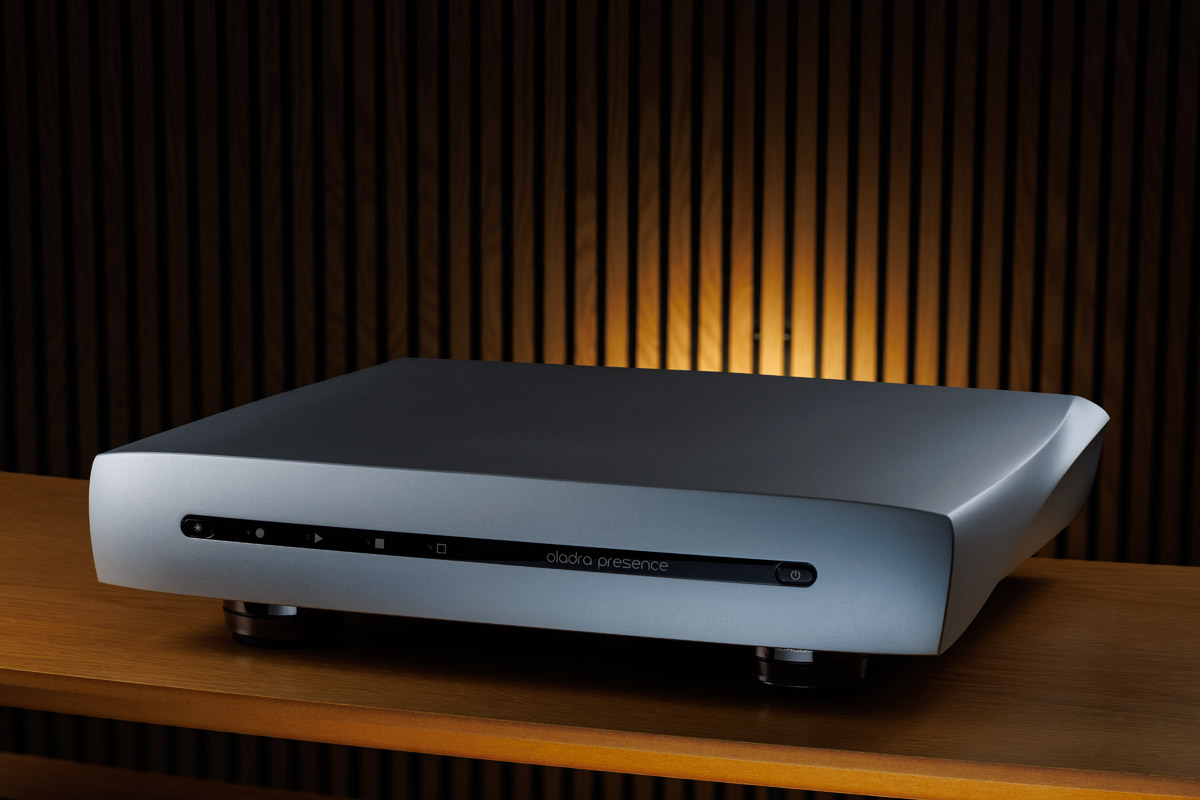
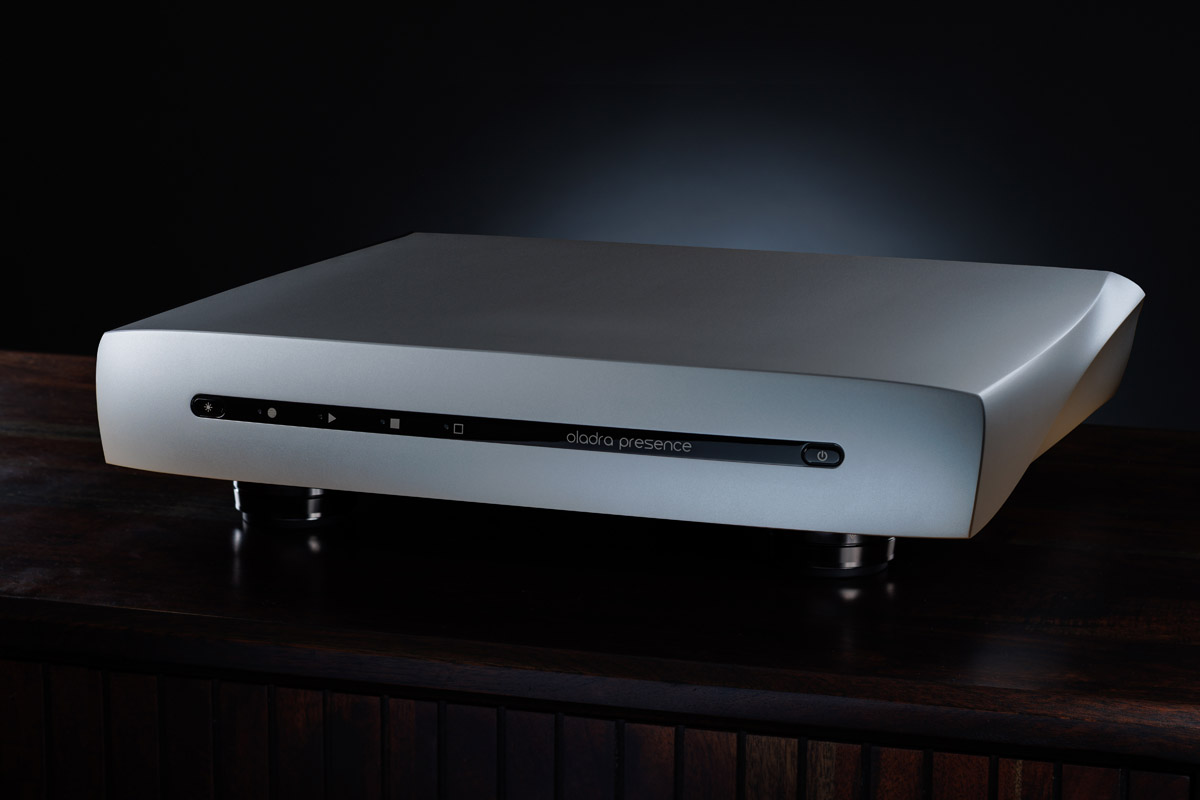
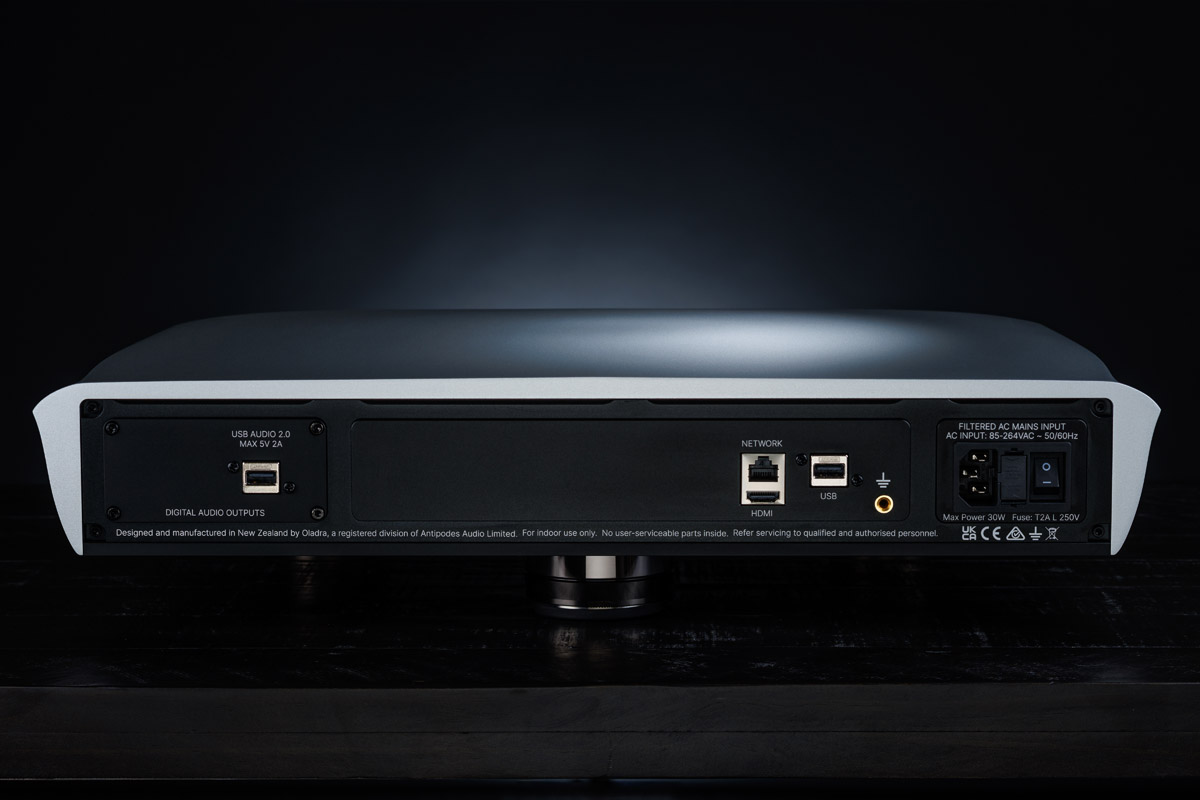
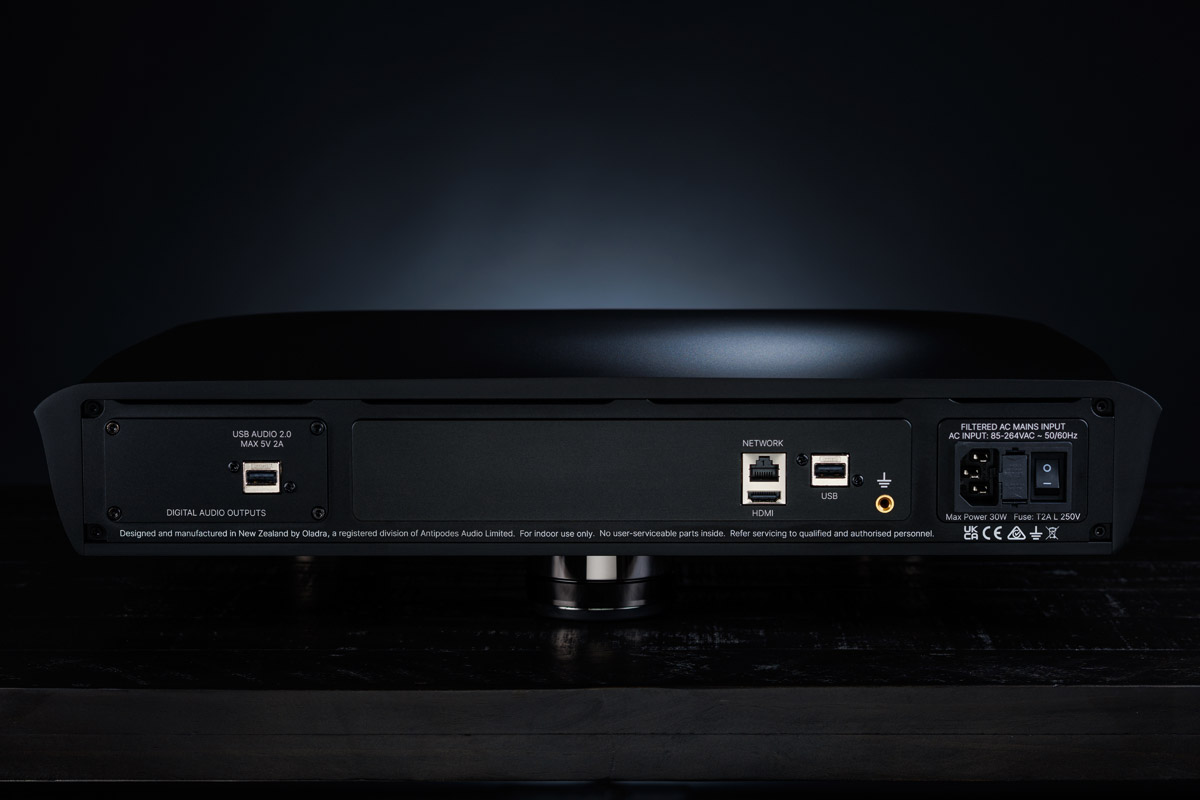
Oladra Presence
All images on this panel are large high resolution photos (6000 x 4000 pixels) in .jpg format. You can download images individually or all of the panel's images in a single zip file.
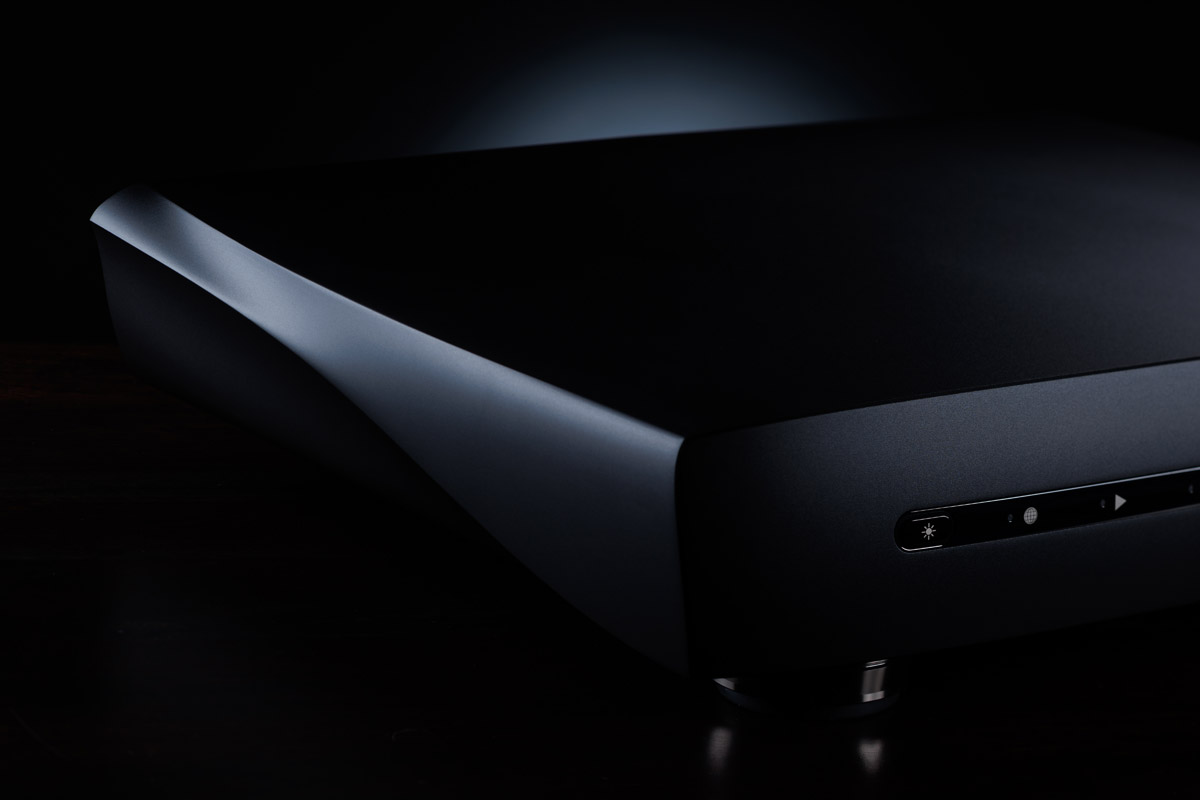
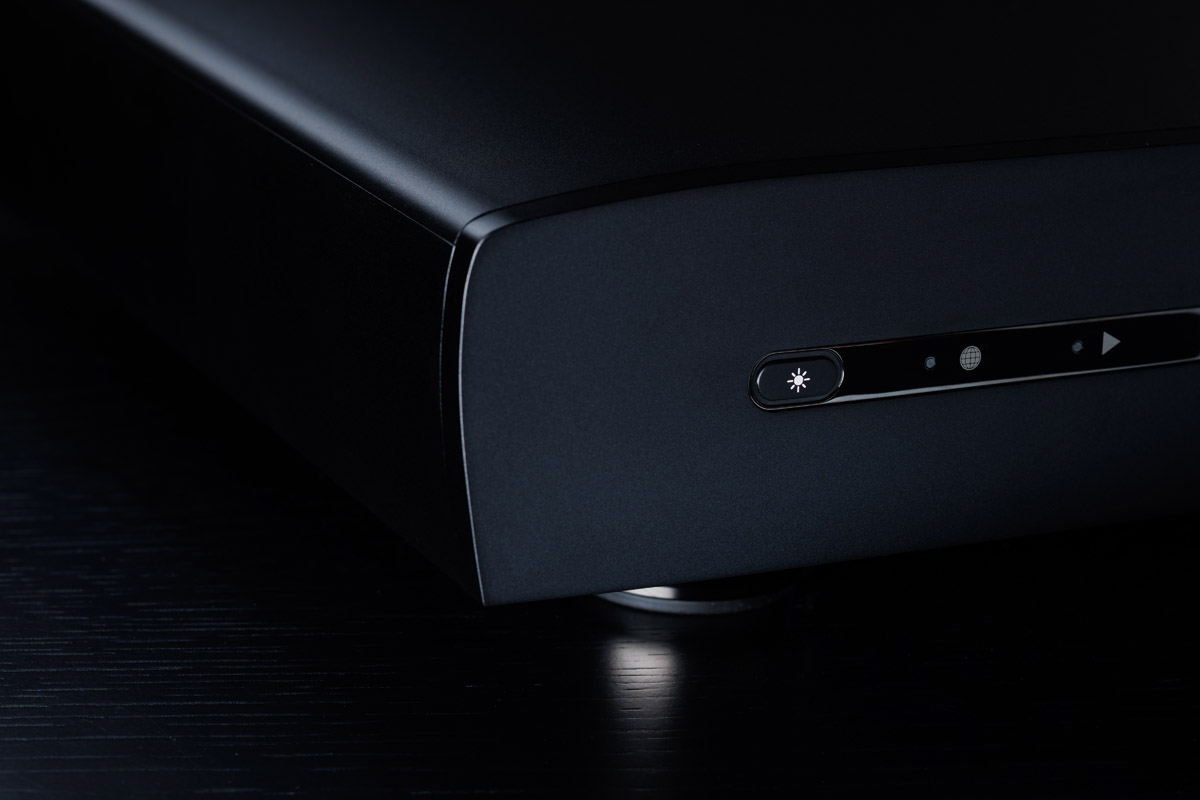
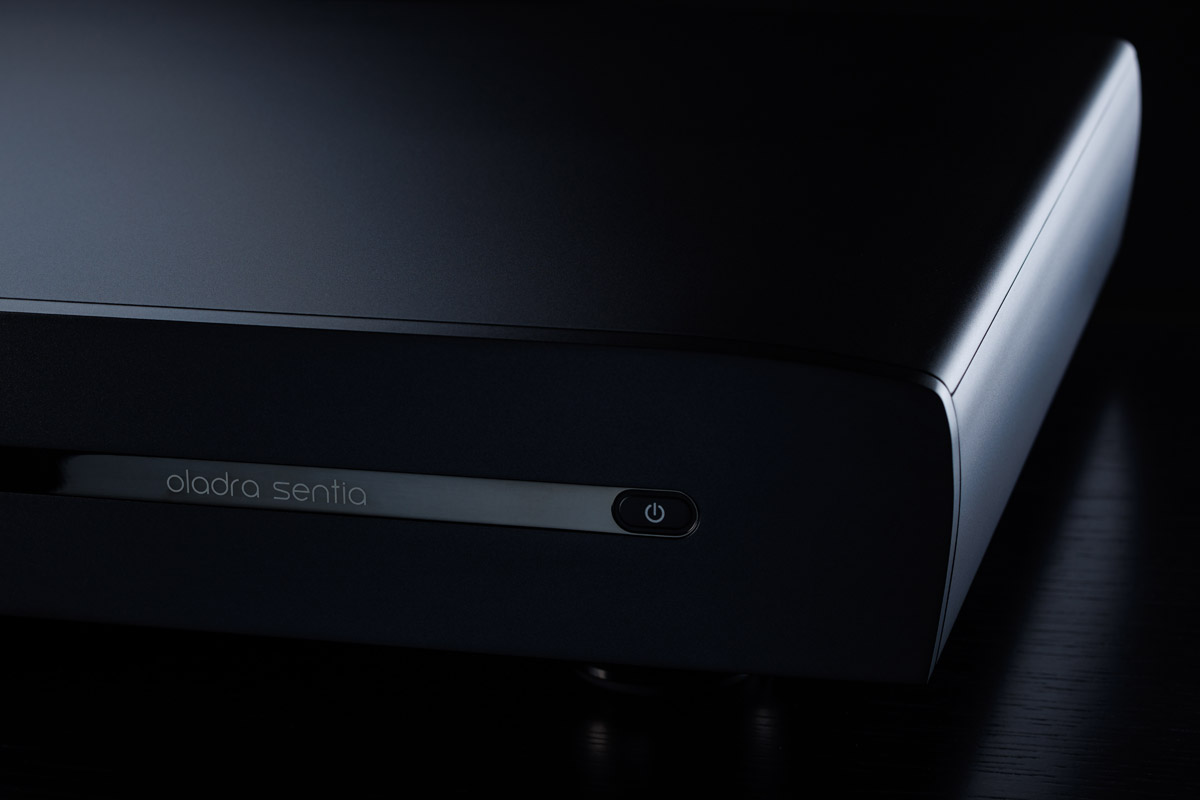
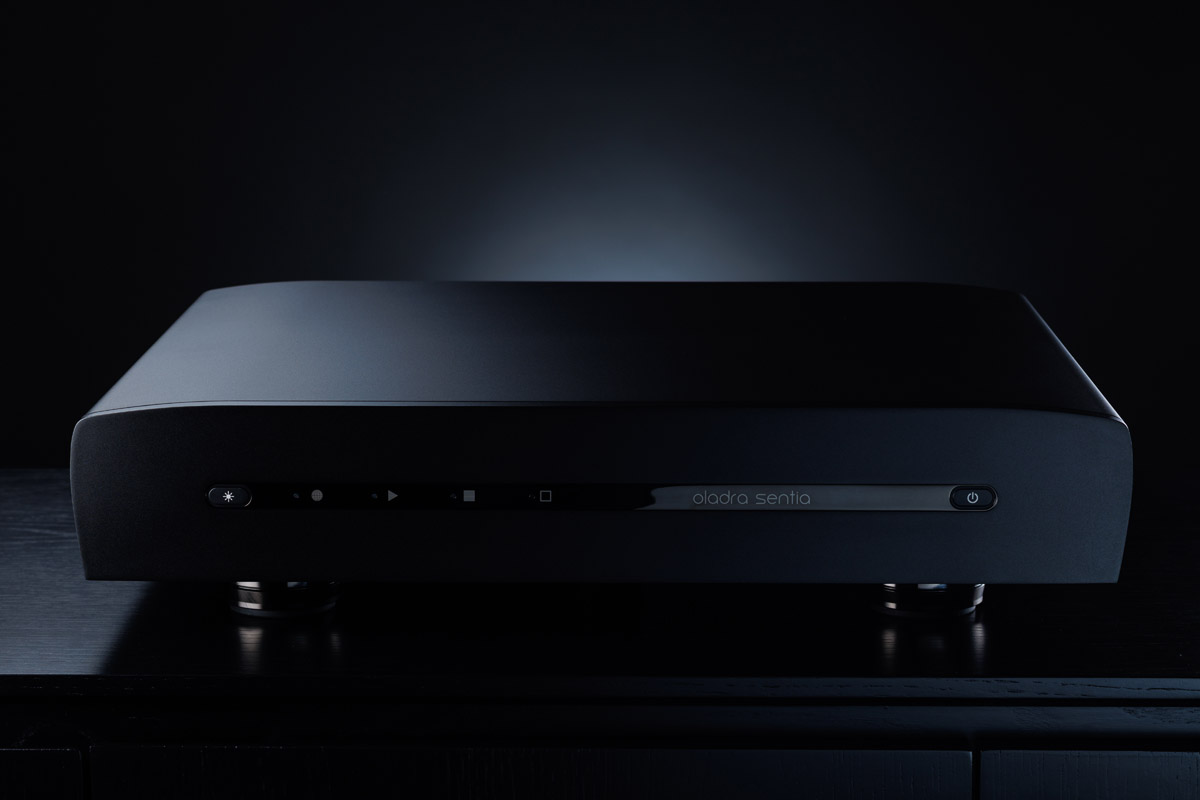
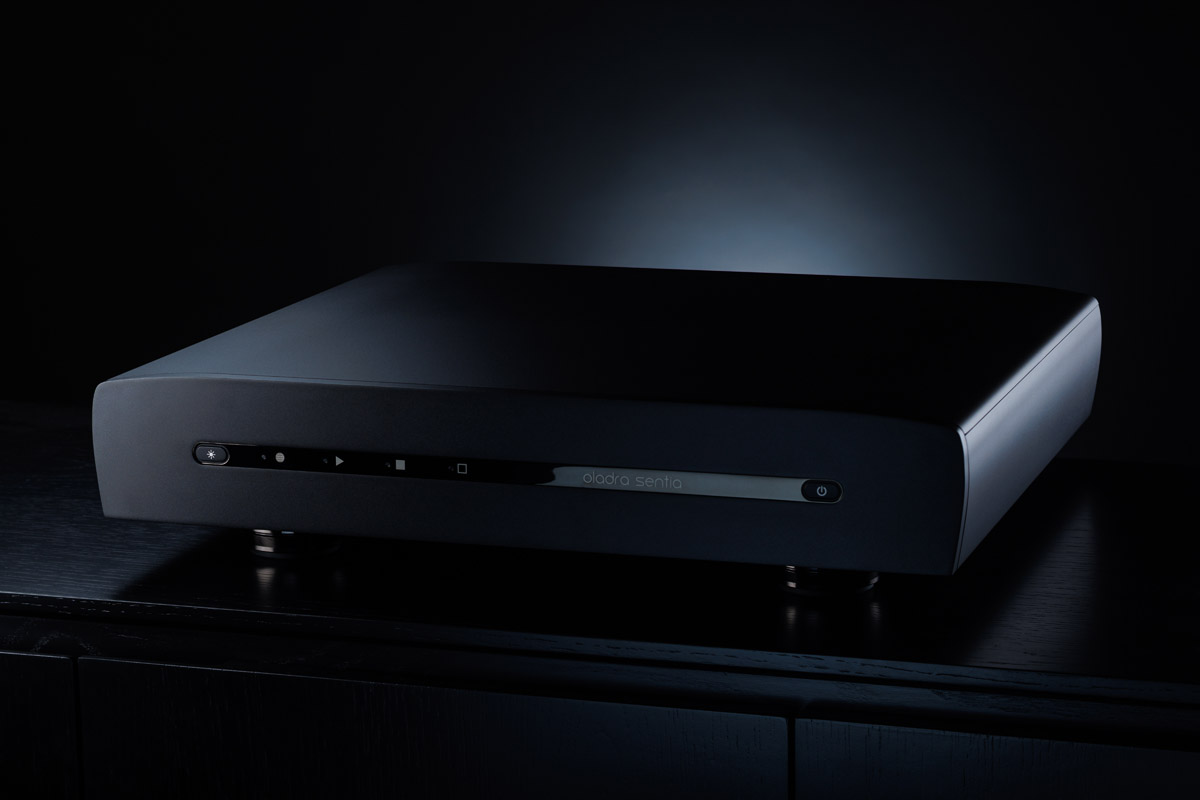
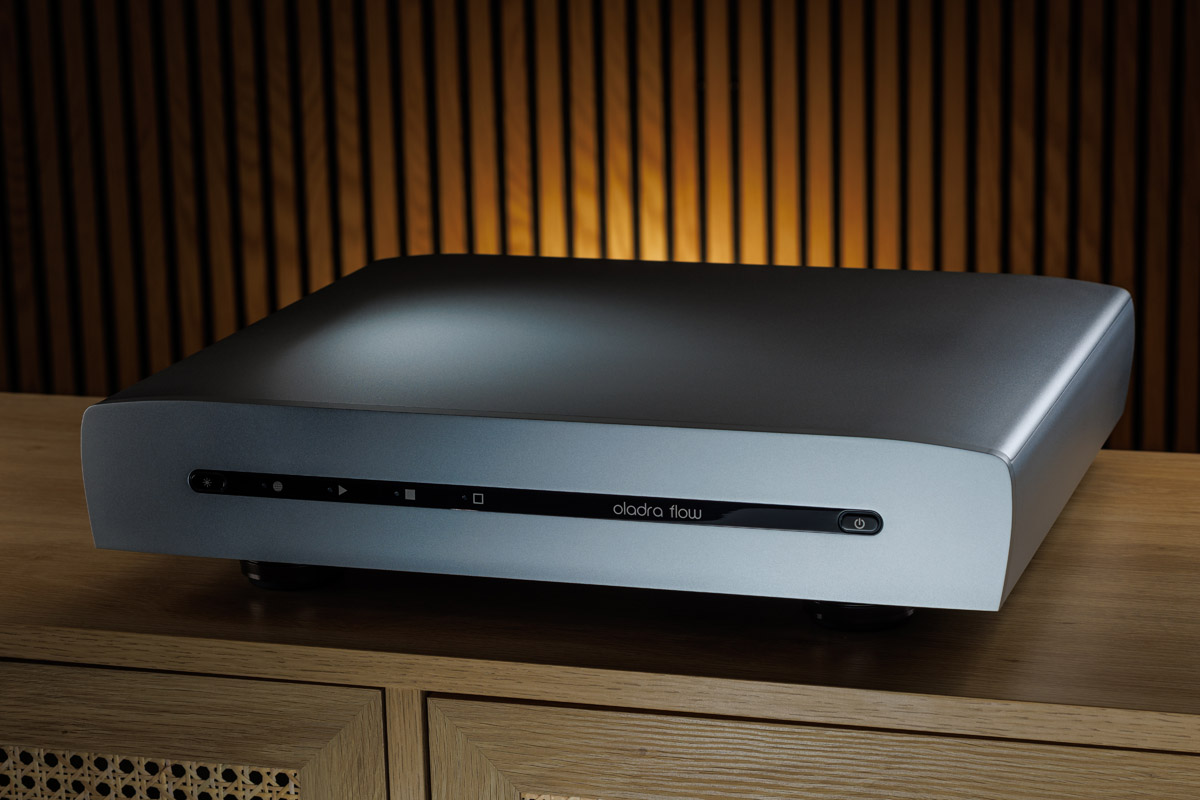
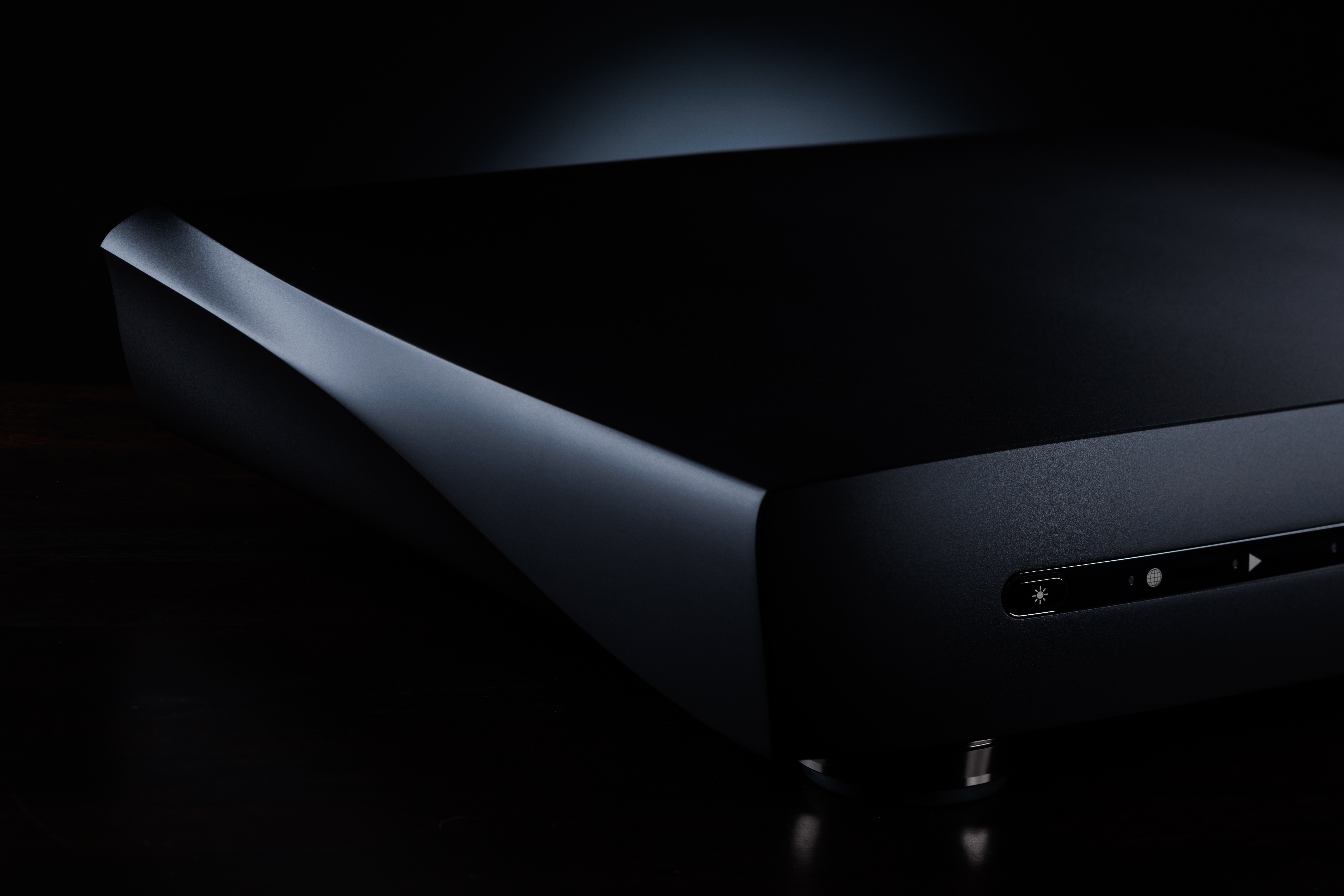
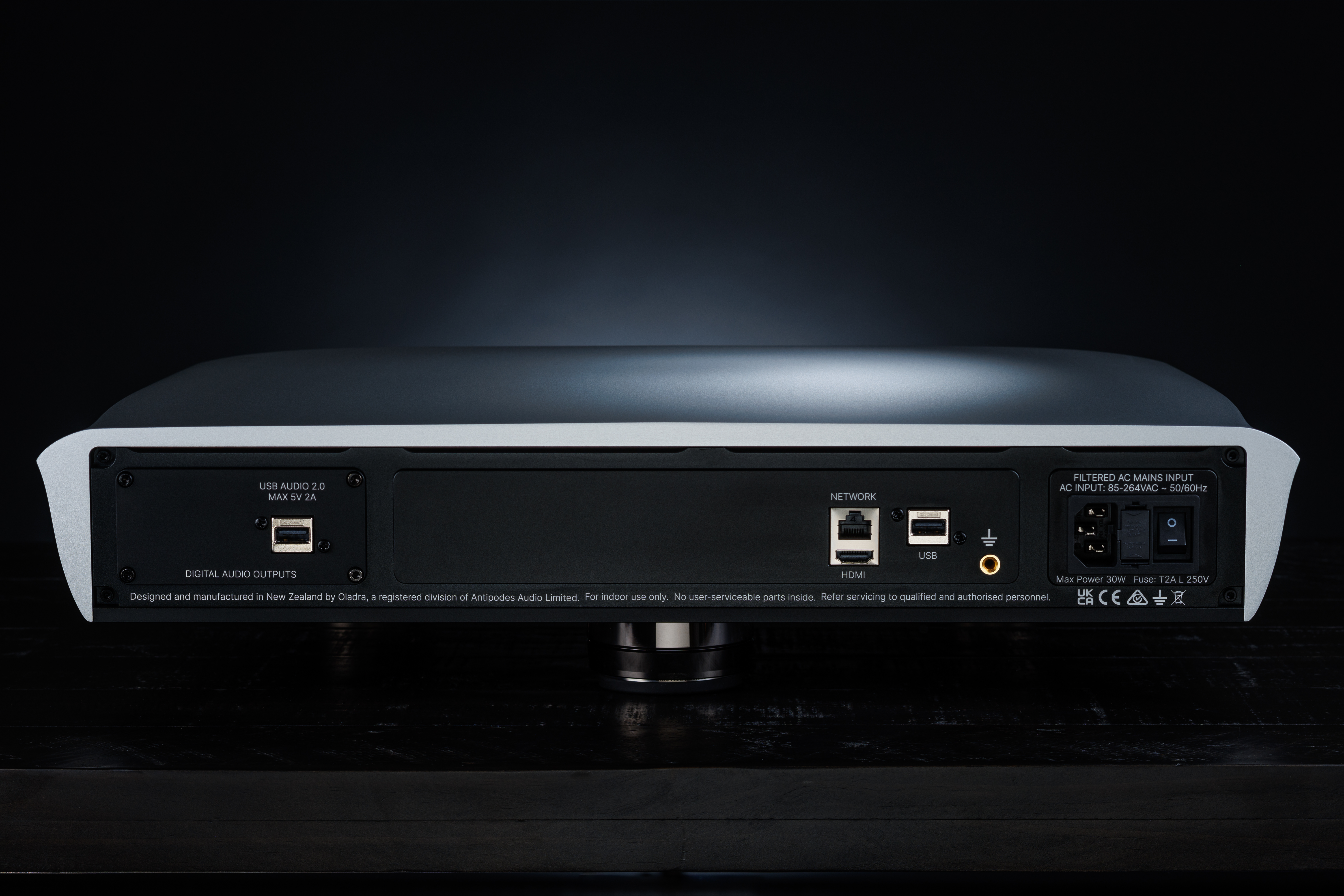
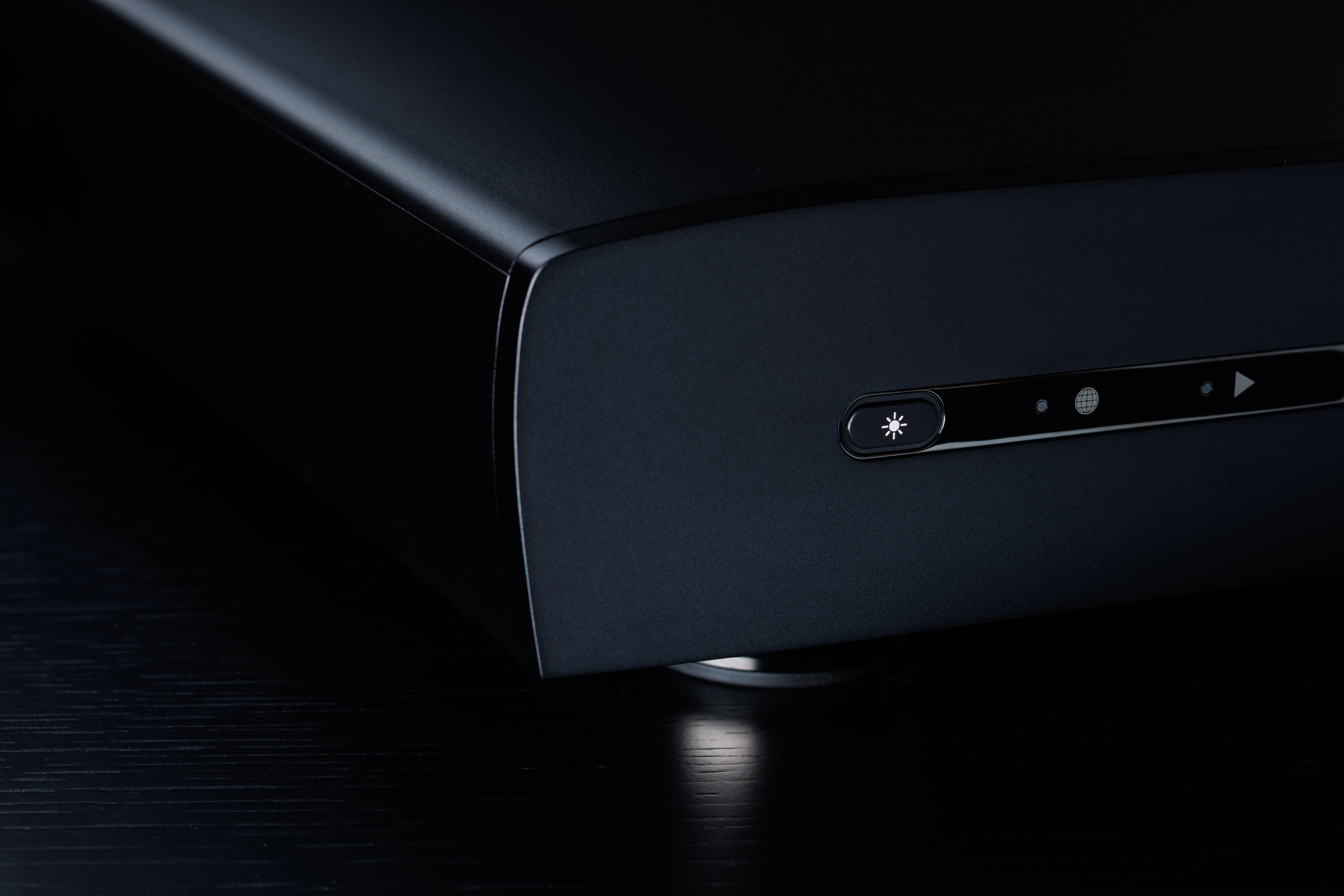
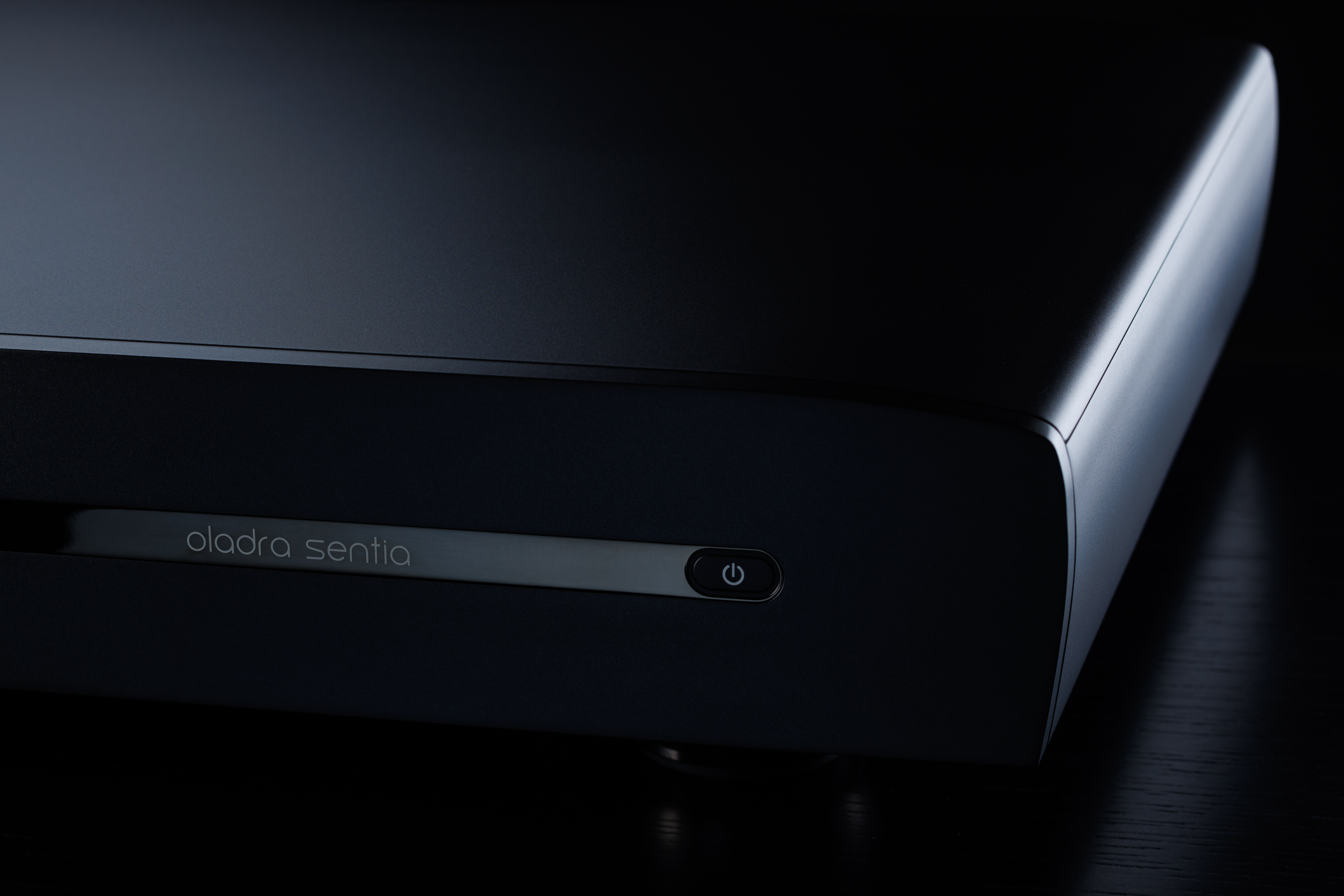
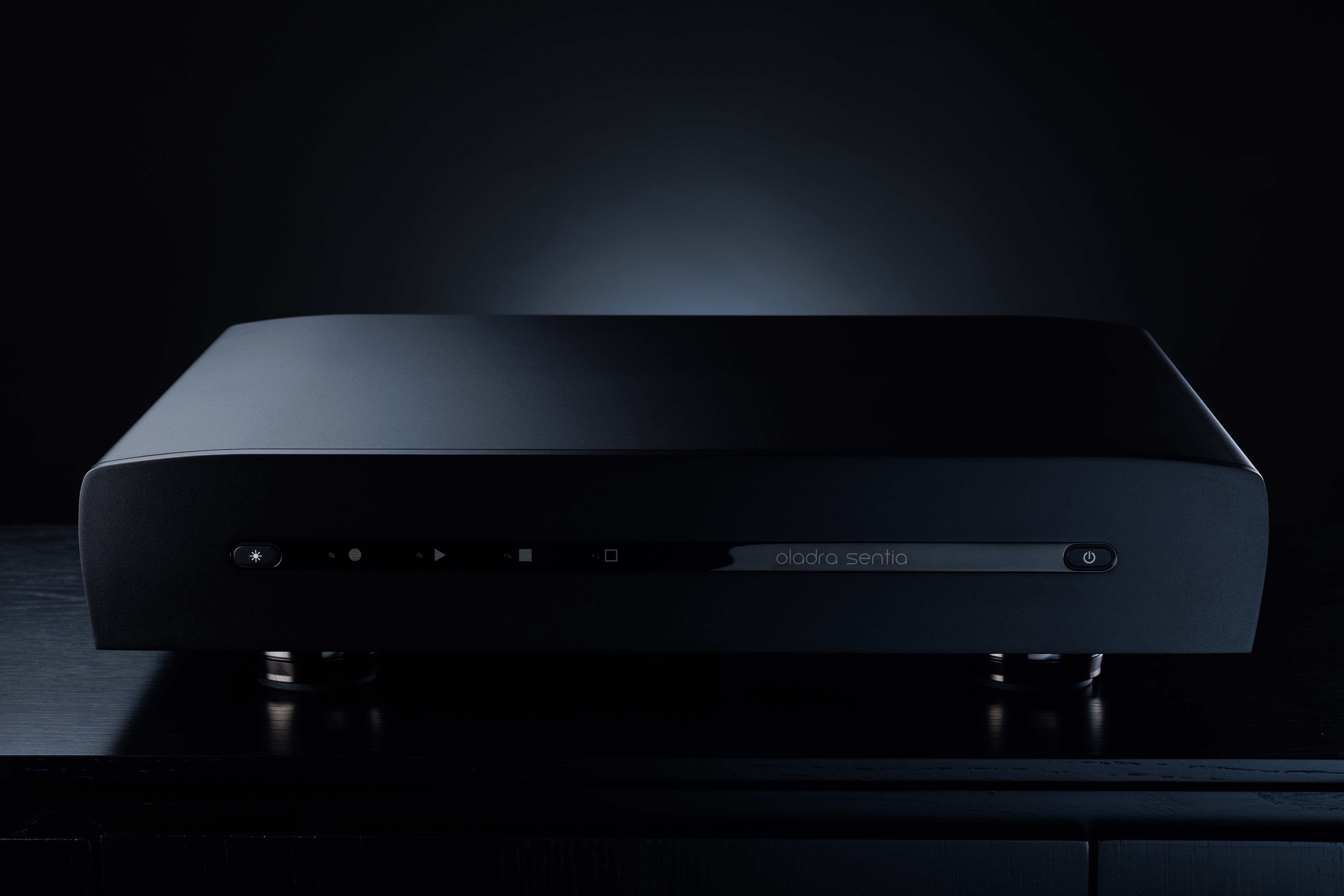
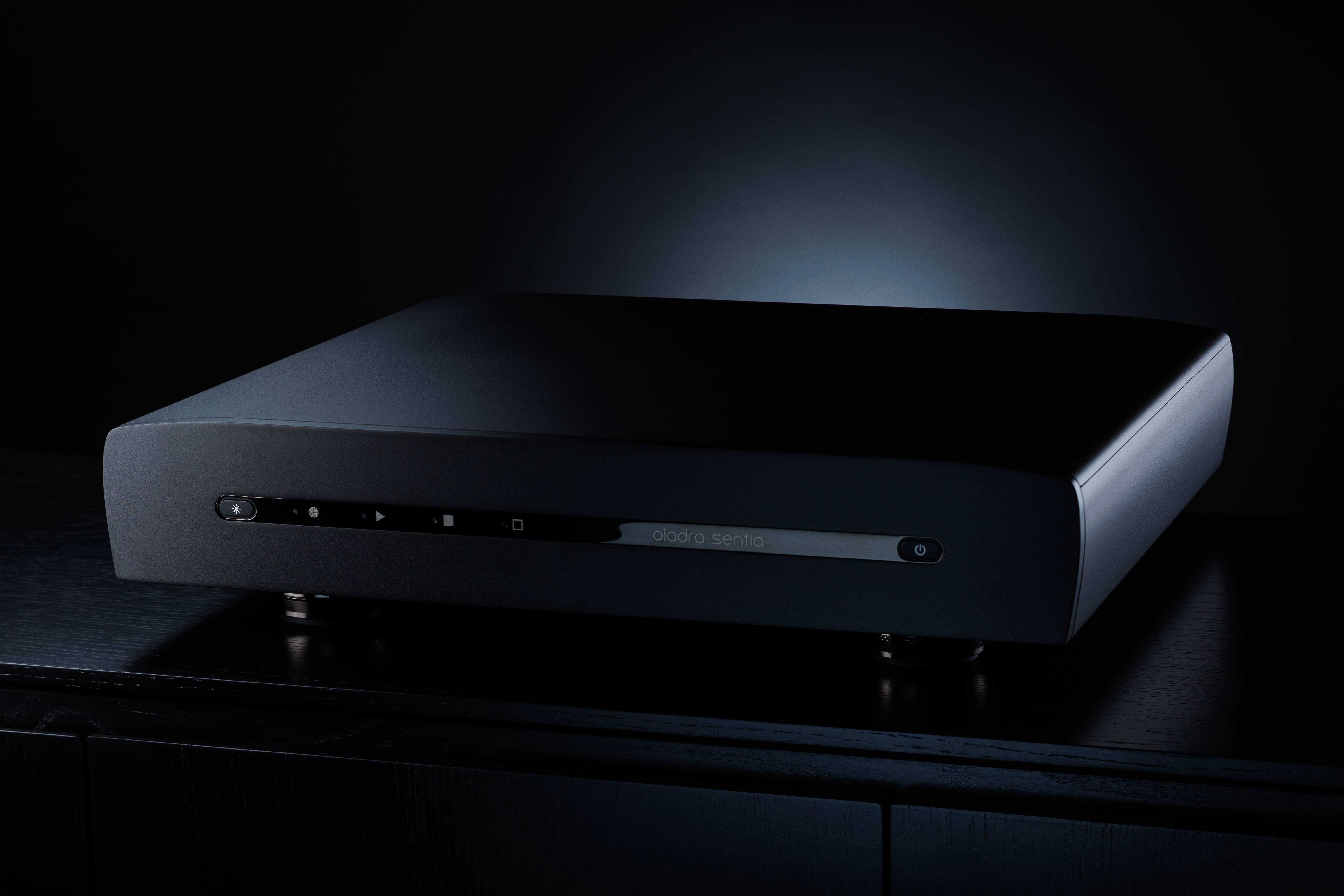
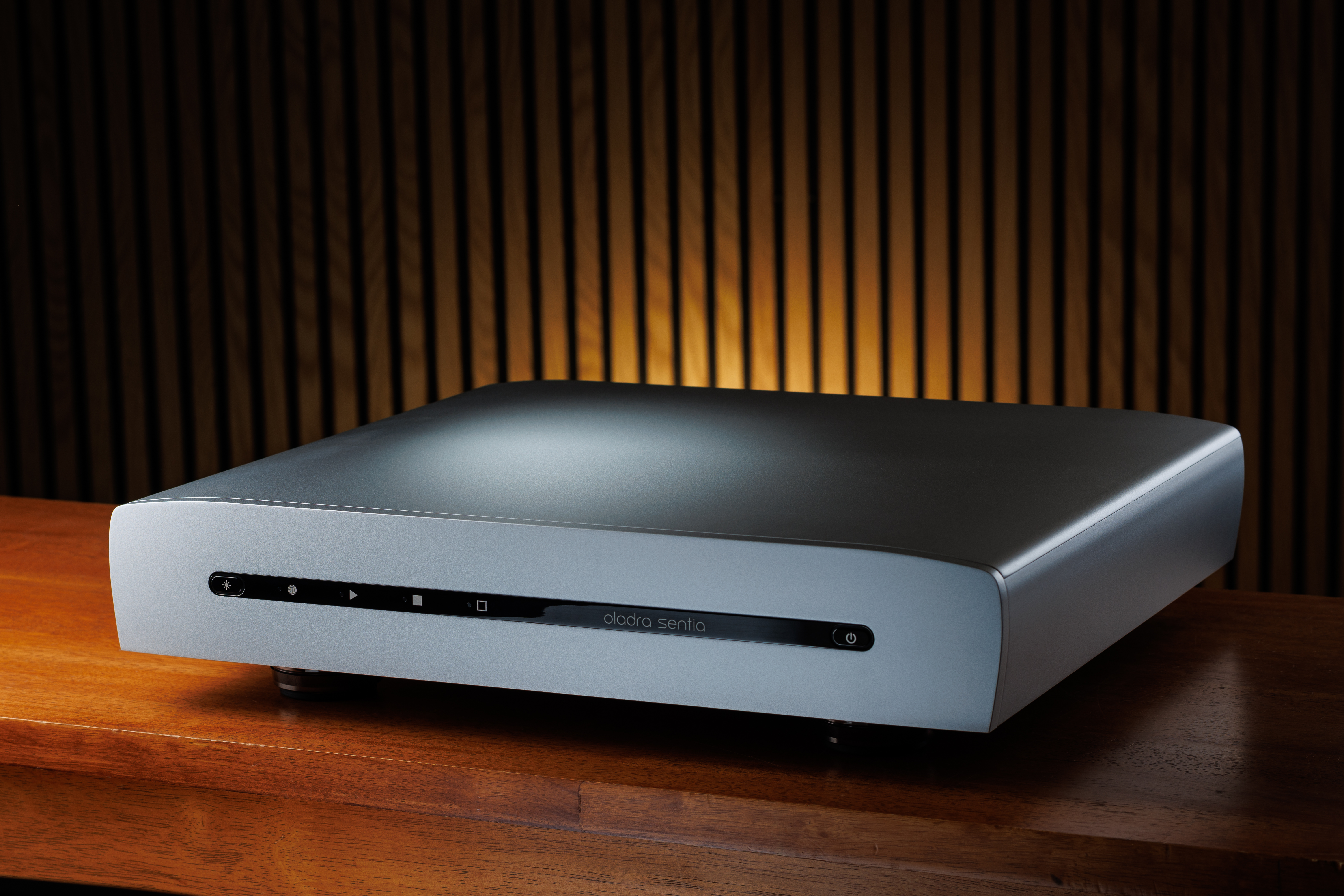
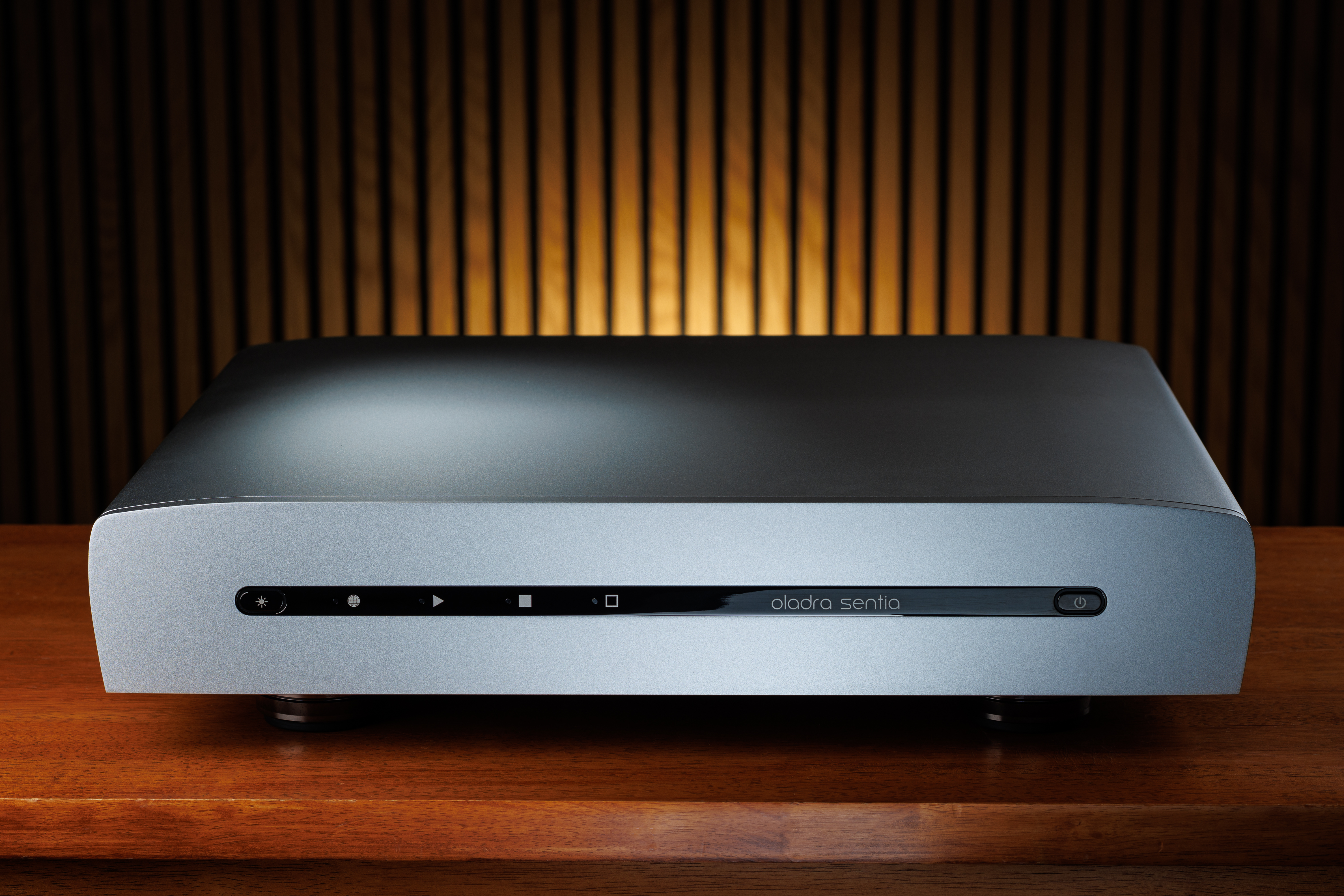
Oladra Sentia
All images on this panel are large high resolution photos (6000 x 4000 pixels) in .jpg format. You can download images individually or all of the panel's images in a single zip file.